
Lennynator2007 - Minecraft Skins & Skin History
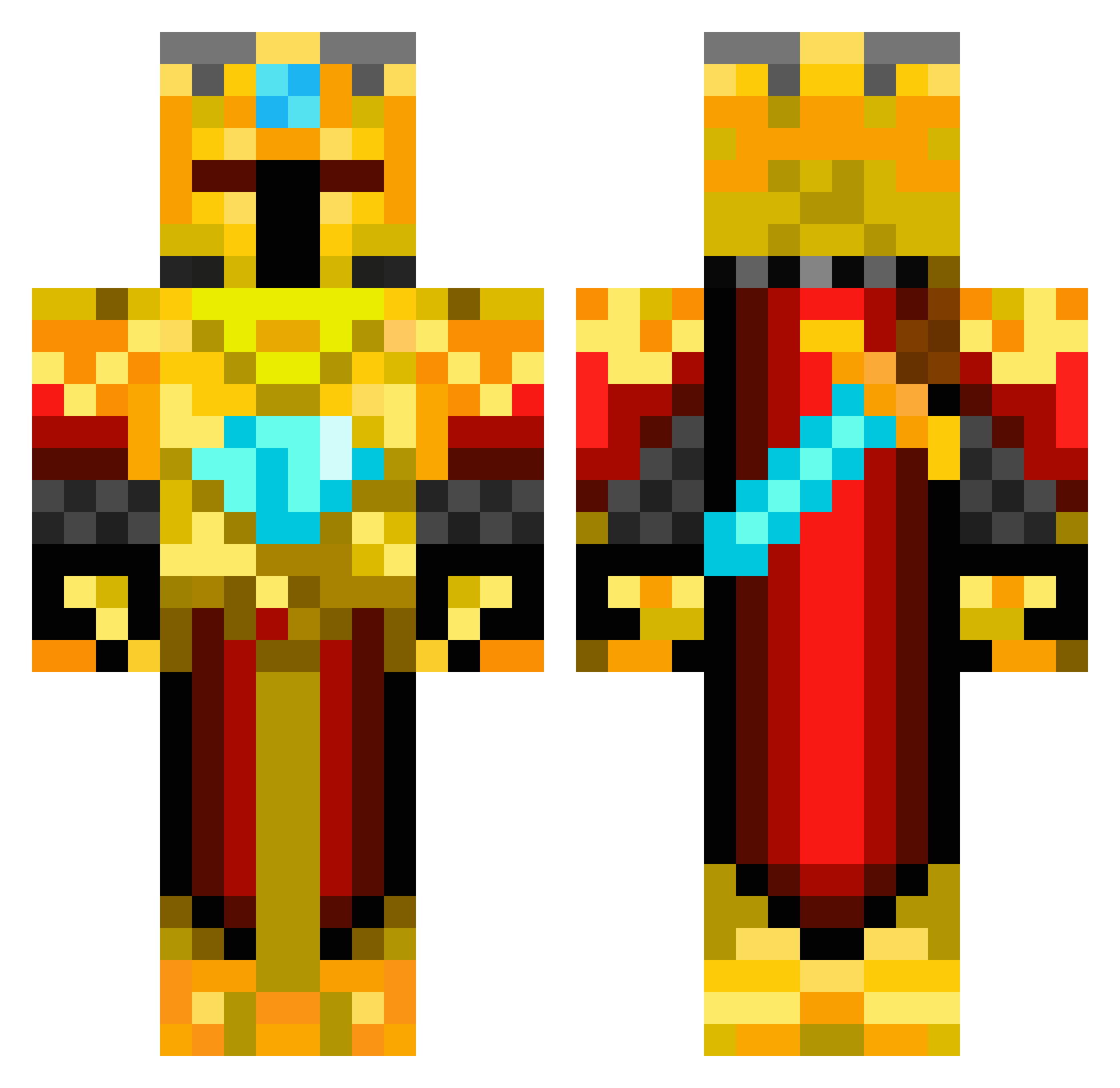
Current Minecraft skin of the player Lennynator2007, loaded from the official Mojang API. Rotate the 3D model with your mouse or finger, then download the skin as a PNG file and use it in Minecraft: Bedrock Edition or Java Edition for free. When Lennynator2007 changes their skin, this page updates automatically and the old skin stays in the history below.
Other players with this skin (537)
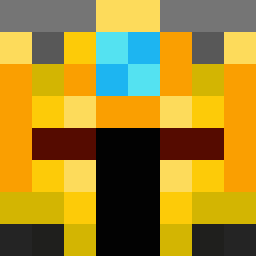
Lennynator2007 was the 473rd player we have seen with this skin, first spotted on 30.10.2026. The same skin was seen on these players. Open a nickname to see their current skin and skin history.
 R0QK GeT_RiGHt03 BillyBint RickyBlobby WiseYoungFool AracnicFel55 macduff14 rueckar terpslaxrules12 Kamp192 Diligentant3 yowcraft LouisM45 GameBreaker9999 BlackThunder0798 Gamer_pb0 Emil7308 ShadowwolfXVII CADE_CHRISTIAN Sir_OreGalore RoyalMunk xman12321 lilbishboi vfier Ubicon Gmanfudge123 parkersaurousrex GoldenCraftz jackson010 Blocksandbits catm1977 Patrick80 GABIAMIR GETR3KTBUME Ascalons batman_crafting ShadowDragon394 ToToTokyo Gelahed LJonesy10 eveleigh101 Teddytrumpet mrtoxs IPixelPanda56I thepersonhere NinjaKip ccool007 FuriousXIce boojago jumeon Loganplayz46 Metraknode joeypinch10 NaruHD Stoatyweasel Arexonixo Not_An_Apple LucaBuddy pepijn456 labond
More Golden Armor Minecraft skins
See all 200 Golden Armor skins
How to install the Lennynator2007 skin
- Press the Download button above to save the skin as a PNG file.
- Minecraft: Bedrock Edition (PE): open the Dressing Room from the main menu (or tap your character → Edit Character), go to Classic Skins → Owned, press the + (new skin) button, choose the downloaded PNG and pick the Classic (Steve) model. Works on PC and mobile; consoles cannot import custom skins.
- Minecraft: Java Edition: open the Minecraft Launcher, go to the Skins tab, click New Skin, load the PNG, pick the Classic (Steve) model and press Save & Use. You can also upload it at minecraft.net → Profile → Change Skin.
The skin does not show up after import - what should I do?
Restart Minecraft and open the Dressing Room again - imported skins sometimes appear only after a restart. Also make sure you selected the imported skin and picked the Classic (Steve) model.
Which model should I choose, Classic or Slim?
This skin is designed for the Classic (Steve) model. If you pick the wrong model, the arms of the skin will look stretched or squeezed.
Is the skin of Lennynator2007 free to download?
Yes. Press Download, save the PNG file and use it in Minecraft: Bedrock Edition or Java Edition - no payment or registration needed. The skin also works on multiplayer servers and Realms.
More skins
Looking for more? Go back to all Minecraft skins and check the top skins of the week, month and all time, or find any player's skin by nickname.