
Lawet - Minecraft Skins & Skin History
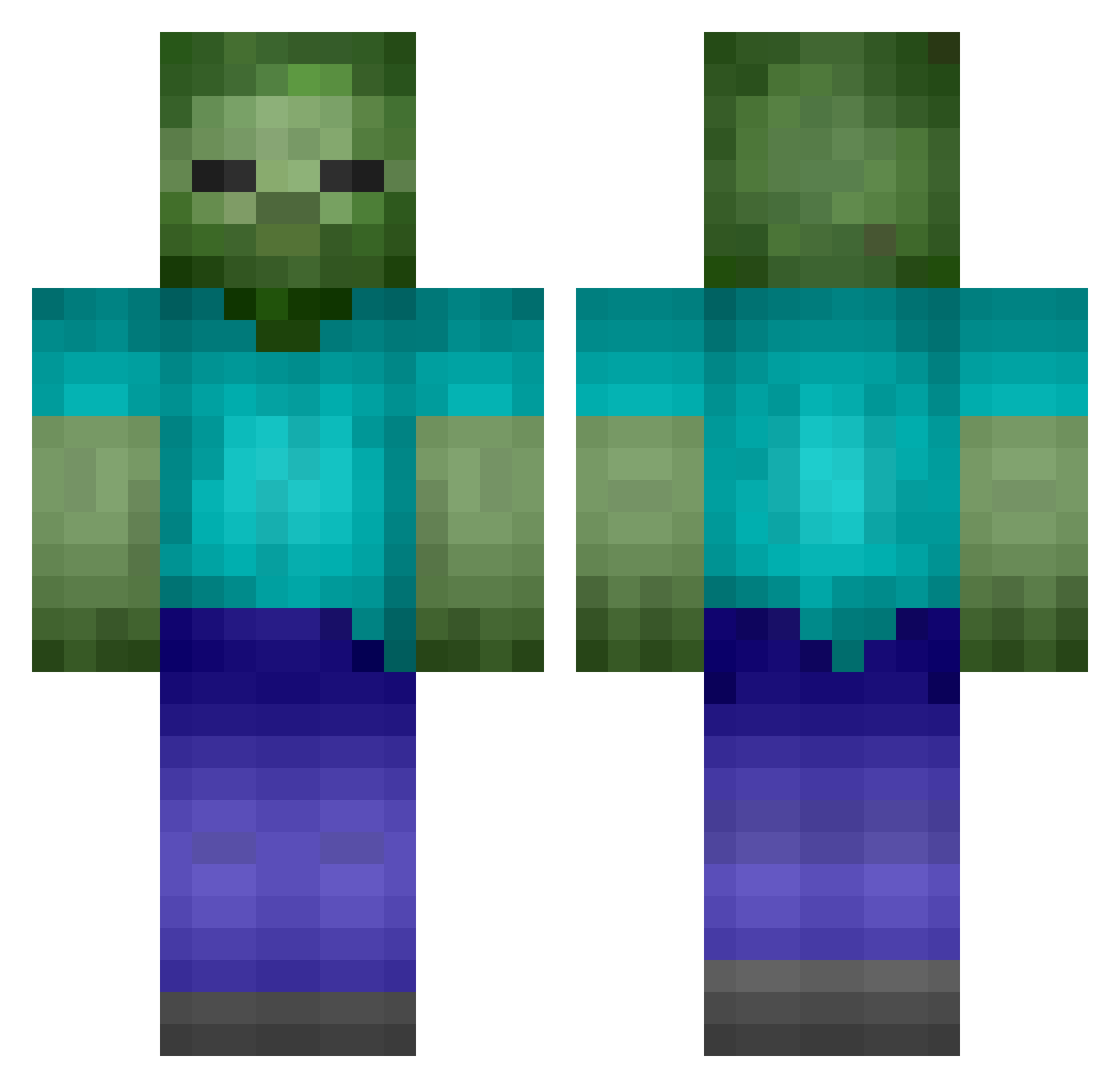
Current Minecraft skin of the player Lawet, loaded from the official Mojang API. Rotate the 3D model with your mouse or finger, then download the skin as a PNG file and use it in Minecraft: Bedrock Edition or Java Edition for free. When Lawet changes their skin, this page updates automatically and the old skin stays in the history below.
Other players with this skin (113)
Lawet was the 89th player we have seen with this skin, first spotted on 17.10.2026. The same skin was seen on these players. Open a nickname to see their current skin and skin history.
 Judawesome Sylith8 blackput Miyakkusu31718 zombie_head trickyhermit sa01_ _Gorille_ jwh LGY_NB dinosoppa evioo kebab55 KoungQ Marvin_Gandolf arrral Braiins pnwg Destroyer84448 nn_MM_nn QNTK442 redfishcake ggorgghj sleepyyyphantom Justgood_name nutellasucc changcw_ Hansim KGCX9D vydmscks103 actvty dydtngudsla Mr_Oehmm Dahye1108 DDhundred Arbolo01 TwitchPrimer il_feder spiderflying firewon2413 Gar1453 Yuiichi_ Corey_Hardt reisyd SHENLAN0418 slrtod zmb11 jhb3542 MrWerewolve romain77777 Llxoo1l Re3SeZ AEN08 Pratuban007 DisasterGG 0cup MaxSanchez26 jajikiller7785 sirant67 vnopp
More Undead Minecraft skins
How to install the Lawet skin
- Press the Download button above to save the skin as a PNG file.
- Minecraft: Bedrock Edition (PE): open the Dressing Room from the main menu (or tap your character → Edit Character), go to Classic Skins → Owned, press the + (new skin) button, choose the downloaded PNG and pick the Classic (Steve) model. Works on PC and mobile; consoles cannot import custom skins.
- Minecraft: Java Edition: open the Minecraft Launcher, go to the Skins tab, click New Skin, load the PNG, pick the Classic (Steve) model and press Save & Use. You can also upload it at minecraft.net → Profile → Change Skin.
The skin does not show up after import - what should I do?
Restart Minecraft and open the Dressing Room again - imported skins sometimes appear only after a restart. Also make sure you selected the imported skin and picked the Classic (Steve) model.
Which model should I choose, Classic or Slim?
This skin is designed for the Classic (Steve) model. If you pick the wrong model, the arms of the skin will look stretched or squeezed.
Is the skin of Lawet free to download?
Yes. Press Download, save the PNG file and use it in Minecraft: Bedrock Edition or Java Edition - no payment or registration needed. The skin also works on multiplayer servers and Realms.
More skins
Looking for more? Go back to all Minecraft skins and check the top skins of the week, month and all time, or find any player's skin by nickname.