
KoNgCH - Minecraft Skins & Skin History
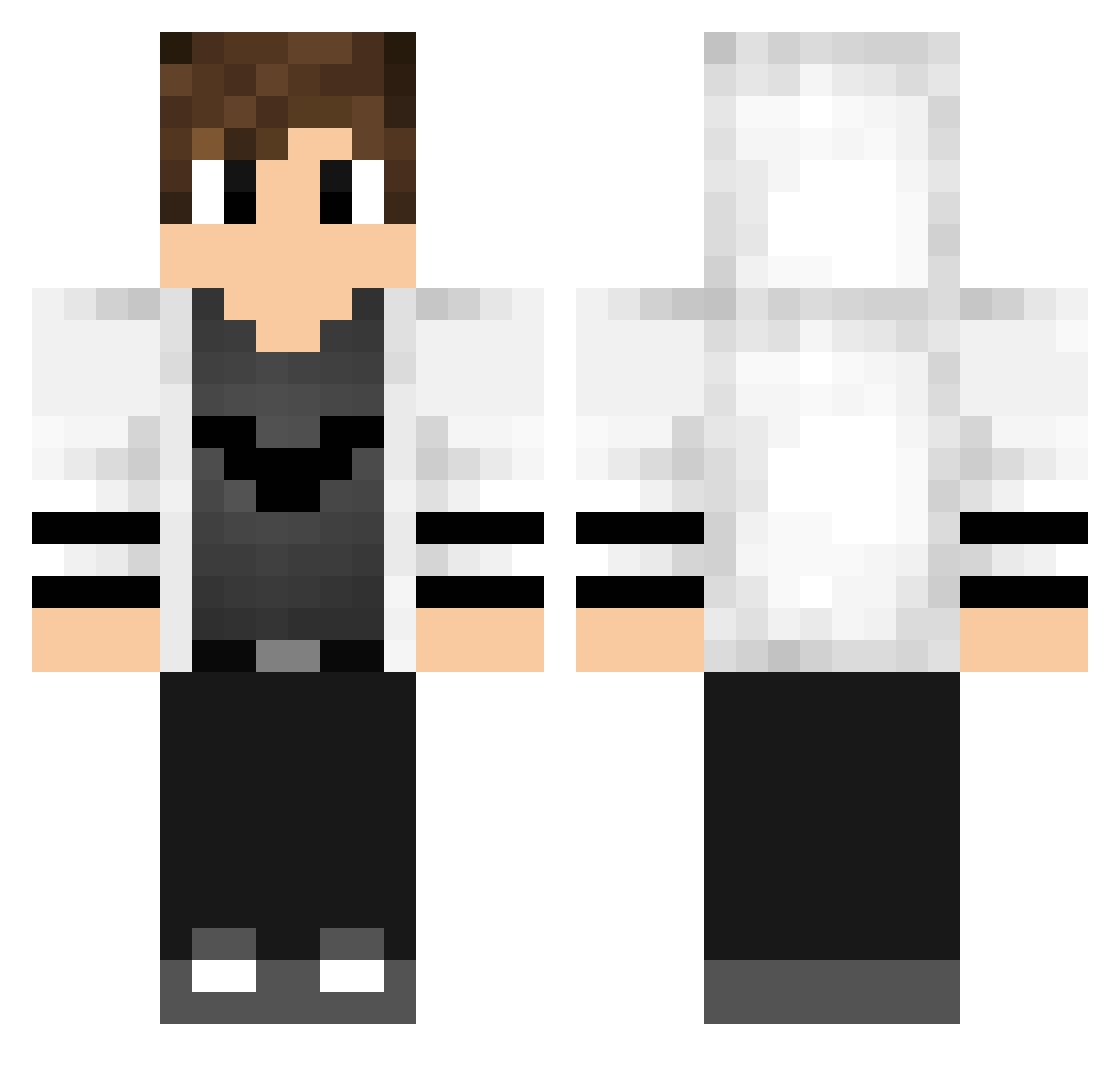
Current Minecraft skin of the player KoNgCH, loaded from the official Mojang API. Rotate the 3D model with your mouse or finger, then download the skin as a PNG file and use it in Minecraft: Bedrock Edition or Java Edition for free. When KoNgCH changes their skin, this page updates automatically and the old skin stays in the history below.
Other players with this skin (768)
KoNgCH was the 667th player we have seen with this skin, first spotted on 26.10.2026. The same skin was seen on these players. Open a nickname to see their current skin and skin history.
 Jahan3D MMRlong DisastGamer Alphastalker hexx161 XSInverce MuziEfendi Jent85 blackzerazl OGvOutlaw TimmyGPH RusskiOfficial Acebot3000 caigiao VasariahFeenix Tommy_800 Opixe W2davee SweetHooome Karezzas Staszekk223 mark_boss23 VimerKill Zora13 JPDevM TheShadowF4ll Tengakuu MorbidEvil EmxlioHH Und3rd0g97 MoritzL7859 Willy_Knillie GabrielMjcpBr SAWPER999 xqtyx The0nlyLegend SabaGm _ipudim MarlonHawk Leon01234 iYilmazAkin0 markusar98 lautaper JeanJK9 NakDaddy MaMaMia102030 Kendalino11 Lyadrx HIZMAN_YT Isaquemsc Gregoland N0L4N2017 MOEIN6543 Abyssal72 yTiagobrin kacper20116 Mansory728 JustErcan antolek_ BADAMULGOGl
More Bat Symbol Minecraft skins
How to install the KoNgCH skin
- Press the Download button above to save the skin as a PNG file.
- Minecraft: Bedrock Edition (PE): open the Dressing Room from the main menu (or tap your character → Edit Character), go to Classic Skins → Owned, press the + (new skin) button, choose the downloaded PNG and pick the Classic (Steve) model. Works on PC and mobile; consoles cannot import custom skins.
- Minecraft: Java Edition: open the Minecraft Launcher, go to the Skins tab, click New Skin, load the PNG, pick the Classic (Steve) model and press Save & Use. You can also upload it at minecraft.net → Profile → Change Skin.
The skin does not show up after import - what should I do?
Restart Minecraft and open the Dressing Room again - imported skins sometimes appear only after a restart. Also make sure you selected the imported skin and picked the Classic (Steve) model.
Which model should I choose, Classic or Slim?
This skin is designed for the Classic (Steve) model. If you pick the wrong model, the arms of the skin will look stretched or squeezed.
Is the skin of KoNgCH free to download?
Yes. Press Download, save the PNG file and use it in Minecraft: Bedrock Edition or Java Edition - no payment or registration needed. The skin also works on multiplayer servers and Realms.
More skins
Looking for more? Go back to all Minecraft skins and check the top skins of the week, month and all time, or find any player's skin by nickname.