
Juniortorra - Minecraft Skins & Skin History
Current Minecraft skin of the player Juniortorra, loaded from the official Mojang API. Rotate the 3D model with your mouse or finger, then download the skin as a PNG file and use it in Minecraft: Bedrock Edition or Java Edition for free. When Juniortorra changes their skin, this page updates automatically and the old skin stays in the history below.
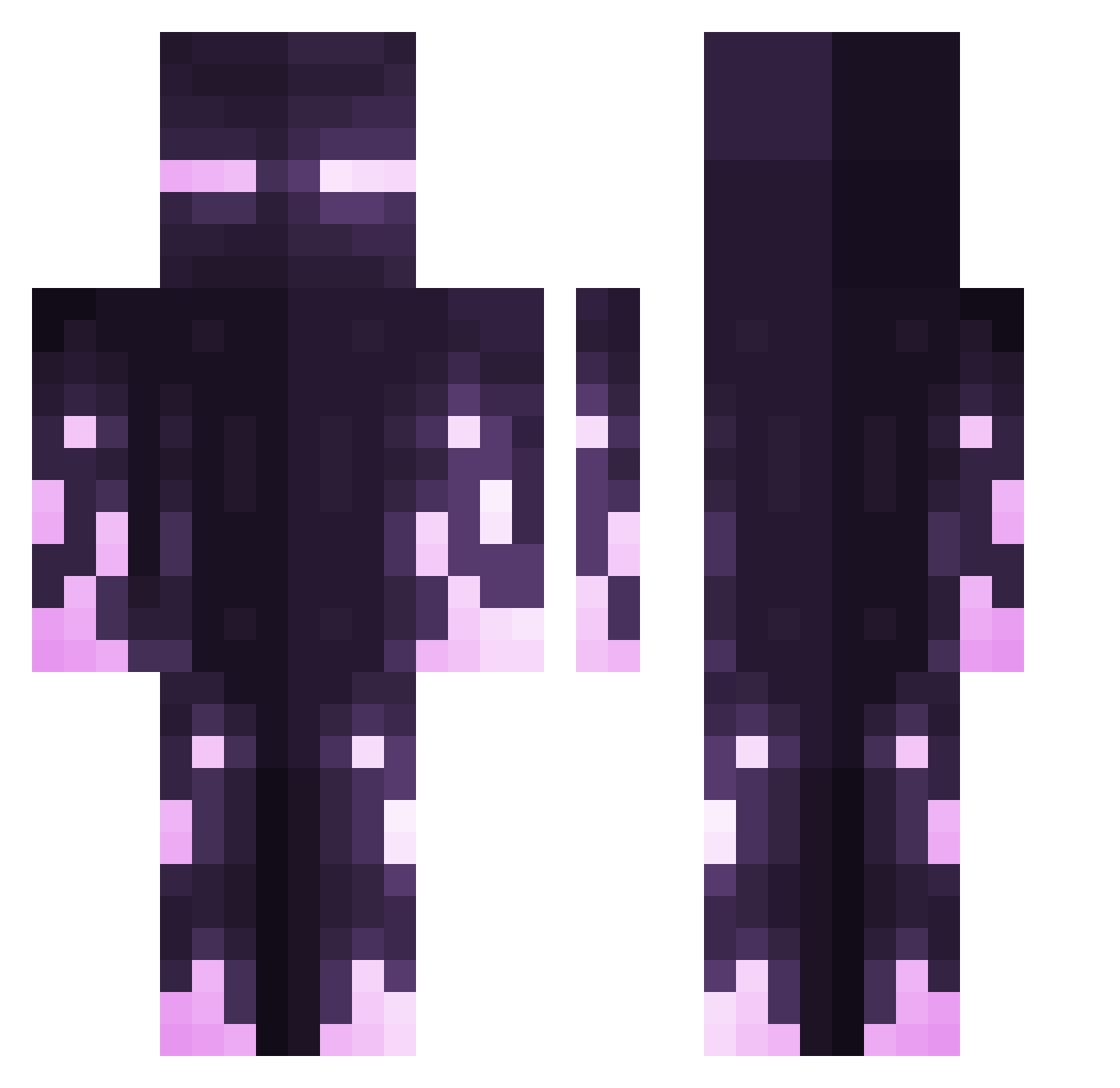
Other players with this skin (412)
Juniortorra was the 345th player we have seen with this skin, first spotted on 22.10.2026. The same skin was seen on these players. Open a nickname to see their current skin and skin history.
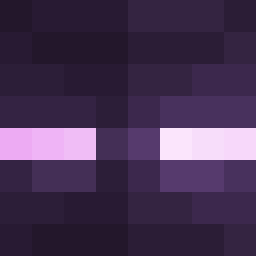 lele1998 TotemOfEnderman JayTack Ninchen_Bienchen Tetthis diosix _YaSuKe Ice_wall0w_kum AdzzzZa DubiousDoorman SkyesZuryx Alvarezzzz BigSalMan k1ylx Arius Player4170 Xanon_98 MissMiku7 Toberek Zecatron AnImpossibility LucasGamer2312 Dathker acham_craft TheLucili Bndsbbb cnrdrn18 Nysa4 MJ_6253 Crazyj21c Cooked_Chiicken Kazador757 RXGZY_0 Edmund9188 Akumaria im_a_no_name Siarej Mathiaws LilBoxxx DeKrache FeatherIsland Zoderk79 ILikeTeaspoons Brxn3Drpnex MilesCrucis OMANGE ponzumeshi3 Vromax WES10_x WitherRose238 expato EwaldusExcor ThePassWord105 Mr_AO INoEan ErCuarto ImSampex kuruc ehoenig69 Infinity_Uprise
More Enderman Minecraft skins
How to install the Juniortorra skin
- Press the Download button above to save the skin as a PNG file.
- Minecraft: Bedrock Edition (PE): open the Dressing Room from the main menu (or tap your character → Edit Character), go to Classic Skins → Owned, press the + (new skin) button, choose the downloaded PNG and pick the Classic (Steve) model. Works on PC and mobile; consoles cannot import custom skins.
- Minecraft: Java Edition: open the Minecraft Launcher, go to the Skins tab, click New Skin, load the PNG, pick the Classic (Steve) model and press Save & Use. You can also upload it at minecraft.net → Profile → Change Skin.
The skin does not show up after import - what should I do?
Restart Minecraft and open the Dressing Room again - imported skins sometimes appear only after a restart. Also make sure you selected the imported skin and picked the Classic (Steve) model.
Which model should I choose, Classic or Slim?
This skin is designed for the Classic (Steve) model. If you pick the wrong model, the arms of the skin will look stretched or squeezed.
Is the skin of Juniortorra free to download?
Yes. Press Download, save the PNG file and use it in Minecraft: Bedrock Edition or Java Edition - no payment or registration needed. The skin also works on multiplayer servers and Realms.
More skins
Looking for more? Go back to all Minecraft skins and check the top skins of the week, month and all time, or find any player's skin by nickname.