
JUSTINWOLF99 - Minecraft Skins & Skin History
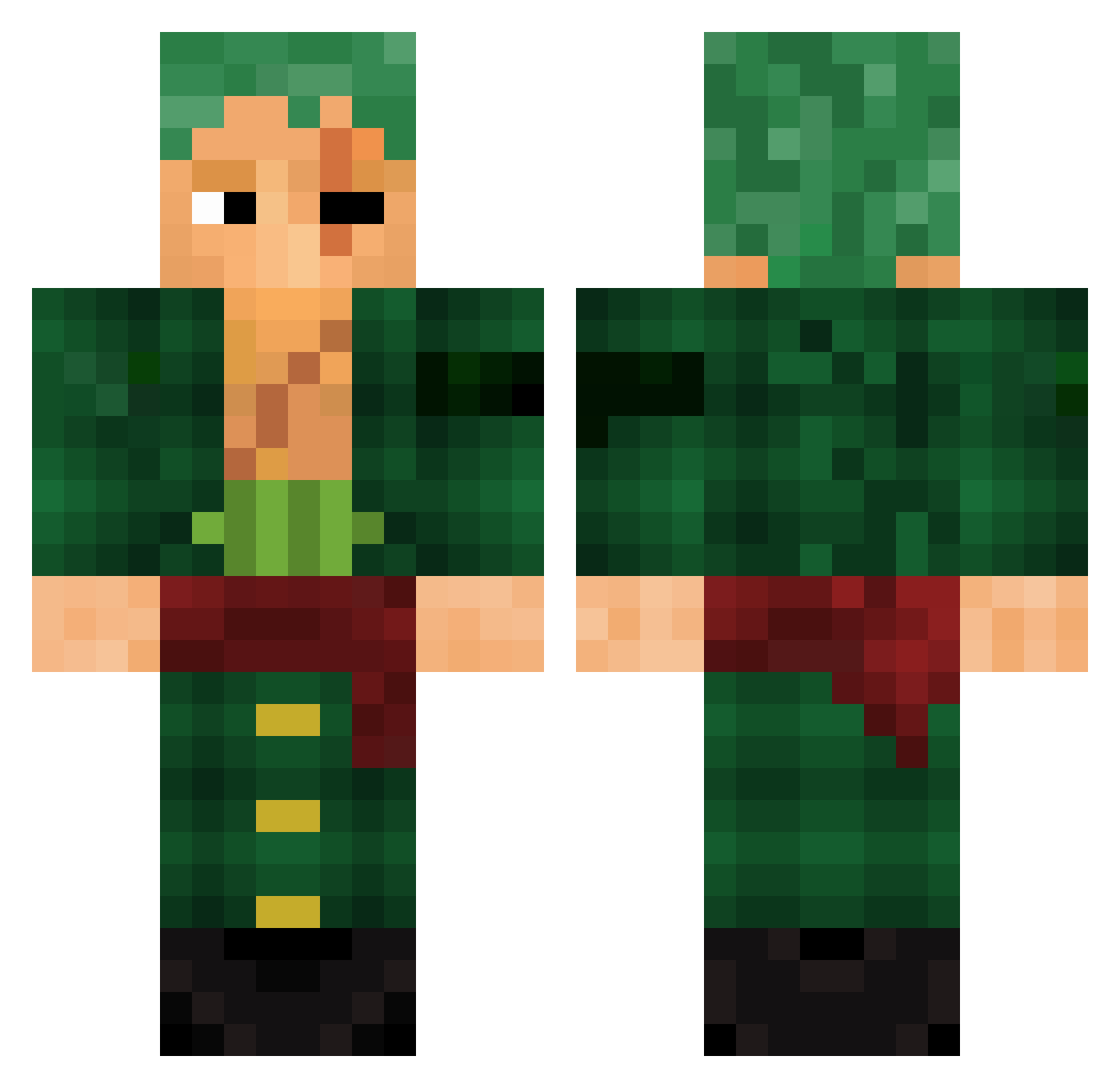
Current Minecraft skin of the player JUSTINWOLF99, loaded from the official Mojang API. Rotate the 3D model with your mouse or finger, then download the skin as a PNG file and use it in Minecraft: Bedrock Edition or Java Edition for free. When JUSTINWOLF99 changes their skin, this page updates automatically and the old skin stays in the history below.
Other players with this skin (1001)
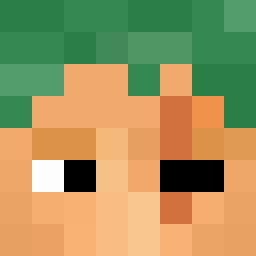
JUSTINWOLF99 was the 855th player we have seen with this skin, first spotted on 27.10.2026. The same skin was seen on these players. Open a nickname to see their current skin and skin history.
 Ks17x Tacojumijumi Mlkmouse Ksuedo Kamplengo hamane502 wertzuu HoNeYgOd408 Pablo_Moraes morganevans701 Umutkda CrimsonScarf210 BetrayedBum GhOsTSwOrD_ Kiiriikas asif1607 wonderworlds nonya52 eajob Oceanedu62 MesseRRR PepitoLindo biel9098 WZ_Falew kreyg ShaviMtz10 sekrberkay RastaTable MasterBBM sanji94 JUFEGAAM EL_Menani Kbz1n Hanzo0o Deathall KidCaribou JSwiger1225 Socates Majin_LeXaZ Plutos_Flat Stryker1227 Stronkoll Melio__X P4SS05 Harrisolo Ror0noaZor0 phille2002 Tiberos M4tzeH sim343 Kyrat16 CarlosLopes flykraesj Cal2160 ViirusMusiic Fakeiee ragingscorpio69 Shirololo Baseballwizard MarshAnonn
More Roronoa Zoro Minecraft skins
See all 351 Roronoa Zoro skins
How to install the JUSTINWOLF99 skin
- Press the Download button above to save the skin as a PNG file.
- Minecraft: Bedrock Edition (PE): open the Dressing Room from the main menu (or tap your character → Edit Character), go to Classic Skins → Owned, press the + (new skin) button, choose the downloaded PNG and pick the Classic (Steve) model. Works on PC and mobile; consoles cannot import custom skins.
- Minecraft: Java Edition: open the Minecraft Launcher, go to the Skins tab, click New Skin, load the PNG, pick the Classic (Steve) model and press Save & Use. You can also upload it at minecraft.net → Profile → Change Skin.
The skin does not show up after import - what should I do?
Restart Minecraft and open the Dressing Room again - imported skins sometimes appear only after a restart. Also make sure you selected the imported skin and picked the Classic (Steve) model.
Which model should I choose, Classic or Slim?
This skin is designed for the Classic (Steve) model. If you pick the wrong model, the arms of the skin will look stretched or squeezed.
Is the skin of JUSTINWOLF99 free to download?
Yes. Press Download, save the PNG file and use it in Minecraft: Bedrock Edition or Java Edition - no payment or registration needed. The skin also works on multiplayer servers and Realms.
More skins
Looking for more? Go back to all Minecraft skins and check the top skins of the week, month and all time, or find any player's skin by nickname.