
HourlyCamera782 - Minecraft Skins & Skin History
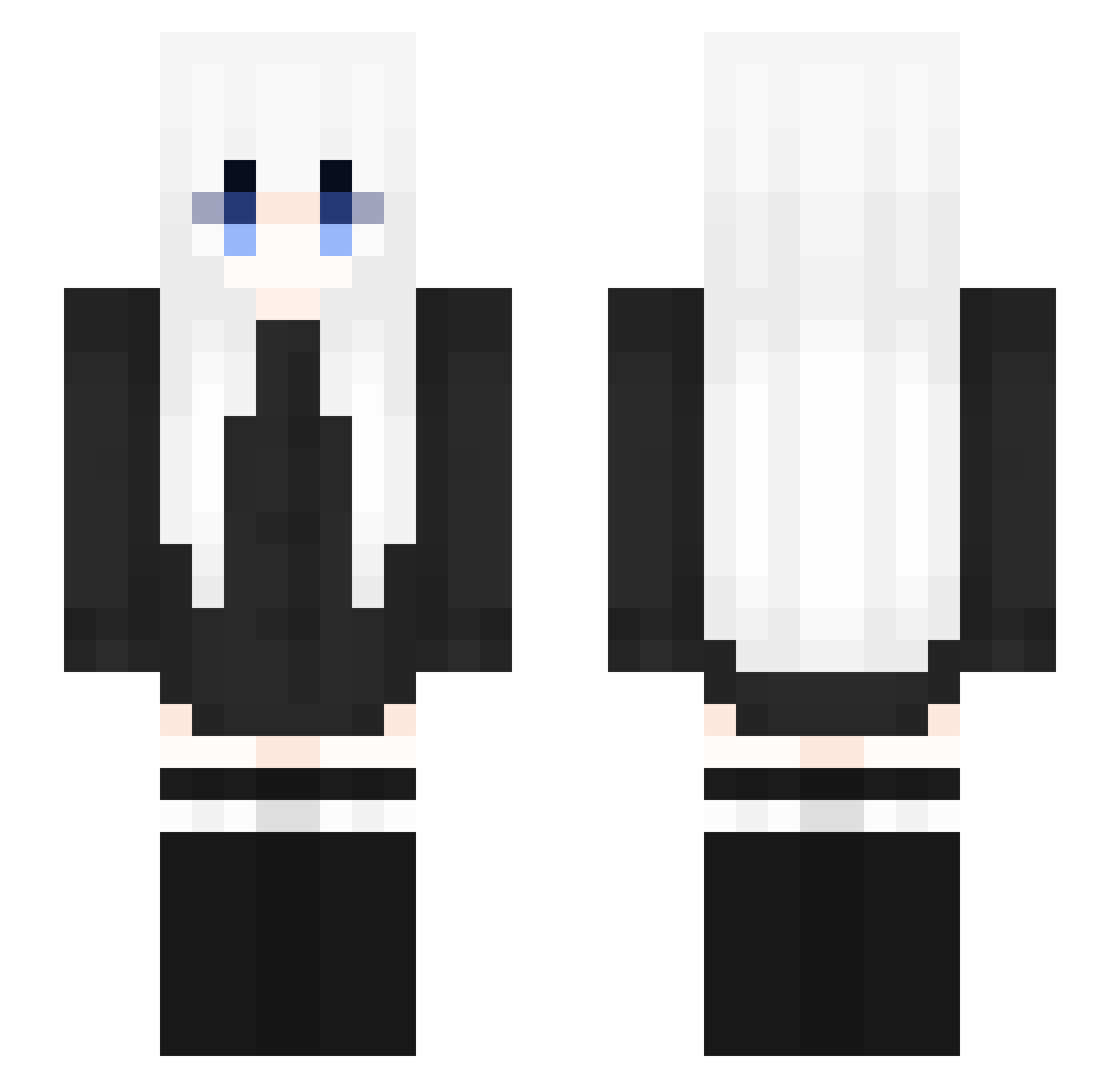
Current Minecraft skin of the player HourlyCamera782, loaded from the official Mojang API. Rotate the 3D model with your mouse or finger, then download the skin as a PNG file and use it in Minecraft: Bedrock Edition or Java Edition for free. When HourlyCamera782 changes their skin, this page updates automatically and the old skin stays in the history below.
Other players with this skin (353)
HourlyCamera782 was the 264th player we have seen with this skin, first spotted on 18.10.2026. The same skin was seen on these players. Open a nickname to see their current skin and skin history.
 phoenix554476 Roxbelle computerawa wazcy Belated_ inkzconzeta KhamulW SweetCheng Miles306 baimoxue SnowLin12 Lin_One xSukki dongho77 stickmeeen ikuro234 Qinsir Myureng zhwf rEgeen swibtw Nicolineeee YoyHeng Luet_ pozifistik thynexjecute Nore_08 thatkidgamer499 Sinon_74 rongs_dog777 momotarine Enitye lanlanZ yousuanru fandeozuna readill hoonookaaa PN02 EC60229 Actualluy LEGHT1 forolder Zolcia_1337 pmf666666 Beautyovo JCManko UniversalXIVII CHOVYlol cocacocacola Rusu914 Mcch1007 jiqing1001 mokoto__ 231011 Horologize luoxisama XIao_Yu_Hu Yukibii kamidaaaa AqRose
More Anime Girl Minecraft skins
See all 13731 Anime Girl skins
How to install the HourlyCamera782 skin
- Press the Download button above to save the skin as a PNG file.
- Minecraft: Bedrock Edition (PE): open the Dressing Room from the main menu (or tap your character → Edit Character), go to Classic Skins → Owned, press the + (new skin) button, choose the downloaded PNG and pick the Slim (Alex) model. Works on PC and mobile; consoles cannot import custom skins.
- Minecraft: Java Edition: open the Minecraft Launcher, go to the Skins tab, click New Skin, load the PNG, pick the Slim (Alex) model and press Save & Use. You can also upload it at minecraft.net → Profile → Change Skin.
The skin does not show up after import - what should I do?
Restart Minecraft and open the Dressing Room again - imported skins sometimes appear only after a restart. Also make sure you selected the imported skin and picked the Slim (Alex) model.
Which model should I choose, Classic or Slim?
This skin is designed for the Slim (Alex) model. If you pick the wrong model, the arms of the skin will look stretched or squeezed.
Is the skin of HourlyCamera782 free to download?
Yes. Press Download, save the PNG file and use it in Minecraft: Bedrock Edition or Java Edition - no payment or registration needed. The skin also works on multiplayer servers and Realms.
More skins
Looking for more? Go back to all Minecraft skins and check the top skins of the week, month and all time, or find any player's skin by nickname.