
Hodgie29 - Minecraft Skins & Skin History
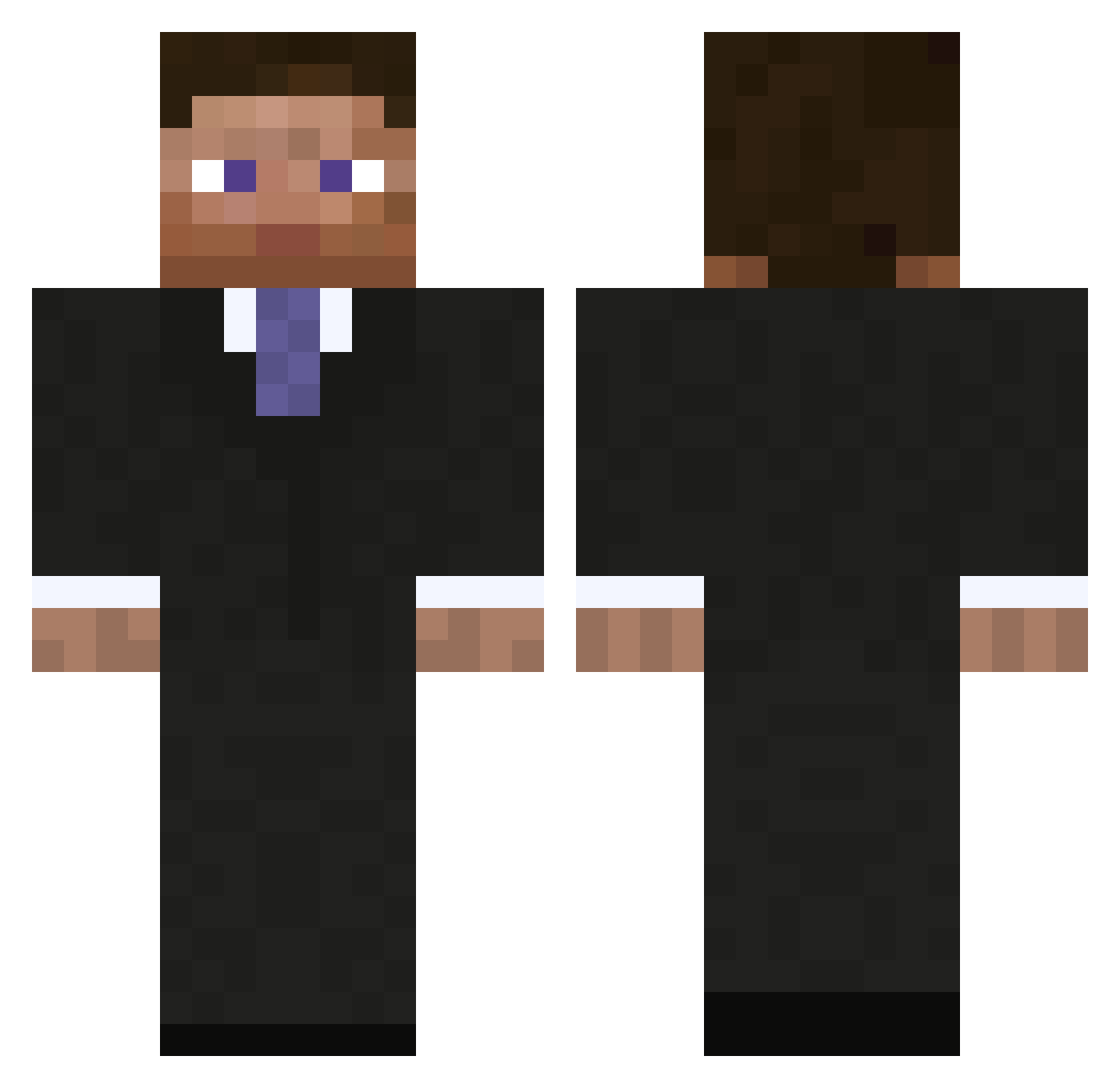
Current Minecraft skin of the player Hodgie29, loaded from the official Mojang API. Rotate the 3D model with your mouse or finger, then download the skin as a PNG file and use it in Minecraft: Bedrock Edition or Java Edition for free. When Hodgie29 changes their skin, this page updates automatically and the old skin stays in the history below.
Other players with this skin (1008)
Hodgie29 was the 905th player we have seen with this skin, first spotted on 27.10.2026. The same skin was seen on these players. Open a nickname to see their current skin and skin history.
 johnwhosmith lordrapit Wicklund w1lo harte035 Ep1cDoge Jackotintin Im_a_Nerd hzRutger Deathby_Ryan NymphGR gondsioux iOrbltz james_clelland1 TommyAH7_ Dreamzyy SkyTurtleHD Franciscoapg AppleWindow Wosley Carky15 AceTheFire CyberianhuZky Gyrrith_Ealon LPShigimasa Boogieman44 Youandi2003 DJ_Inc oASANGo prince89 Mail_Fraud ubuciko SpeshalAlt15 suedama Maiikee iKingJosh Bonder77 davidtheking100 m0nkm0nk Cody96_ ConfusedMelon mic0le DairySquad24 xNerz74 Kryptoniic Cryvosh bcormier Nikkap9 whoelse01 Douraine zombiepigman1999 carpetperson boondock_61 Speedcreep fds1233 Kronomic comander3937 bbqlolomg almostdawson IamMarshall
More Businessman Minecraft skins
See all 6735 Businessman skins
How to install the Hodgie29 skin
- Press the Download button above to save the skin as a PNG file.
- Minecraft: Bedrock Edition (PE): open the Dressing Room from the main menu (or tap your character → Edit Character), go to Classic Skins → Owned, press the + (new skin) button, choose the downloaded PNG and pick the Classic (Steve) model. Works on PC and mobile; consoles cannot import custom skins.
- Minecraft: Java Edition: open the Minecraft Launcher, go to the Skins tab, click New Skin, load the PNG, pick the Classic (Steve) model and press Save & Use. You can also upload it at minecraft.net → Profile → Change Skin.
The skin does not show up after import - what should I do?
Restart Minecraft and open the Dressing Room again - imported skins sometimes appear only after a restart. Also make sure you selected the imported skin and picked the Classic (Steve) model.
Which model should I choose, Classic or Slim?
This skin is designed for the Classic (Steve) model. If you pick the wrong model, the arms of the skin will look stretched or squeezed.
Is the skin of Hodgie29 free to download?
Yes. Press Download, save the PNG file and use it in Minecraft: Bedrock Edition or Java Edition - no payment or registration needed. The skin also works on multiplayer servers and Realms.
More skins
Looking for more? Go back to all Minecraft skins and check the top skins of the week, month and all time, or find any player's skin by nickname.