
Henry_280 - Minecraft Skins & Skin History
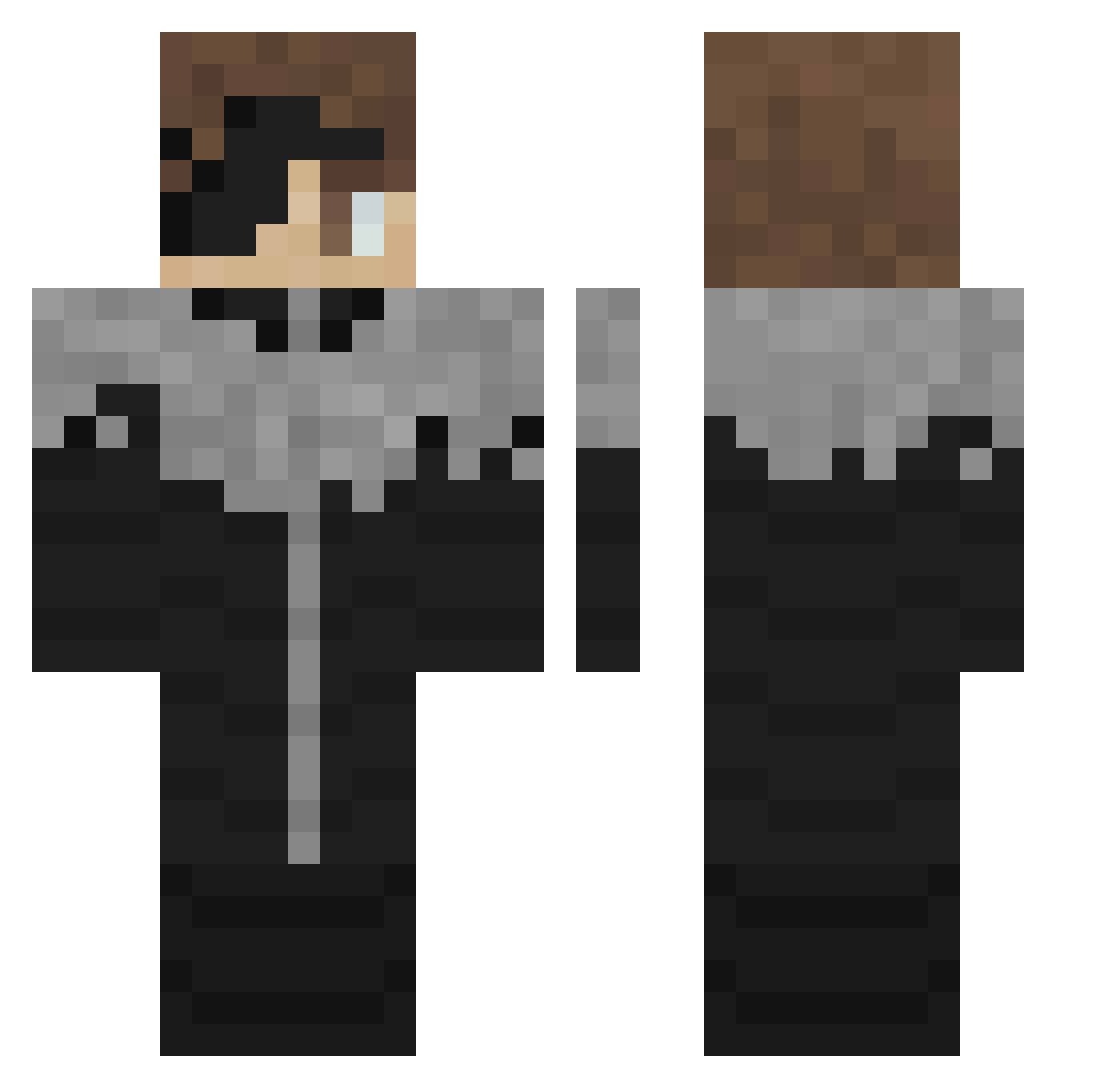
Current Minecraft skin of the player Henry_280, loaded from the official Mojang API. Rotate the 3D model with your mouse or finger, then download the skin as a PNG file and use it in Minecraft: Bedrock Edition or Java Edition for free. When Henry_280 changes their skin, this page updates automatically and the old skin stays in the history below.
Other players with this skin (348)
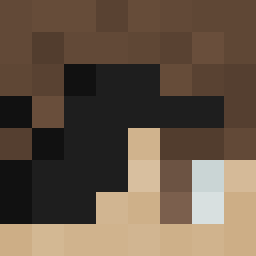
Henry_280 was the 248th player we have seen with this skin, first spotted on 15.10.2026. The same skin was seen on these players. Open a nickname to see their current skin and skin history.
 LemHugo27 david7715 BarbBoyz TheInsaneOne97 titaniumsans3 Forono chi7i___ Emmo10 Laobob f3n91in pinkman0013 A1ixd rzovic Jinzhaoyi Bananaman0091 Itzz_Papryq underfednigerian VictorHugogg OnkeI_G reitier Volt4ge_ Skiffov Kirpel Gojovvs samusung_ zekitopa Streetlol Hoshigawa WhiteCoola GEOpaata AcabouParaOBeta uCaio Mordeath nubcat11 pEk0chan meme5924 __Cannon__ TimeLag_ Biggun6912 joseph_Bukli cebolacomkiwi Gabriel125608 LeeSoLocos Grrrdada CarryVaqe Gutek007 Medsssss Cheez24 KloteKat ThunderJax21 Za_Void Muby1k ExoyzLXL Jojo_Beyzoz GrantHW Camoleck Zviuop shin5778 mfgw Frashh
More Kaneki Ken Minecraft skins
How to install the Henry_280 skin
- Press the Download button above to save the skin as a PNG file.
- Minecraft: Bedrock Edition (PE): open the Dressing Room from the main menu (or tap your character → Edit Character), go to Classic Skins → Owned, press the + (new skin) button, choose the downloaded PNG and pick the Classic (Steve) model. Works on PC and mobile; consoles cannot import custom skins.
- Minecraft: Java Edition: open the Minecraft Launcher, go to the Skins tab, click New Skin, load the PNG, pick the Classic (Steve) model and press Save & Use. You can also upload it at minecraft.net → Profile → Change Skin.
The skin does not show up after import - what should I do?
Restart Minecraft and open the Dressing Room again - imported skins sometimes appear only after a restart. Also make sure you selected the imported skin and picked the Classic (Steve) model.
Which model should I choose, Classic or Slim?
This skin is designed for the Classic (Steve) model. If you pick the wrong model, the arms of the skin will look stretched or squeezed.
Is the skin of Henry_280 free to download?
Yes. Press Download, save the PNG file and use it in Minecraft: Bedrock Edition or Java Edition - no payment or registration needed. The skin also works on multiplayer servers and Realms.
More skins
Looking for more? Go back to all Minecraft skins and check the top skins of the week, month and all time, or find any player's skin by nickname.