
Gun_123 - Minecraft Skins & Skin History
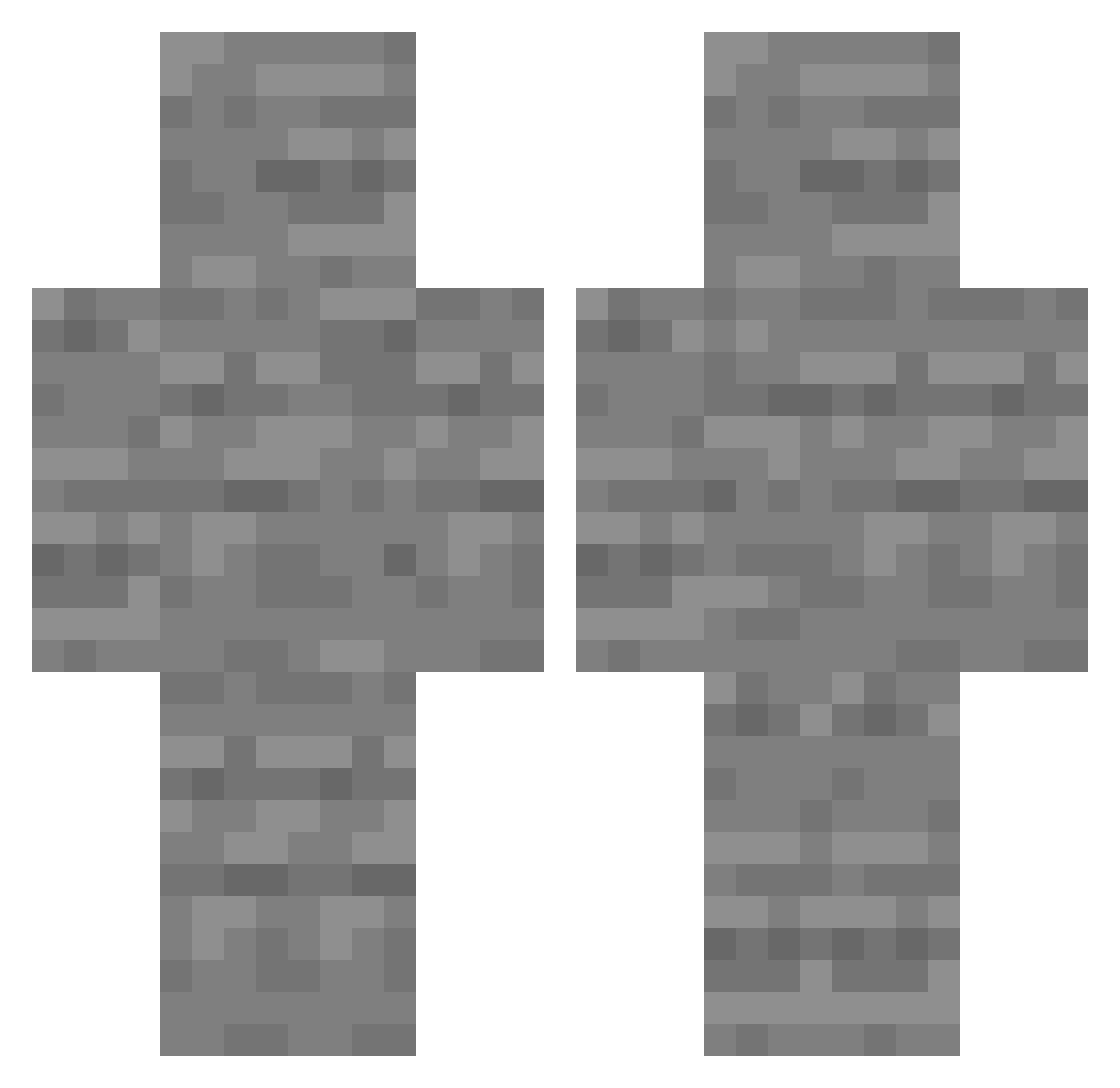
Current Minecraft skin of the player Gun_123, loaded from the official Mojang API. Rotate the 3D model with your mouse or finger, then download the skin as a PNG file and use it in Minecraft: Bedrock Edition or Java Edition for free. When Gun_123 changes their skin, this page updates automatically and the old skin stays in the history below.
Other players with this skin (219)
Gun_123 was the 191st player we have seen with this skin, first spotted on 19.10.2026. The same skin was seen on these players. Open a nickname to see their current skin and skin history.
 My_S_ urbabes LudvigWahlquist wrtsn FlyDragon899 mostro_sborra nathanmag23 Half_Way_In dltkd50 CyanAlive ParkourPro13 Bliksou Ereswai HMGRA_ Hennessy5566 ABlurOfLight Unicod3r NSKNBH playanad Moon_Jae_In_1 GeneralNumber MY__BONESS AgentDYT_ Hunterred2011 pN1ck dlgksjts101 MeAreRick mak1ng dentlmndomis sramsax ashton_ngl aleporine s_dd0n weswesplushk LilRobster63 shishkabob_ SafeFlyer69 ShidoVeryCool forlorp superflintywater maxjeonghoo jjhk120204 Batthew666 Tadimir allexmark Hellomate2009 spoons050 Maceman11111 Dragon77380 Wild_Kardz 1pankeke dasdel Enzeau_ 3marAszori CriUnknown Gunfop65 lsy295 55_555_ YEPPIYEPPIYO Inbee
More Stone Minecraft skins
How to install the Gun_123 skin
- Press the Download button above to save the skin as a PNG file.
- Minecraft: Bedrock Edition (PE): open the Dressing Room from the main menu (or tap your character → Edit Character), go to Classic Skins → Owned, press the + (new skin) button, choose the downloaded PNG and pick the Classic (Steve) model. Works on PC and mobile; consoles cannot import custom skins.
- Minecraft: Java Edition: open the Minecraft Launcher, go to the Skins tab, click New Skin, load the PNG, pick the Classic (Steve) model and press Save & Use. You can also upload it at minecraft.net → Profile → Change Skin.
The skin does not show up after import - what should I do?
Restart Minecraft and open the Dressing Room again - imported skins sometimes appear only after a restart. Also make sure you selected the imported skin and picked the Classic (Steve) model.
Which model should I choose, Classic or Slim?
This skin is designed for the Classic (Steve) model. If you pick the wrong model, the arms of the skin will look stretched or squeezed.
Is the skin of Gun_123 free to download?
Yes. Press Download, save the PNG file and use it in Minecraft: Bedrock Edition or Java Edition - no payment or registration needed. The skin also works on multiplayer servers and Realms.
More skins
Looking for more? Go back to all Minecraft skins and check the top skins of the week, month and all time, or find any player's skin by nickname.