
Current Minecraft skin of the player Flozart, loaded from the official Mojang API. Rotate the 3D model with your mouse or finger, then download the skin as a PNG file and use it in Minecraft: Bedrock Edition or Java Edition for free. When Flozart changes their skin, this page updates automatically and the old skin stays in the history below.
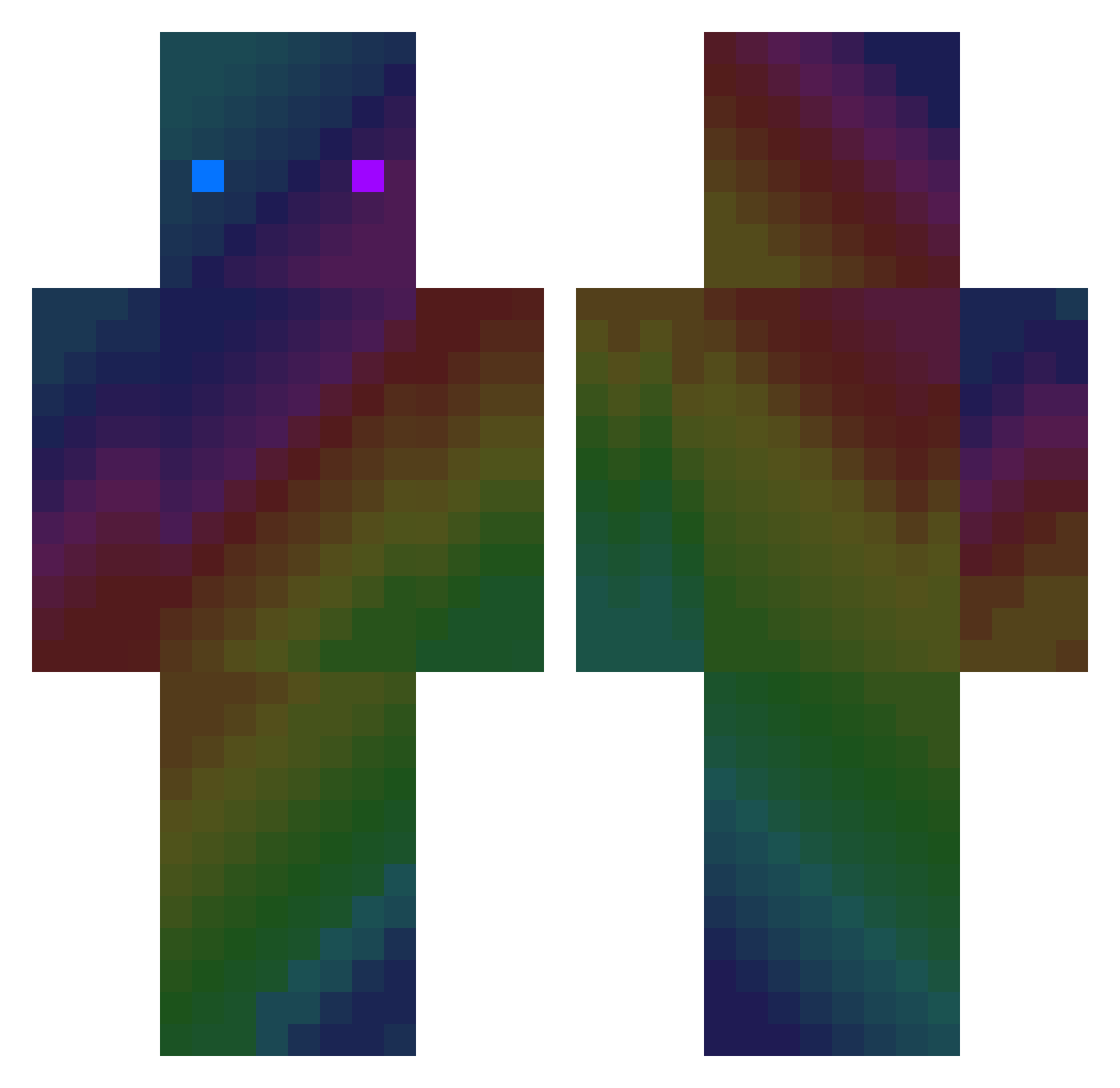
Other players with this skin (33)
The same skin was seen on these players. Open a nickname to see their current skin and skin history.
 Aska1005 MkFear HJJLego dd4857tze Kim30_ Gyun222 Vayxix Sped8522 Hot_pot1010 takapkaz Mr_Boom__ Ming77 olci_0000 1RandomKuh Jiap035 hhorizon rock__stone MigrantenHunten onmaneki haaland52 Hernok09 Blenkc01 KangHyunWoong TTo3itiv4ik louisc41 Aku7w7 Gurkan550 YOBITOX jasonk42 Brayenz ChromeDontCare Lokomaaaan danny7u
How to install the Flozart skin
- Press the Download button above to save the skin as a PNG file.
- Minecraft: Bedrock Edition (PE): open the Dressing Room from the main menu (or tap your character → Edit Character), go to Classic Skins → Owned, press the + (new skin) button, choose the downloaded PNG and pick the Classic (Steve) model. Works on PC and mobile; consoles cannot import custom skins.
- Minecraft: Java Edition: open the Minecraft Launcher, go to the Skins tab, click New Skin, load the PNG, pick the Classic (Steve) model and press Save & Use. You can also upload it at minecraft.net → Profile → Change Skin.
The skin does not show up after import - what should I do?
Restart Minecraft and open the Dressing Room again - imported skins sometimes appear only after a restart. Also make sure you selected the imported skin and picked the Classic (Steve) model.
Which model should I choose, Classic or Slim?
This skin is designed for the Classic (Steve) model. If you pick the wrong model, the arms of the skin will look stretched or squeezed.
Is the skin of Flozart free to download?
Yes. Press Download, save the PNG file and use it in Minecraft: Bedrock Edition or Java Edition - no payment or registration needed. The skin also works on multiplayer servers and Realms.
More skins
Looking for more? Go back to all Minecraft skins and check the top skins of the week, month and all time, or find any player's skin by nickname.