
Fixea - Minecraft Skins & Skin History
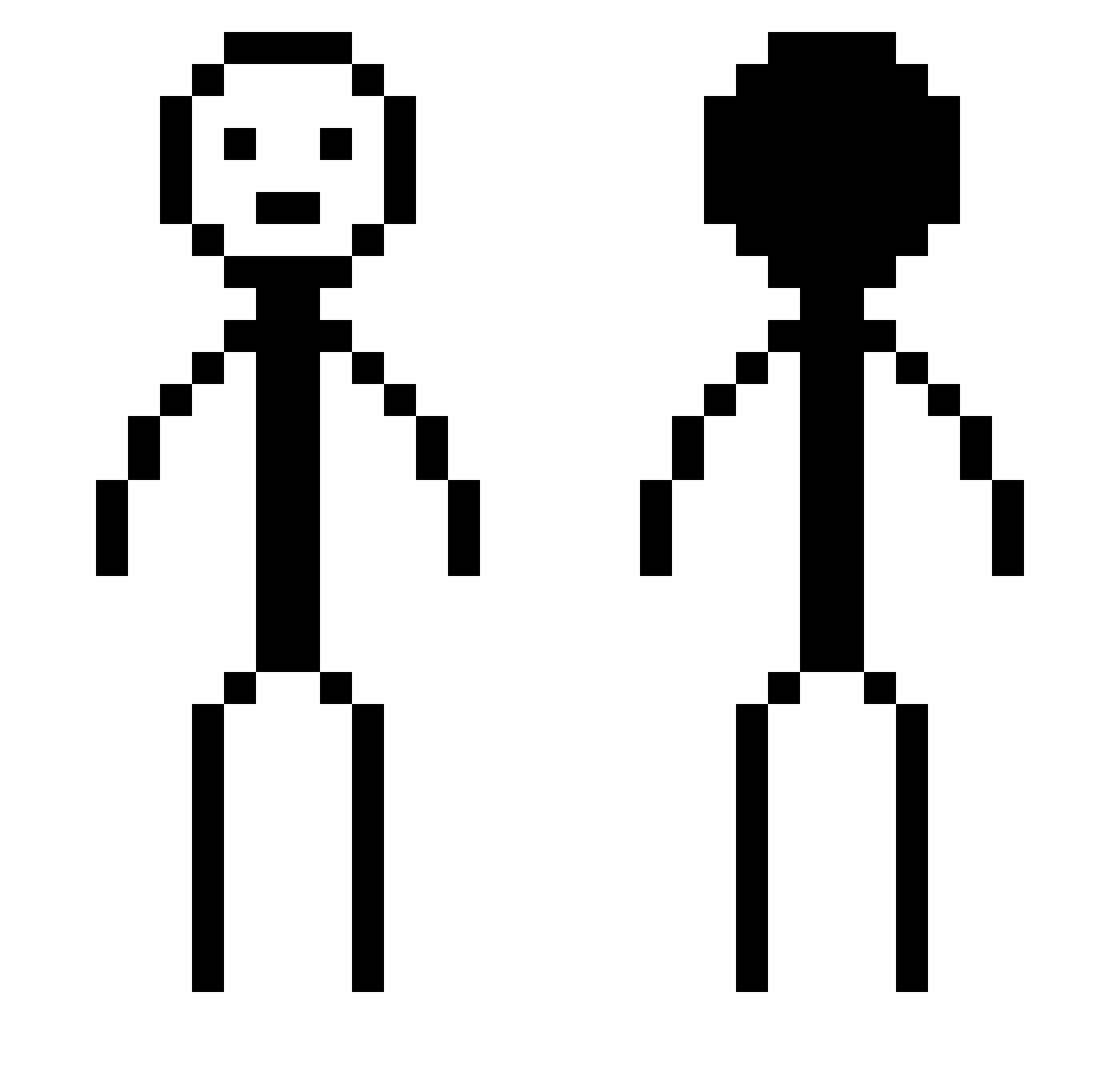
Current Minecraft skin of the player Fixea, loaded from the official Mojang API. Rotate the 3D model with your mouse or finger, then download the skin as a PNG file and use it in Minecraft: Bedrock Edition or Java Edition for free. When Fixea changes their skin, this page updates automatically and the old skin stays in the history below.
Other players with this skin (377)
Fixea was the 275th player we have seen with this skin, first spotted on 13.10.2026. The same skin was seen on these players. Open a nickname to see their current skin and skin history.
 LuizPereira KidCaltho Gssav karumaru7 p0emkiller ChilloutKing77 Matoxin64 XxMoistBiscuitxX Ajdiko Waeloo narin7635 Goldminer246112 Kragd op232 Yuanmou99 DooDooKaKaPeePee Michieda_Shunsuk grindvoll ys4588 SKARX37 Machopmontellano JJMcKRules m00ndusty sp00nt Lucky_dude17 Rosales20 noahcalderan tuboat2 jesusbb69 BLACKOUTISBACK IDKwhattoputitas Nik0___0 Smiggle420 Saww123 JasonL275 WendysLover69 CocoReffitt Alex2313211 GimmeUrReshade FervantEar5 Yoshicar haedawg btwyourdead clip_o screeb__ aa_bb Luckzynn eightocean Tempo182 lispin6x cswr121 PandaRC5 guy2t mr_thatguy SupermeTime koukimeraaaa pinkspyz MrxPickles skuxley Layord
More Stick Figure Minecraft skins
How to install the Fixea skin
- Press the Download button above to save the skin as a PNG file.
- Minecraft: Bedrock Edition (PE): open the Dressing Room from the main menu (or tap your character → Edit Character), go to Classic Skins → Owned, press the + (new skin) button, choose the downloaded PNG and pick the Classic (Steve) model. Works on PC and mobile; consoles cannot import custom skins.
- Minecraft: Java Edition: open the Minecraft Launcher, go to the Skins tab, click New Skin, load the PNG, pick the Classic (Steve) model and press Save & Use. You can also upload it at minecraft.net → Profile → Change Skin.
The skin does not show up after import - what should I do?
Restart Minecraft and open the Dressing Room again - imported skins sometimes appear only after a restart. Also make sure you selected the imported skin and picked the Classic (Steve) model.
Which model should I choose, Classic or Slim?
This skin is designed for the Classic (Steve) model. If you pick the wrong model, the arms of the skin will look stretched or squeezed.
Is the skin of Fixea free to download?
Yes. Press Download, save the PNG file and use it in Minecraft: Bedrock Edition or Java Edition - no payment or registration needed. The skin also works on multiplayer servers and Realms.
More skins
Looking for more? Go back to all Minecraft skins and check the top skins of the week, month and all time, or find any player's skin by nickname.