
Fifi_27 - Minecraft Skins & Skin History
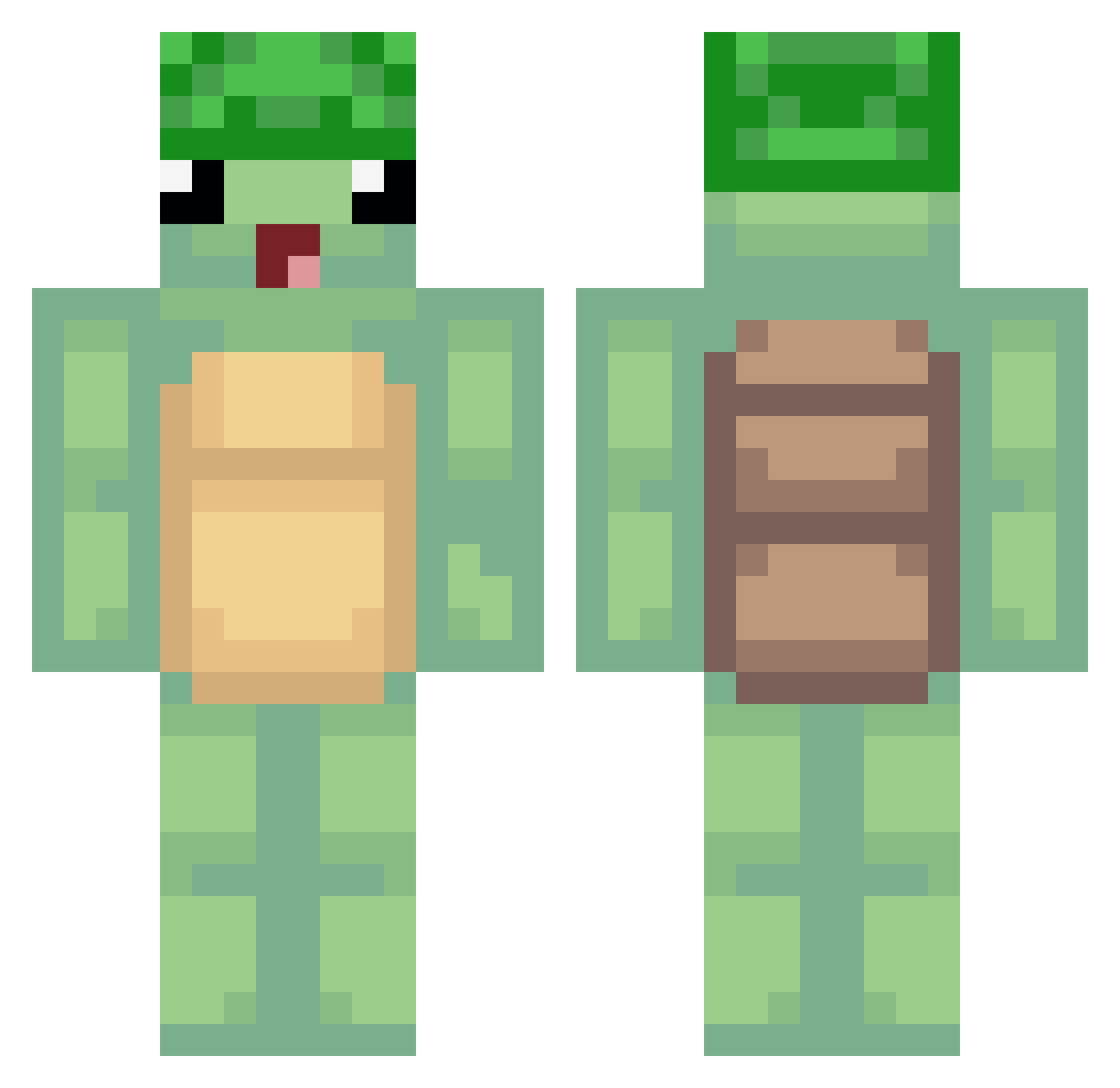
Current Minecraft skin of the player Fifi_27, loaded from the official Mojang API. Rotate the 3D model with your mouse or finger, then download the skin as a PNG file and use it in Minecraft: Bedrock Edition or Java Edition for free. When Fifi_27 changes their skin, this page updates automatically and the old skin stays in the history below.
Other players with this skin (489)
Fifi_27 was the 410th player we have seen with this skin, first spotted on 21.10.2026. The same skin was seen on these players. Open a nickname to see their current skin and skin history.
 LucidNoir oPotatooo Darkolive62 SbwayMitarbeiter TJDiamondss Cr0wns27 biedakkk guisouki MendesLife Makia_GG Becca3694 xaail 1233212344321 Eilertsen 0hleg imehmet1 1919819ws BaToN12 t1nuv1el_ 5stralo Lazydaytrio VINILOG Catrix SkulkJuice Jojena reawbtw Kotliniarz Natirs crab_lover Urimaahi DuDuMan_xD aaronmaxdragon kingbananas71 jasongood6 baddiponken stay__fly Dragonite543 Chrissyands Welsor knuppo1 zImpulsive ZakariS5 Simo_Ice08 imehmetx1 Jackson1981 M0D4SHER lorag22 M_Oy 23_vet LaPetiteTortue NoMeansNo15 Nikko9260 ___Max___ swex9 WickedRose103 HeyImStimpy SverreDJ Premacyy ina_12345 1KoningKarsten
More Turtle Minecraft skins
How to install the Fifi_27 skin
- Press the Download button above to save the skin as a PNG file.
- Minecraft: Bedrock Edition (PE): open the Dressing Room from the main menu (or tap your character → Edit Character), go to Classic Skins → Owned, press the + (new skin) button, choose the downloaded PNG and pick the Classic (Steve) model. Works on PC and mobile; consoles cannot import custom skins.
- Minecraft: Java Edition: open the Minecraft Launcher, go to the Skins tab, click New Skin, load the PNG, pick the Classic (Steve) model and press Save & Use. You can also upload it at minecraft.net → Profile → Change Skin.
The skin does not show up after import - what should I do?
Restart Minecraft and open the Dressing Room again - imported skins sometimes appear only after a restart. Also make sure you selected the imported skin and picked the Classic (Steve) model.
Which model should I choose, Classic or Slim?
This skin is designed for the Classic (Steve) model. If you pick the wrong model, the arms of the skin will look stretched or squeezed.
Is the skin of Fifi_27 free to download?
Yes. Press Download, save the PNG file and use it in Minecraft: Bedrock Edition or Java Edition - no payment or registration needed. The skin also works on multiplayer servers and Realms.
More skins
Looking for more? Go back to all Minecraft skins and check the top skins of the week, month and all time, or find any player's skin by nickname.