
FakeWineBear__2 - Minecraft Skins & Skin History
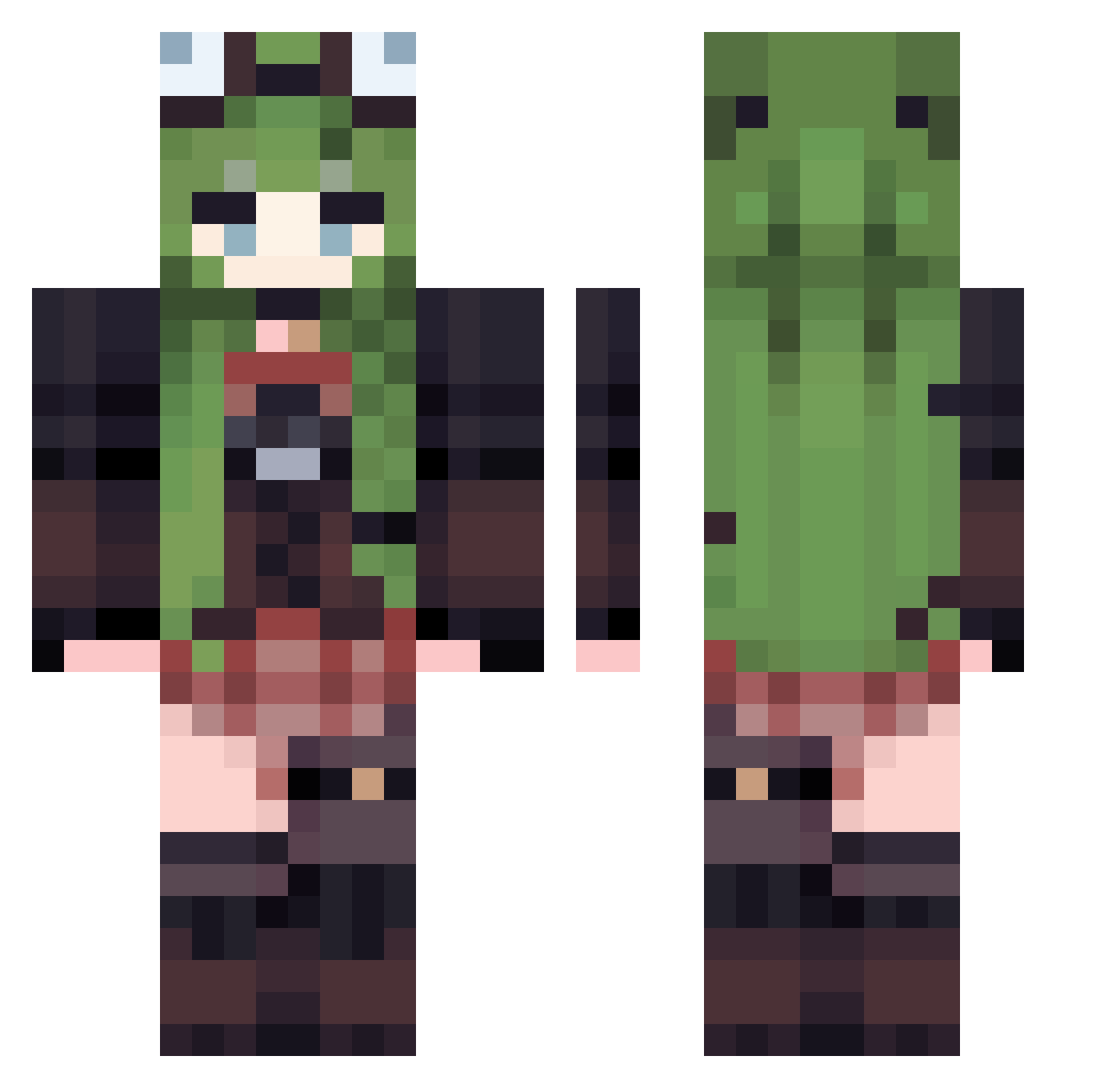
Current Minecraft skin of the player FakeWineBear__2, loaded from the official Mojang API. Rotate the 3D model with your mouse or finger, then download the skin as a PNG file and use it in Minecraft: Bedrock Edition or Java Edition for free. When FakeWineBear__2 changes their skin, this page updates automatically and the old skin stays in the history below.
Other players with this skin (549)
FakeWineBear__2 was the 544th player we have seen with this skin, first spotted on 09.11.2026. The same skin was seen on these players. Open a nickname to see their current skin and skin history.
 xoriev ehhoehhokokekoko jacie444 kleinesushirol MidnightMons peanut2278 ccs9 M00NE9 Diab0lii PeachFuz kawayiTT PanasonicEZ hitogatan JuneOfTarth Kadko l2700l HLslm stinkbuggg heuvo jeonggguse _xXlilithXx_ Tlacuachi CharlotteXue Artur2021 Lumine006 shibasui ShinobuKR airunba yayoo42 Carmen520 Spiderman201810 Luculla32 Atoms137 _blu3Yuuz RED_xiaoyu RobinBH rounter lovely_nox w_yu__ artyom0327 GUOXIN111 aReina99 DRBBJ jnukun 0_NeLL_0 Joker83648 Candy_Ringo VikPlays _sxfia TranquilAutumn ElsiaX Sqlerix112 mao3613 hejinchao dotorrl celeryisok liaflat Edoski_ wadawalls Suzuneko1330
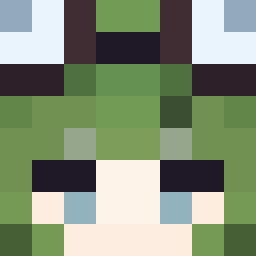
More Frog Hat Minecraft skins
How to install the FakeWineBear__2 skin
- Press the Download button above to save the skin as a PNG file.
- Minecraft: Bedrock Edition (PE): open the Dressing Room from the main menu (or tap your character → Edit Character), go to Classic Skins → Owned, press the + (new skin) button, choose the downloaded PNG and pick the Classic (Steve) model. Works on PC and mobile; consoles cannot import custom skins.
- Minecraft: Java Edition: open the Minecraft Launcher, go to the Skins tab, click New Skin, load the PNG, pick the Classic (Steve) model and press Save & Use. You can also upload it at minecraft.net → Profile → Change Skin.
The skin does not show up after import - what should I do?
Restart Minecraft and open the Dressing Room again - imported skins sometimes appear only after a restart. Also make sure you selected the imported skin and picked the Classic (Steve) model.
Which model should I choose, Classic or Slim?
This skin is designed for the Classic (Steve) model. If you pick the wrong model, the arms of the skin will look stretched or squeezed.
Is the skin of FakeWineBear__2 free to download?
Yes. Press Download, save the PNG file and use it in Minecraft: Bedrock Edition or Java Edition - no payment or registration needed. The skin also works on multiplayer servers and Realms.
More skins
Looking for more? Go back to all Minecraft skins and check the top skins of the week, month and all time, or find any player's skin by nickname.