
Enter1 - Minecraft Skins & Skin History
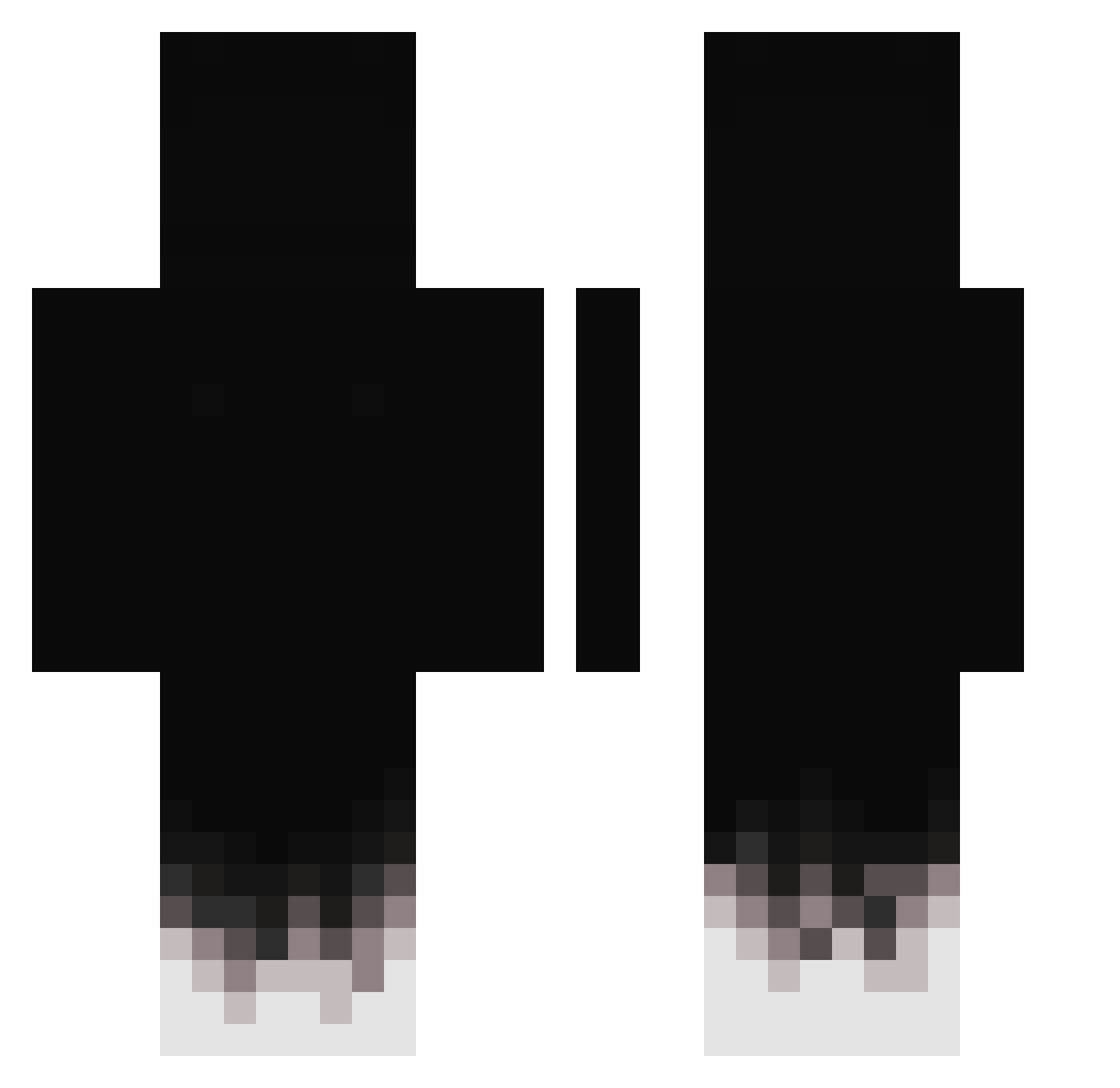
Current Minecraft skin of the player Enter1, loaded from the official Mojang API. Rotate the 3D model with your mouse or finger, then download the skin as a PNG file and use it in Minecraft: Bedrock Edition or Java Edition for free. When Enter1 changes their skin, this page updates automatically and the old skin stays in the history below.
Other players with this skin (431)
Enter1 was the 330th player we have seen with this skin, first spotted on 18.10.2026. The same skin was seen on these players. Open a nickname to see their current skin and skin history.
 Master_fr7 richstitch xXLegendBossXx ASTRON32 ShevSen DANIOMG07 Endercraft2603 Ivan1816 Bubble_milk__tea Niki1902 koert_frikandel k0jix Bastonax Thedrarks R3DFR Emagameplays1 EIDrako 7878cq HarmyDE Elpapiador MikeSearock Luezeq xzrm MateusTY Not_Benx Senutu sergo_fresh0w zendroys justGrane SkalaZimny2115 dxqnn Aressai LuKiii65 come_in_me Hasbulla339 sssscscscs Its_Dxng AndreKrieg EXzotikQc mitromert Lechugad plexzr iSuper_Nova rampage322 Outskill byApme AxelAM__ lSeil CloudJamezey Imortal384 Abracaramba T0ASTY845 VictorX7_ DDzinn22 asok11i juustice_1 bobutiv GoldApfel1625 LageBericht elusiveshadow_87
How to install the Enter1 skin
- Press the Download button above to save the skin as a PNG file.
- Minecraft: Bedrock Edition (PE): open the Dressing Room from the main menu (or tap your character → Edit Character), go to Classic Skins → Owned, press the + (new skin) button, choose the downloaded PNG and pick the Classic (Steve) model. Works on PC and mobile; consoles cannot import custom skins.
- Minecraft: Java Edition: open the Minecraft Launcher, go to the Skins tab, click New Skin, load the PNG, pick the Classic (Steve) model and press Save & Use. You can also upload it at minecraft.net → Profile → Change Skin.
The skin does not show up after import - what should I do?
Restart Minecraft and open the Dressing Room again - imported skins sometimes appear only after a restart. Also make sure you selected the imported skin and picked the Classic (Steve) model.
Which model should I choose, Classic or Slim?
This skin is designed for the Classic (Steve) model. If you pick the wrong model, the arms of the skin will look stretched or squeezed.
Is the skin of Enter1 free to download?
Yes. Press Download, save the PNG file and use it in Minecraft: Bedrock Edition or Java Edition - no payment or registration needed. The skin also works on multiplayer servers and Realms.
More skins
Looking for more? Go back to all Minecraft skins and check the top skins of the week, month and all time, or find any player's skin by nickname.