
Egg_Protector - Minecraft Skins & Skin History
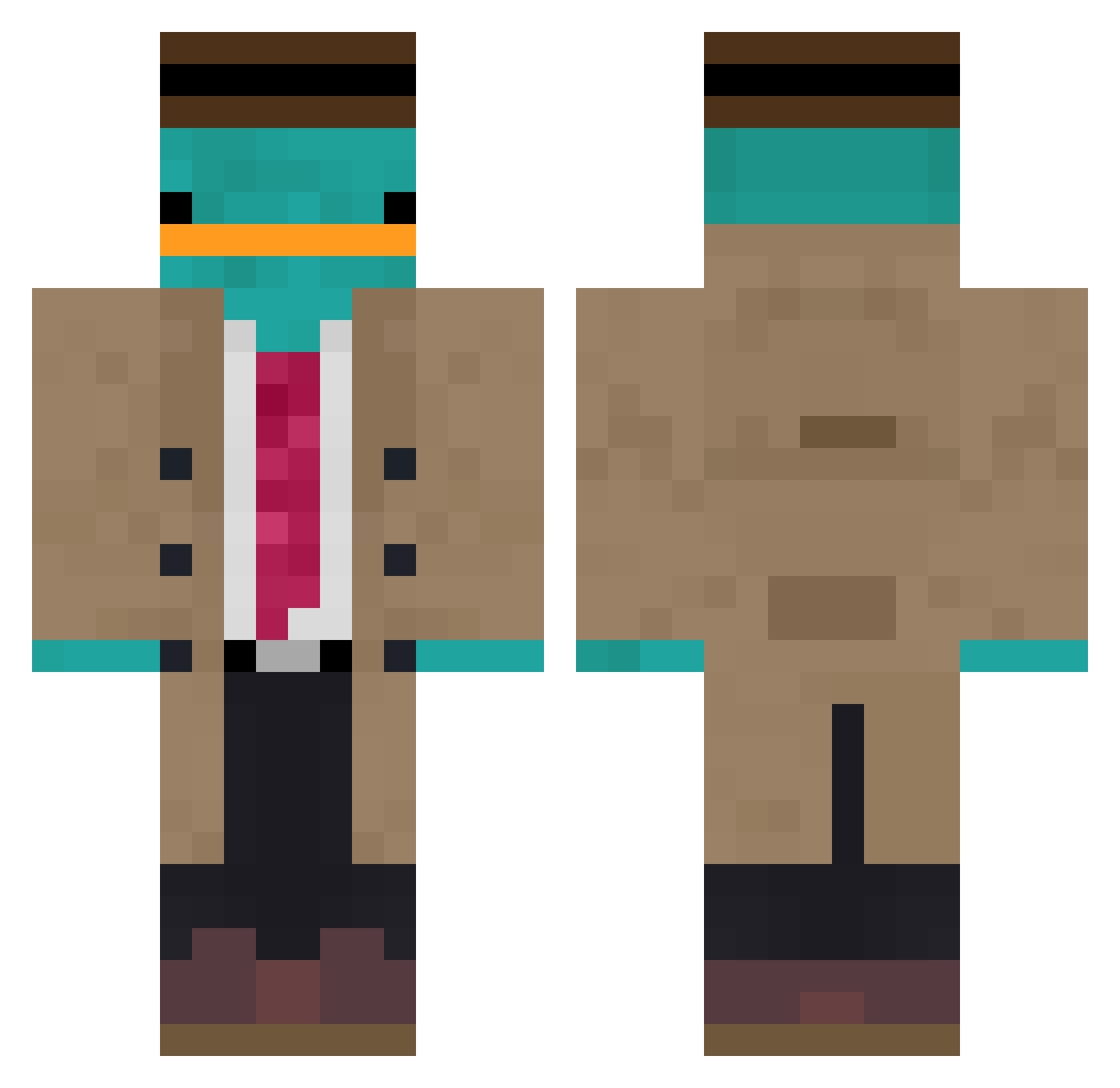
Current Minecraft skin of the player Egg_Protector, loaded from the official Mojang API. Rotate the 3D model with your mouse or finger, then download the skin as a PNG file and use it in Minecraft: Bedrock Edition or Java Edition for free. When Egg_Protector changes their skin, this page updates automatically and the old skin stays in the history below.
Other players with this skin (1116)
Egg_Protector was the 1039th player we have seen with this skin, first spotted on 04.11.2026. The same skin was seen on these players. Open a nickname to see their current skin and skin history.
 julian4400 tonamisalif Davidjones6140 SmeeppeemS Coldmonths zyxyn maddst99 LatinaHunter6977 Terror6652 chillip01 el_maur Thunder543216 Ch01Boi lilyam13 keepii Wirarx GFerraz05 Aeonianlemon D3kko Agey10 bootsyj julianluebeck Shampenion Sbeajy spurme TheNamesOlle cmdrtone tutsi7 DuNurt StephComp Mana0224 Linkiou Halvinho Tjobin Yolox_Off NEKO5645 masoneco BOT_LARS Cala_11 BboyNroy macylynn1 juliebeans AlecBayern SDTSpectre SamDaGreat42069 KyleThePimp yohaannnn SirP0tat0 baarmoederkind PieroAngela k_yg345 eztenim Knuffelkip iamhsboi JannikonMC czlowiek18 yaboiiralph UspiSaurus C_H_A_N_G Brenfield
More Platypus Minecraft skins
How to install the Egg_Protector skin
- Press the Download button above to save the skin as a PNG file.
- Minecraft: Bedrock Edition (PE): open the Dressing Room from the main menu (or tap your character → Edit Character), go to Classic Skins → Owned, press the + (new skin) button, choose the downloaded PNG and pick the Classic (Steve) model. Works on PC and mobile; consoles cannot import custom skins.
- Minecraft: Java Edition: open the Minecraft Launcher, go to the Skins tab, click New Skin, load the PNG, pick the Classic (Steve) model and press Save & Use. You can also upload it at minecraft.net → Profile → Change Skin.
The skin does not show up after import - what should I do?
Restart Minecraft and open the Dressing Room again - imported skins sometimes appear only after a restart. Also make sure you selected the imported skin and picked the Classic (Steve) model.
Which model should I choose, Classic or Slim?
This skin is designed for the Classic (Steve) model. If you pick the wrong model, the arms of the skin will look stretched or squeezed.
Is the skin of Egg_Protector free to download?
Yes. Press Download, save the PNG file and use it in Minecraft: Bedrock Edition or Java Edition - no payment or registration needed. The skin also works on multiplayer servers and Realms.
More skins
Looking for more? Go back to all Minecraft skins and check the top skins of the week, month and all time, or find any player's skin by nickname.