
Edicus2653 - Minecraft Skins & Skin History
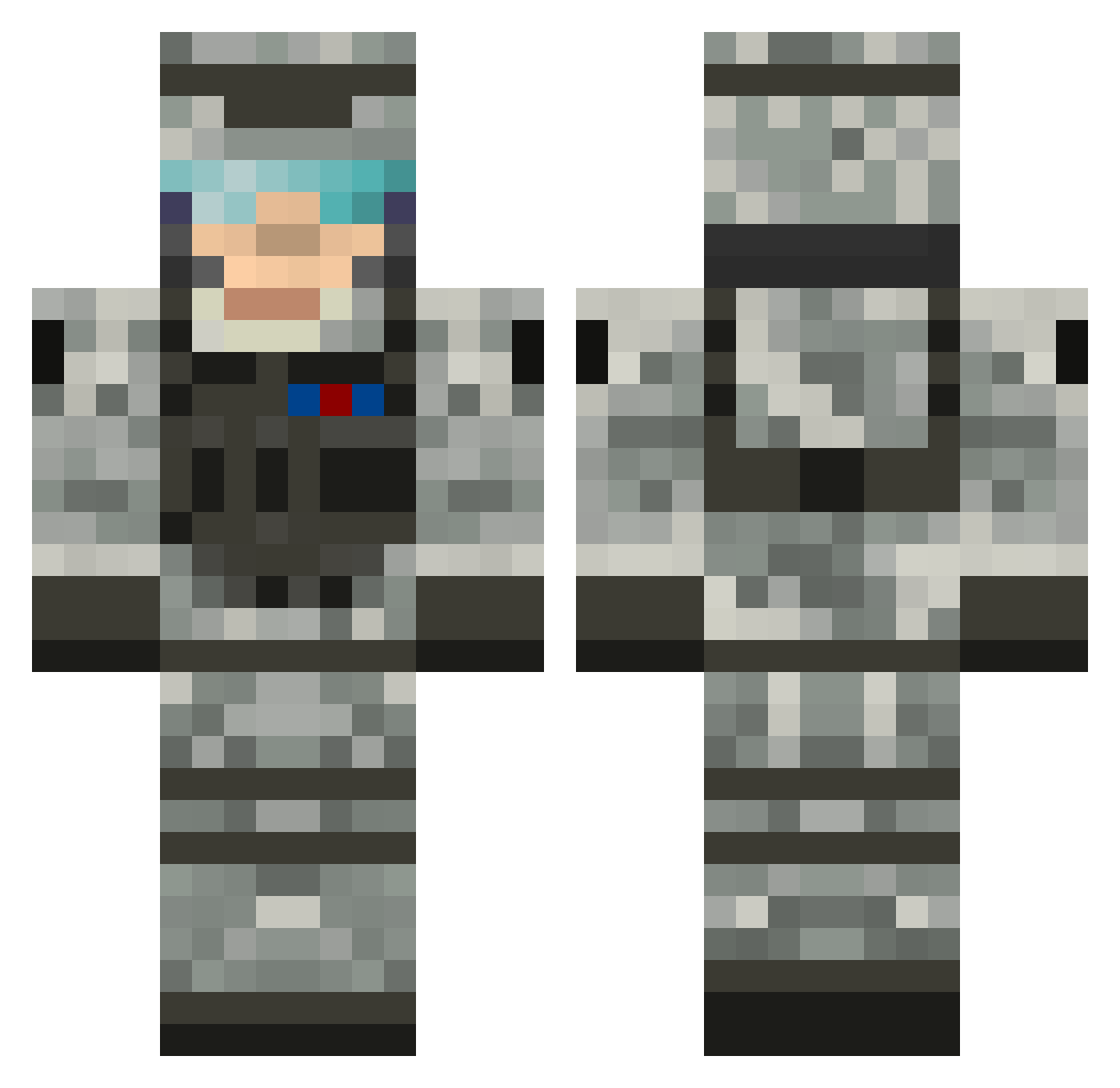
Current Minecraft skin of the player Edicus2653, loaded from the official Mojang API. Rotate the 3D model with your mouse or finger, then download the skin as a PNG file and use it in Minecraft: Bedrock Edition or Java Edition for free. When Edicus2653 changes their skin, this page updates automatically and the old skin stays in the history below.
Other players with this skin (624)
Edicus2653 was the 536th player we have seen with this skin, first spotted on 25.10.2026. The same skin was seen on these players. Open a nickname to see their current skin and skin history.
 ashcant garlapati redbulb MSwordSpirit reitodorito Ashen_Light nickkorsog masvie SpamF1sher MuseAssassin Javiggan xander_hoskinson r12325 North_North dkmikkel1234 GMColani Cromoto Degorat09 BleuApples Mayor_Dante sloth34 blazedwolf31 dono1210 AngryBullbog z_master_chief O3Glitched Eskon97 MrBrrp kgon57 Robzo wiseone99 evilevan0086 star_lord_1804 xOscar1999 DougMac44 bobdareaper avve28 grumpycow dsdize AnonymousJohnny blockmaster717 ZBubbuboy Snipercmm jrshanks soapxl123 thomashockey11 Steinecke_1 CoolErik2012 BenjaminCo MrBlockemzMC snowboarderboy Reissman Monkamoo djtrilip pugglesrock123 cowdog02 TimmyB42 wolfywolftwitch insanefisherman Amowarrior
More Camo Minecraft skins
How to install the Edicus2653 skin
- Press the Download button above to save the skin as a PNG file.
- Minecraft: Bedrock Edition (PE): open the Dressing Room from the main menu (or tap your character → Edit Character), go to Classic Skins → Owned, press the + (new skin) button, choose the downloaded PNG and pick the Classic (Steve) model. Works on PC and mobile; consoles cannot import custom skins.
- Minecraft: Java Edition: open the Minecraft Launcher, go to the Skins tab, click New Skin, load the PNG, pick the Classic (Steve) model and press Save & Use. You can also upload it at minecraft.net → Profile → Change Skin.
The skin does not show up after import - what should I do?
Restart Minecraft and open the Dressing Room again - imported skins sometimes appear only after a restart. Also make sure you selected the imported skin and picked the Classic (Steve) model.
Which model should I choose, Classic or Slim?
This skin is designed for the Classic (Steve) model. If you pick the wrong model, the arms of the skin will look stretched or squeezed.
Is the skin of Edicus2653 free to download?
Yes. Press Download, save the PNG file and use it in Minecraft: Bedrock Edition or Java Edition - no payment or registration needed. The skin also works on multiplayer servers and Realms.
More skins
Looking for more? Go back to all Minecraft skins and check the top skins of the week, month and all time, or find any player's skin by nickname.