
Drayk0_ - Minecraft Skins & Skin History
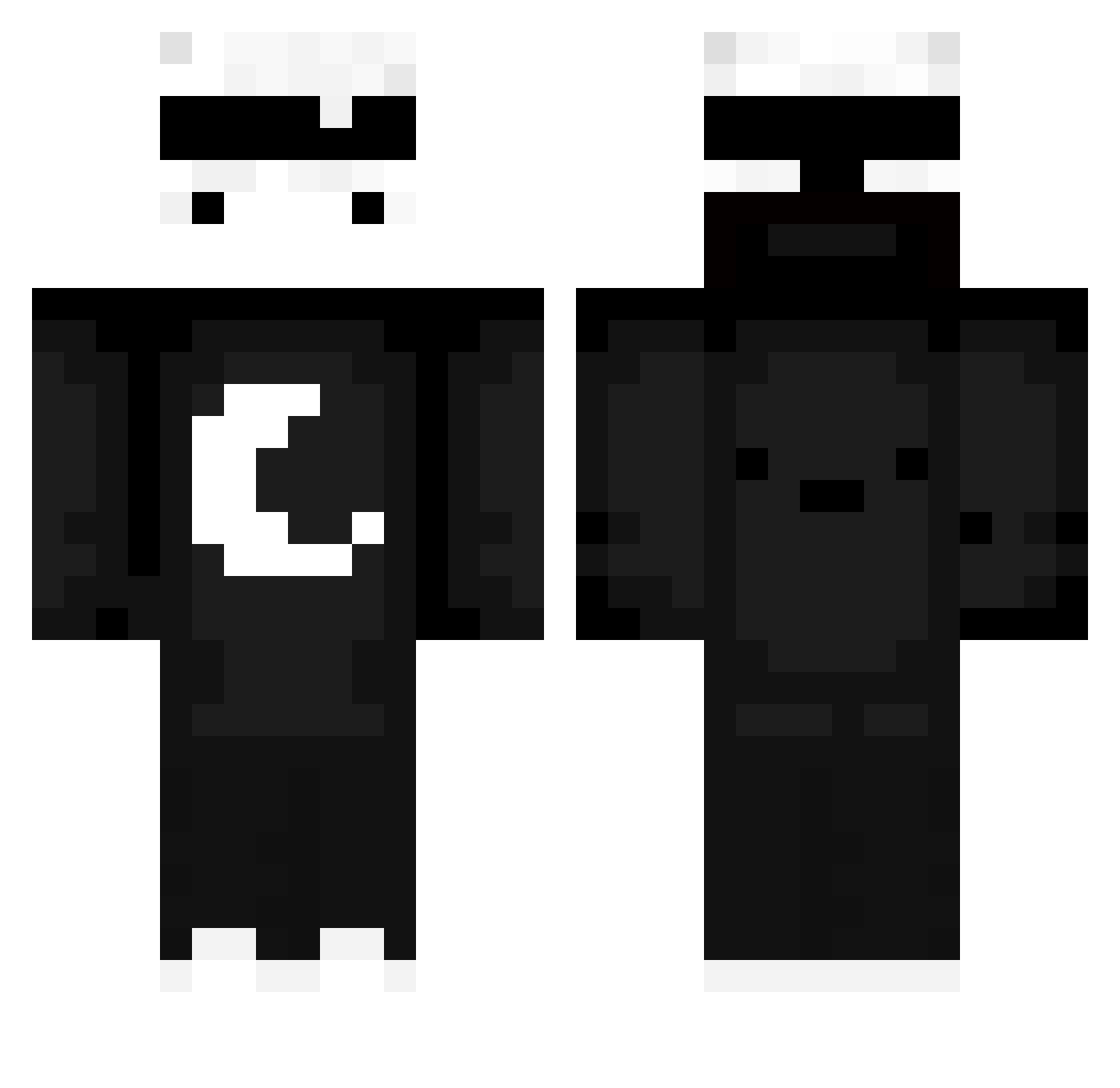
Current Minecraft skin of the player Drayk0_, loaded from the official Mojang API. Rotate the 3D model with your mouse or finger, then download the skin as a PNG file and use it in Minecraft: Bedrock Edition or Java Edition for free. When Drayk0_ changes their skin, this page updates automatically and the old skin stays in the history below.
Other players with this skin (714)
Drayk0_ was the 534th player we have seen with this skin, first spotted on 16.10.2026. The same skin was seen on these players. Open a nickname to see their current skin and skin history.
 Poll_ox Korkusuzum yan_yue1 FinleyHIHIHIHIHI NoobSlayer9061 CJoaquin2202 1BK1 BuryTheLightXZ Lu_Apple Kumikaze gg5532 blackGhost59957 Kacperoito Sand__Box Schnitzyy oluse21 Gingxerrr KHC_KOREA lollo018 Dor0238 ZonelyMelon E7TRAF702 DolphinGaming Hoshiko_uwu cwz4n Dzenedy04 Voltest_ muji360 tomok626 Itz_fmz dwr_ Bebra4ka0_0 KCsoni anhn5745 Montra001 moliuji DAVI4690 JkwonSzn WeiBoy9 FLAME75PC Stormion144hz joker_lall andre084 JusttCrown SNOW_ONMC AzureCactus Dr4c0_Arg AeroZer0Grinder swbingo DARK_LOARDGAMER yNexz_ Kubsoon_PL 4kJayden EfeBahat iHellsing kapixen1 IozifStalin Smusyash Nohrie BibiTheBot
More Moon Minecraft skins
How to install the Drayk0_ skin
- Press the Download button above to save the skin as a PNG file.
- Minecraft: Bedrock Edition (PE): open the Dressing Room from the main menu (or tap your character → Edit Character), go to Classic Skins → Owned, press the + (new skin) button, choose the downloaded PNG and pick the Classic (Steve) model. Works on PC and mobile; consoles cannot import custom skins.
- Minecraft: Java Edition: open the Minecraft Launcher, go to the Skins tab, click New Skin, load the PNG, pick the Classic (Steve) model and press Save & Use. You can also upload it at minecraft.net → Profile → Change Skin.
The skin does not show up after import - what should I do?
Restart Minecraft and open the Dressing Room again - imported skins sometimes appear only after a restart. Also make sure you selected the imported skin and picked the Classic (Steve) model.
Which model should I choose, Classic or Slim?
This skin is designed for the Classic (Steve) model. If you pick the wrong model, the arms of the skin will look stretched or squeezed.
Is the skin of Drayk0_ free to download?
Yes. Press Download, save the PNG file and use it in Minecraft: Bedrock Edition or Java Edition - no payment or registration needed. The skin also works on multiplayer servers and Realms.
More skins
Looking for more? Go back to all Minecraft skins and check the top skins of the week, month and all time, or find any player's skin by nickname.