
DerSebii - Minecraft Skins & Skin History
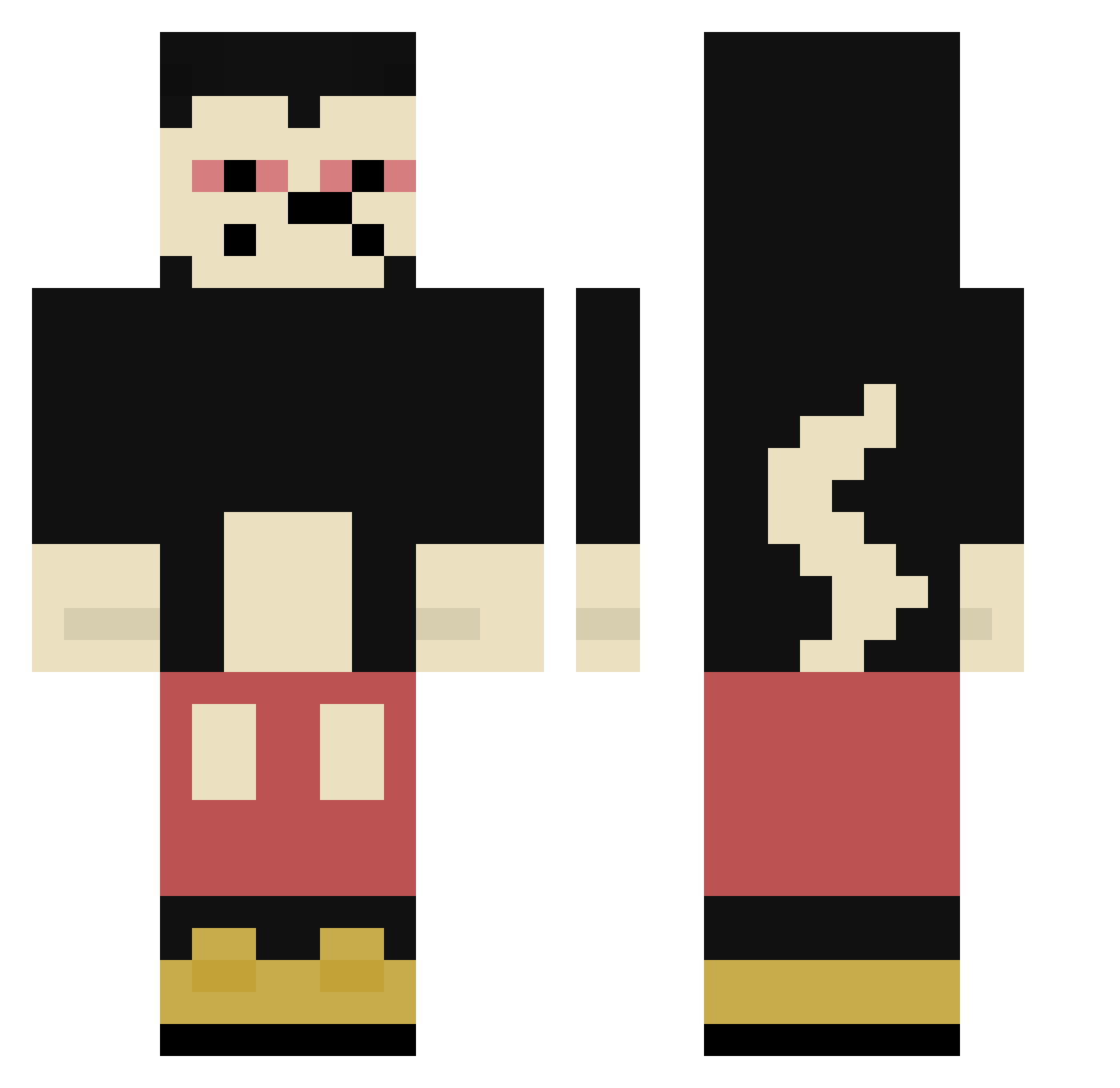
Current Minecraft skin of the player DerSebii, loaded from the official Mojang API. Rotate the 3D model with your mouse or finger, then download the skin as a PNG file and use it in Minecraft: Bedrock Edition or Java Edition for free. When DerSebii changes their skin, this page updates automatically and the old skin stays in the history below.
Other players with this skin (389)
DerSebii was the 355th player we have seen with this skin, first spotted on 02.11.2026. The same skin was seen on these players. Open a nickname to see their current skin and skin history.
 aks_DgGvI_03_17 blauer_Fabi Psicopatoquack Xirmo17 yadijab AbrahXD Srgatinho Blanchees Igudoplay Sawzal lettting juan0333 BuddDywer wasteyutedown LucasChar MightyHigh1000 cinosito rareK47 Greqa SuperiorNeewbie Pustema lunaeee breza_io whyusomad1414 philipp55x schattenreich Khaz0103 1Skate BigBabaHaze JedenTagDoener Qw3rty_420 nifraxx zali__ MrJonks Rhaaat RAIDER29 Fugil Inn_nnz BigPedro_O iHnnn Chefsitoo zlomal RainOfAcid 2plg Fidelio031 EseMickey Dorastacz kubek231x Nemo965 Mr_duif NIWKO Snharf Pirokas Hxpzz JUNH_HUI Hawajuose Mellonen widiwampom oderoplubeo Adotadu
Previous skins of DerSebii
Skins that DerSebii wore before, newest first. Click a skin to open its page and download it.
More Mickey Mouse Minecraft skins
See all 177 Mickey Mouse skins
How to install the DerSebii skin
- Press the Download button above to save the skin as a PNG file.
- Minecraft: Bedrock Edition (PE): open the Dressing Room from the main menu (or tap your character → Edit Character), go to Classic Skins → Owned, press the + (new skin) button, choose the downloaded PNG and pick the Classic (Steve) model. Works on PC and mobile; consoles cannot import custom skins.
- Minecraft: Java Edition: open the Minecraft Launcher, go to the Skins tab, click New Skin, load the PNG, pick the Classic (Steve) model and press Save & Use. You can also upload it at minecraft.net → Profile → Change Skin.
The skin does not show up after import - what should I do?
Restart Minecraft and open the Dressing Room again - imported skins sometimes appear only after a restart. Also make sure you selected the imported skin and picked the Classic (Steve) model.
Which model should I choose, Classic or Slim?
This skin is designed for the Classic (Steve) model. If you pick the wrong model, the arms of the skin will look stretched or squeezed.
Is the skin of DerSebii free to download?
Yes. Press Download, save the PNG file and use it in Minecraft: Bedrock Edition or Java Edition - no payment or registration needed. The skin also works on multiplayer servers and Realms.
More skins
Looking for more? Go back to all Minecraft skins and check the top skins of the week, month and all time, or find any player's skin by nickname.