
DaBrain01 - Minecraft Skins & Skin History
Current Minecraft skin of the player DaBrain01, loaded from the official Mojang API. Rotate the 3D model with your mouse or finger, then download the skin as a PNG file and use it in Minecraft: Bedrock Edition or Java Edition for free. When DaBrain01 changes their skin, this page updates automatically and the old skin stays in the history below.
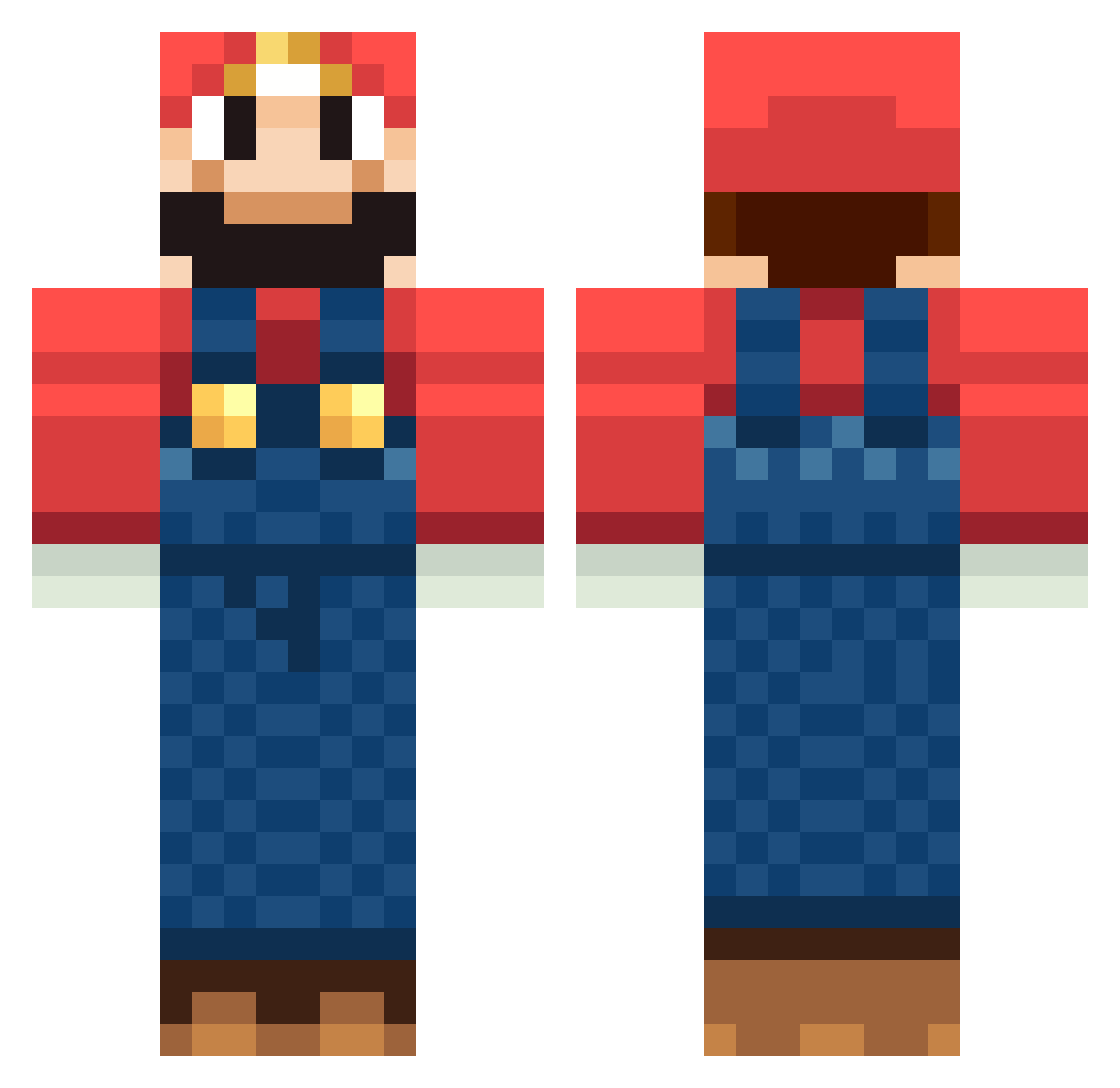
Other players with this skin (1260)
DaBrain01 was the 1126th player we have seen with this skin, first spotted on 26.10.2026. The same skin was seen on these players. Open a nickname to see their current skin and skin history.
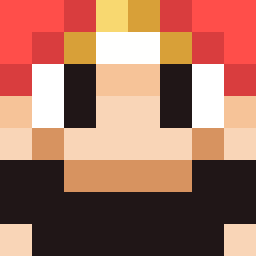 brandonb9895 FatOwl nLExceL vickfreak iSuperNerd robwaterman Npwner sk8andrey skyboxiii Pokeflutemaster1 Wasserstube rileymix46 BlimpMelonALT Bauxman Soapiie MrBatman resifan2978 DizzyMo_ captainjellybeam Sumica themexican00 mariio22024 doudie13 llllate g_shuji Mr_Santos18 anpanmanify bman405 Yokushi Eugeneeeeee Bernedo Synortir jorssa tinou955 papito111 Sleepy_Crow Zumoj liha2406 RAW3R callum_titre jpaulwall Plgh007 Fatalism Whoopeenat0r J4nnis TSPScopes Mariacary SKyndowser ohrn2 Supadupa2 chredmck juanlordz alexmorris2000 LizardHunter prabez Jono5 hubba74 rendalel Buglii P3Pie
More Mario Minecraft skins
How to install the DaBrain01 skin
- Press the Download button above to save the skin as a PNG file.
- Minecraft: Bedrock Edition (PE): open the Dressing Room from the main menu (or tap your character → Edit Character), go to Classic Skins → Owned, press the + (new skin) button, choose the downloaded PNG and pick the Classic (Steve) model. Works on PC and mobile; consoles cannot import custom skins.
- Minecraft: Java Edition: open the Minecraft Launcher, go to the Skins tab, click New Skin, load the PNG, pick the Classic (Steve) model and press Save & Use. You can also upload it at minecraft.net → Profile → Change Skin.
The skin does not show up after import - what should I do?
Restart Minecraft and open the Dressing Room again - imported skins sometimes appear only after a restart. Also make sure you selected the imported skin and picked the Classic (Steve) model.
Which model should I choose, Classic or Slim?
This skin is designed for the Classic (Steve) model. If you pick the wrong model, the arms of the skin will look stretched or squeezed.
Is the skin of DaBrain01 free to download?
Yes. Press Download, save the PNG file and use it in Minecraft: Bedrock Edition or Java Edition - no payment or registration needed. The skin also works on multiplayer servers and Realms.
More skins
Looking for more? Go back to all Minecraft skins and check the top skins of the week, month and all time, or find any player's skin by nickname.