
Cubezz27 - Minecraft Skins & Skin History
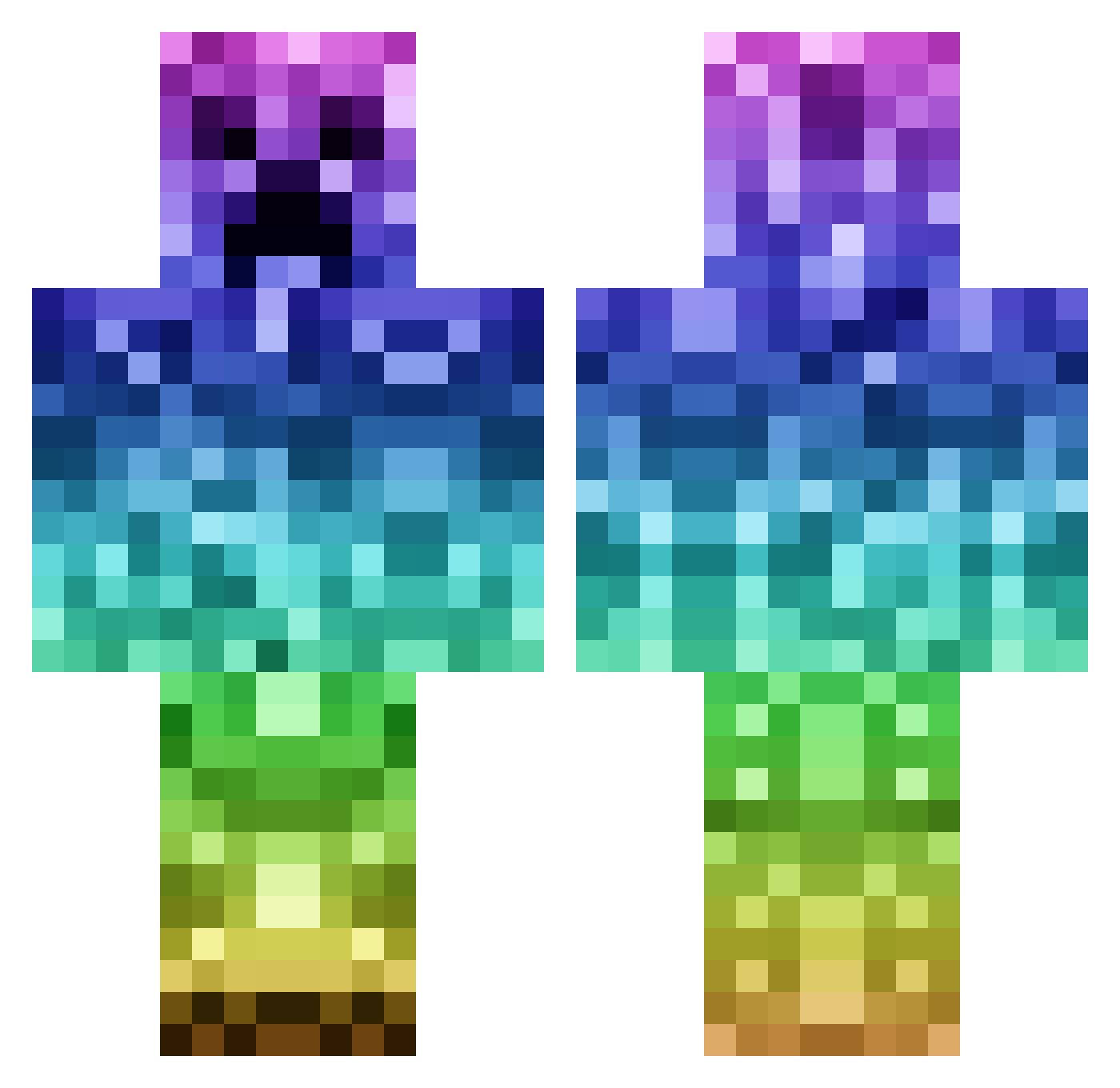
Current Minecraft skin of the player Cubezz27, loaded from the official Mojang API. Rotate the 3D model with your mouse or finger, then download the skin as a PNG file and use it in Minecraft: Bedrock Edition or Java Edition for free. When Cubezz27 changes their skin, this page updates automatically and the old skin stays in the history below.
Other players with this skin (1142)
Cubezz27 was the 1018th player we have seen with this skin, first spotted on 26.10.2026. The same skin was seen on these players. Open a nickname to see their current skin and skin history.
 GoldenPanda4 errrno ItsNarco samestringcheese OliverBooy Emma52738 seungwook24 pixel4204 DjHD9 Colez29 KizzaBrah95 Hillzey123 xiuminnie 4evervfb Pelle1212 Algeeeeen Streez binyo124 Darthmaul24f6 1Scoop PacketCrafter Seth_Jackson2013 IantosGame Bradyw28 souchaaan TEHSTINK WOT_Spammer RebornVolex P00RZOMBIE jannemakela Osurit gwylfa OSAMABINLADINx Jonesy1234 Nacoje Sly_Shooter 0425dylan tennis1010 PIOVE drops_acid BiG_HUNTER170 MAIA123 SneakyRhino123 mojangboss Jadahdoll HellDiablo mahek11 invisible_x3 ShlurpHD Fresh57 RobotManGeorge Taylor3310 Gdubbs724 __Samu_ navajo121 HOBOhedgehog jonnythomas Tacoman757 iwant2fly Teachintopwn
More Rainbow Minecraft skins
How to install the Cubezz27 skin
- Press the Download button above to save the skin as a PNG file.
- Minecraft: Bedrock Edition (PE): open the Dressing Room from the main menu (or tap your character → Edit Character), go to Classic Skins → Owned, press the + (new skin) button, choose the downloaded PNG and pick the Classic (Steve) model. Works on PC and mobile; consoles cannot import custom skins.
- Minecraft: Java Edition: open the Minecraft Launcher, go to the Skins tab, click New Skin, load the PNG, pick the Classic (Steve) model and press Save & Use. You can also upload it at minecraft.net → Profile → Change Skin.
The skin does not show up after import - what should I do?
Restart Minecraft and open the Dressing Room again - imported skins sometimes appear only after a restart. Also make sure you selected the imported skin and picked the Classic (Steve) model.
Which model should I choose, Classic or Slim?
This skin is designed for the Classic (Steve) model. If you pick the wrong model, the arms of the skin will look stretched or squeezed.
Is the skin of Cubezz27 free to download?
Yes. Press Download, save the PNG file and use it in Minecraft: Bedrock Edition or Java Edition - no payment or registration needed. The skin also works on multiplayer servers and Realms.
More skins
Looking for more? Go back to all Minecraft skins and check the top skins of the week, month and all time, or find any player's skin by nickname.