
CrazyCatChrisBBB - Minecraft Skins & Skin History
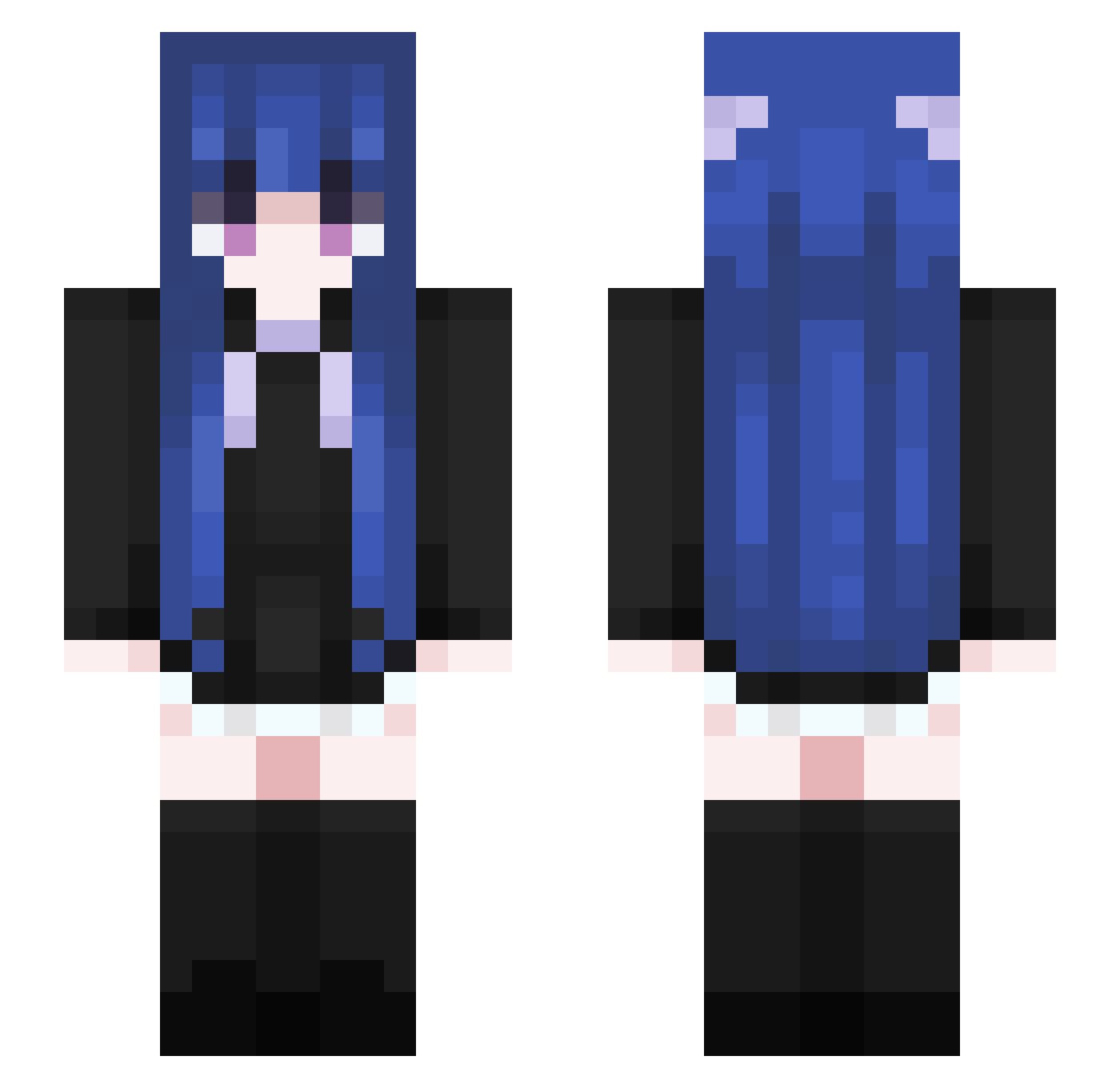
Current Minecraft skin of the player CrazyCatChrisBBB, loaded from the official Mojang API. Rotate the 3D model with your mouse or finger, then download the skin as a PNG file and use it in Minecraft: Bedrock Edition or Java Edition for free. When CrazyCatChrisBBB changes their skin, this page updates automatically and the old skin stays in the history below.
Other players with this skin (591)
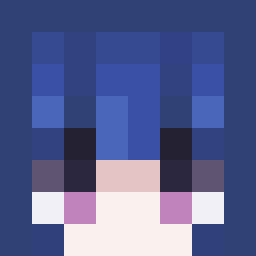
CrazyCatChrisBBB was the 558th player we have seen with this skin, first spotted on 04.11.2026. The same skin was seen on these players. Open a nickname to see their current skin and skin history.
 DrFHCB WolvesYu QWERTYUIOPA F1lower_Face Nightmare122112 Noqay Frozen_Leaf CloudYunyan POAJFPO HeTun1 NC_Jy RusseIl StaunchPig_ k4nata_puzzled Violet5207 KadeAragami pier0_o BlatantHopper dangerscourge A_pyr Deri07 OpenBhop KrispyKreme4LIFE MoLinwww Jingqwq peaceink sch12121 bydhbx SPERALONG lil_Bengel Lxhan tinln RongQia_ SandraAlicia98 MelSMiC XYYINLV RectIand Ragerinaa OrangeBarbie riizen17 kaedeeeeeeeeeee Merle1202 whereverIwant xbzj8 Xiao_Sguo Mirrorlex pinkyYAM rkdus6124 pollkny Ju_ji_ouo_TW wusha3 EinfxchAyliiin S4sh4W4lk3r Amplifier BlaNc8282 PopoLaThug HHHMAO Takemoto_ko Mrxigua HenshinEmergence
More Goth Minecraft skins
How to install the CrazyCatChrisBBB skin
- Press the Download button above to save the skin as a PNG file.
- Minecraft: Bedrock Edition (PE): open the Dressing Room from the main menu (or tap your character → Edit Character), go to Classic Skins → Owned, press the + (new skin) button, choose the downloaded PNG and pick the Slim (Alex) model. Works on PC and mobile; consoles cannot import custom skins.
- Minecraft: Java Edition: open the Minecraft Launcher, go to the Skins tab, click New Skin, load the PNG, pick the Slim (Alex) model and press Save & Use. You can also upload it at minecraft.net → Profile → Change Skin.
The skin does not show up after import - what should I do?
Restart Minecraft and open the Dressing Room again - imported skins sometimes appear only after a restart. Also make sure you selected the imported skin and picked the Slim (Alex) model.
Which model should I choose, Classic or Slim?
This skin is designed for the Slim (Alex) model. If you pick the wrong model, the arms of the skin will look stretched or squeezed.
Is the skin of CrazyCatChrisBBB free to download?
Yes. Press Download, save the PNG file and use it in Minecraft: Bedrock Edition or Java Edition - no payment or registration needed. The skin also works on multiplayer servers and Realms.
More skins
Looking for more? Go back to all Minecraft skins and check the top skins of the week, month and all time, or find any player's skin by nickname.