
CoolGamerOG - Minecraft Skins & Skin History
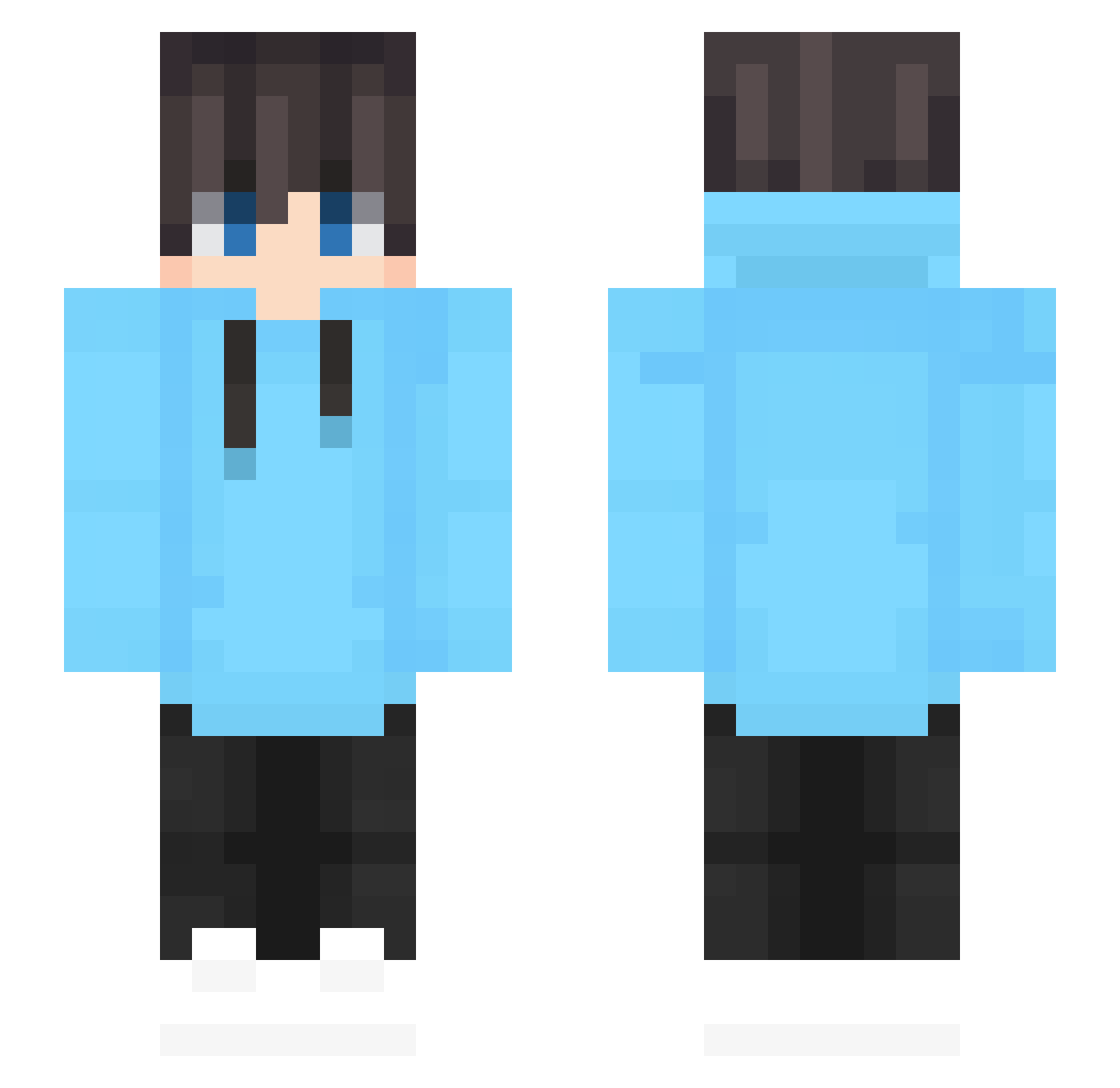
Current Minecraft skin of the player CoolGamerOG, loaded from the official Mojang API. Rotate the 3D model with your mouse or finger, then download the skin as a PNG file and use it in Minecraft: Bedrock Edition or Java Edition for free. When CoolGamerOG changes their skin, this page updates automatically and the old skin stays in the history below.
Other players with this skin (656)
CoolGamerOG was the 493rd player we have seen with this skin, first spotted on 18.10.2026. The same skin was seen on these players. Open a nickname to see their current skin and skin history.
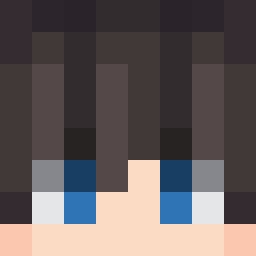 SrMetZli xViPeRx59 LeniadMC zyzzyz huiyu_OvO Arashido leonN1543 ImpostMC Axxxiss _Paradisus langcun sjb0909 alexander_knuts1 Max7109 minseok1211 Haoyue_X TOKA_MAK DuduzinPlays SixMosquito1111 UNKN_Savior KaptanYogurt Mid__ Kimminsung2 batamendez MCLOVER7765 zImMarius adedas17 Joe09052011 Latte8 abi47 ThanhSmoke JustKle SeaWave_SeaWave NickyMorg SpoinkQAQ OnePoints MoYuainiya SukmaBolang Kacper9990000 Ting0706 orangelemon0 GuiHai__ HousingRug22834 Aloe_Gel Crafty_Habib Lavi_kurisu Hye0ng_jjang Lemoncoolie toshi0611 YangF IceSpring1223 CallMeBeeri Oraxez LuMuis GS9_GOD lucaseatsfood Lou_31 Himtifl Citruos Pasw99
How to install the CoolGamerOG skin
- Press the Download button above to save the skin as a PNG file.
- Minecraft: Bedrock Edition (PE): open the Dressing Room from the main menu (or tap your character → Edit Character), go to Classic Skins → Owned, press the + (new skin) button, choose the downloaded PNG and pick the Slim (Alex) model. Works on PC and mobile; consoles cannot import custom skins.
- Minecraft: Java Edition: open the Minecraft Launcher, go to the Skins tab, click New Skin, load the PNG, pick the Slim (Alex) model and press Save & Use. You can also upload it at minecraft.net → Profile → Change Skin.
The skin does not show up after import - what should I do?
Restart Minecraft and open the Dressing Room again - imported skins sometimes appear only after a restart. Also make sure you selected the imported skin and picked the Slim (Alex) model.
Which model should I choose, Classic or Slim?
This skin is designed for the Slim (Alex) model. If you pick the wrong model, the arms of the skin will look stretched or squeezed.
Is the skin of CoolGamerOG free to download?
Yes. Press Download, save the PNG file and use it in Minecraft: Bedrock Edition or Java Edition - no payment or registration needed. The skin also works on multiplayer servers and Realms.
More skins
Looking for more? Go back to all Minecraft skins and check the top skins of the week, month and all time, or find any player's skin by nickname.