
Conmann112 - Minecraft Skins & Skin History
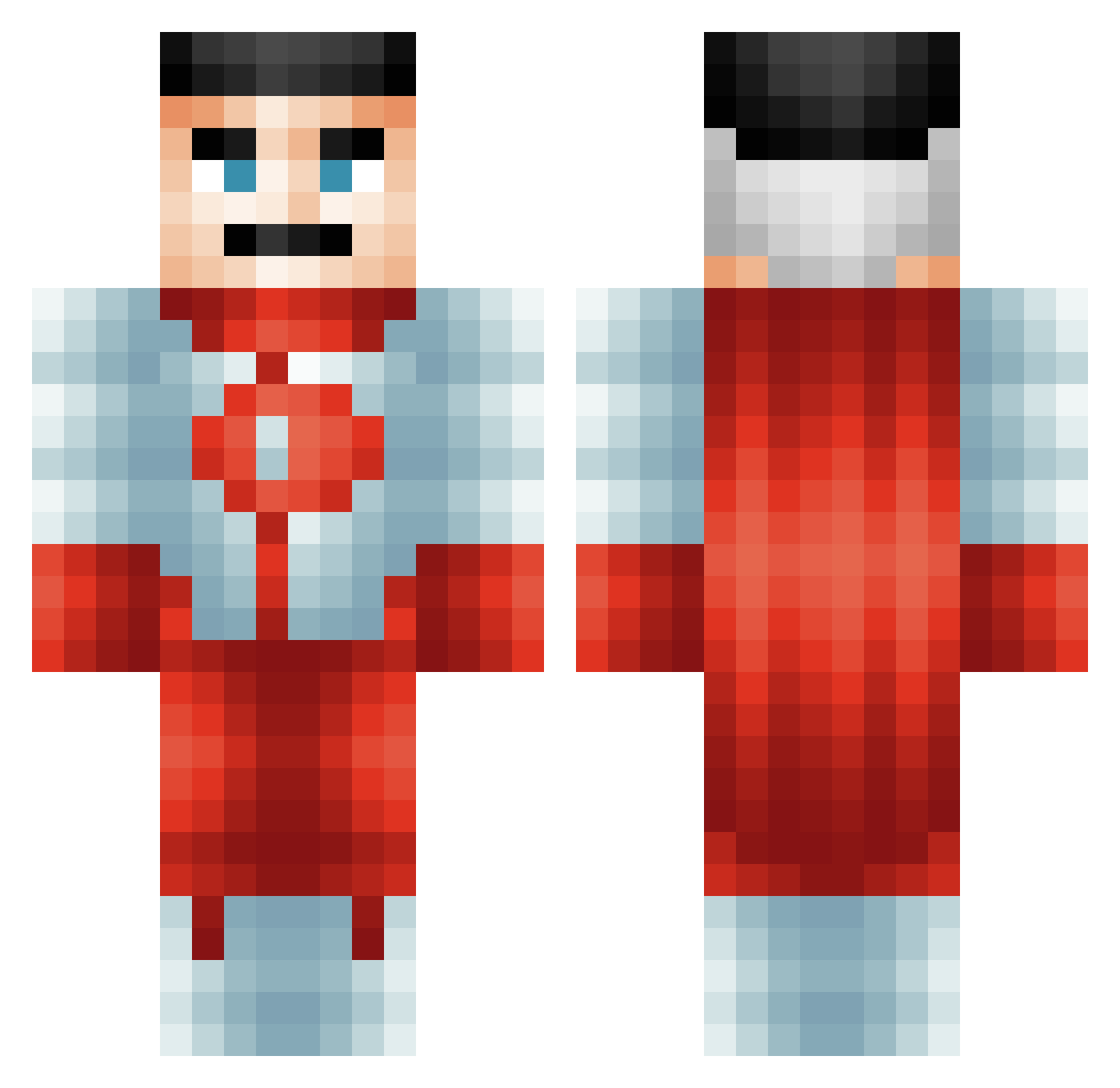
Current Minecraft skin of the player Conmann112, loaded from the official Mojang API. Rotate the 3D model with your mouse or finger, then download the skin as a PNG file and use it in Minecraft: Bedrock Edition or Java Edition for free. When Conmann112 changes their skin, this page updates automatically and the old skin stays in the history below.
Other players with this skin (618)
Conmann112 was the 521st player we have seen with this skin, first spotted on 27.10.2026. The same skin was seen on these players. Open a nickname to see their current skin and skin history.
 fhraud delta2177 Cashed12 ClassicalSmoke yucebugrahan JB_SKYBLOCK rewsa1345 jpswad GandalfDayii BumHead56 YKS_3antar sciper96 Lhrol1234 SuperLeedle itamarami Imperieus Kiroshife xFussy Makor11 ham_bread234 bimpfn Iceman5602 kyle1056 mrice1913 Beastmodepanda12 Ebaum25 PeeRag HaakonF2011 Omniman2 Wispified ReturnofMonkey BeeF_TARS DRPzebragod madisonbailey veronesin Barlow20 Jonas00312345 lucassuzigan okuyas SoulSaturn88 kazuma45 Gmoney1986 Luna_Crazy01 Tristboii Mosef123 Sonin1 BaileyGearbox FranquitoST Nightshade0618 KillerHornet3000 dduchi9 Guriam Andreastico JVH1987 KiiroP Willyum6969 bennyboy005 Libertalia15 TheDoubleD25 JiggglyJiggly
More Omni Man Minecraft skins
How to install the Conmann112 skin
- Press the Download button above to save the skin as a PNG file.
- Minecraft: Bedrock Edition (PE): open the Dressing Room from the main menu (or tap your character → Edit Character), go to Classic Skins → Owned, press the + (new skin) button, choose the downloaded PNG and pick the Classic (Steve) model. Works on PC and mobile; consoles cannot import custom skins.
- Minecraft: Java Edition: open the Minecraft Launcher, go to the Skins tab, click New Skin, load the PNG, pick the Classic (Steve) model and press Save & Use. You can also upload it at minecraft.net → Profile → Change Skin.
The skin does not show up after import - what should I do?
Restart Minecraft and open the Dressing Room again - imported skins sometimes appear only after a restart. Also make sure you selected the imported skin and picked the Classic (Steve) model.
Which model should I choose, Classic or Slim?
This skin is designed for the Classic (Steve) model. If you pick the wrong model, the arms of the skin will look stretched or squeezed.
Is the skin of Conmann112 free to download?
Yes. Press Download, save the PNG file and use it in Minecraft: Bedrock Edition or Java Edition - no payment or registration needed. The skin also works on multiplayer servers and Realms.
More skins
Looking for more? Go back to all Minecraft skins and check the top skins of the week, month and all time, or find any player's skin by nickname.