
Andreastico - Minecraft Skins & Skin History
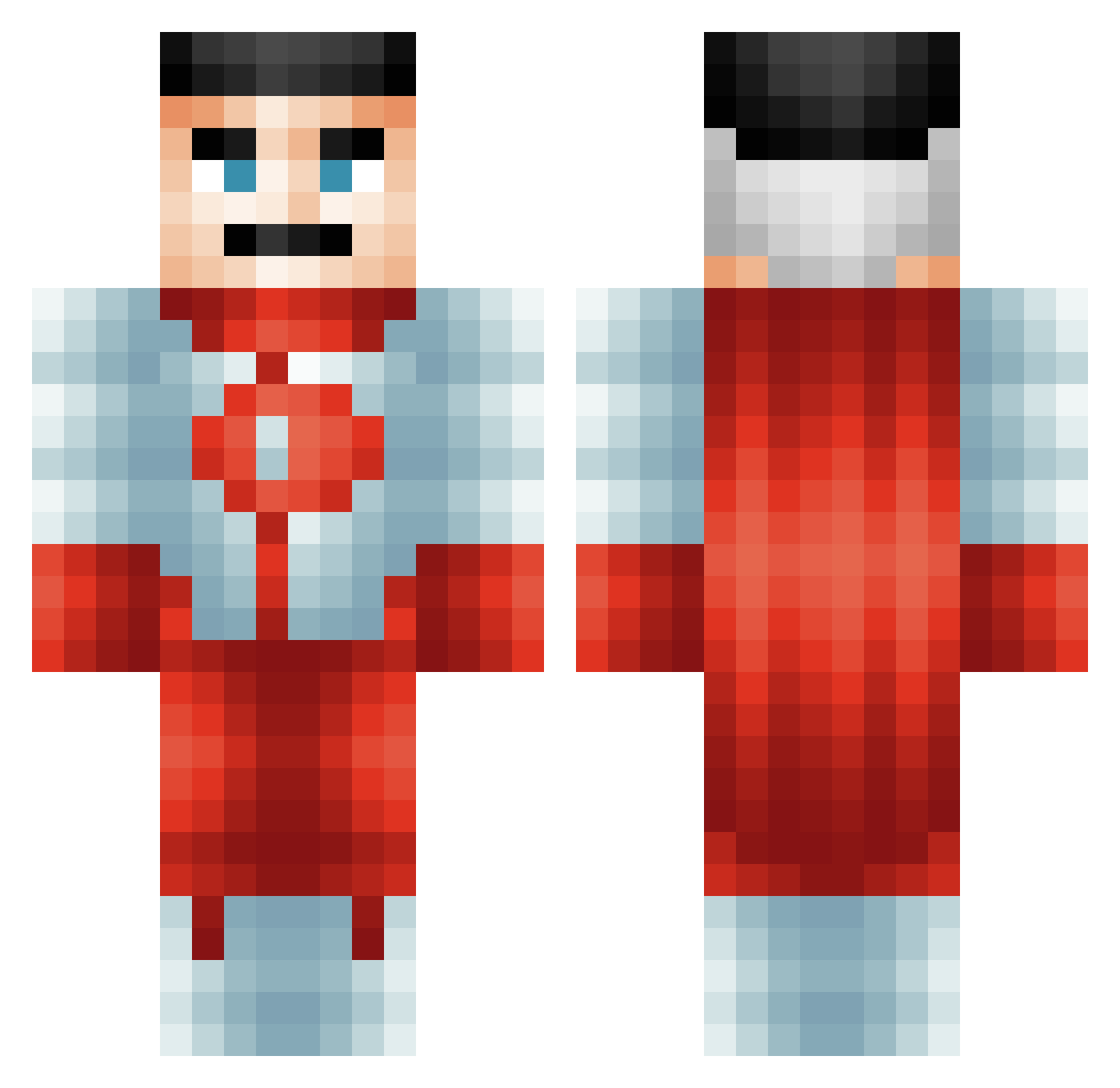
Current Minecraft skin of the player Andreastico, loaded from the official Mojang API. Rotate the 3D model with your mouse or finger, then download the skin as a PNG file and use it in Minecraft: Bedrock Edition or Java Edition for free. When Andreastico changes their skin, this page updates automatically and the old skin stays in the history below.
Other players with this skin (618)
Andreastico was the 495th player we have seen with this skin, first spotted on 23.10.2026. The same skin was seen on these players. Open a nickname to see their current skin and skin history.
 KiiroP Nightshade0618 bennyboy005 TheDoubleD25 mincraftian11 Tristboii Luna_Crazy01 Alexmario2314 kazuma45 okuyas bdussy123 Jonas00312345 Surosez madisonbailey DRPzebragod The_Dark_Knight6 BeeF_TARS ReturnofMonkey AB725 HaakonF2011 PeeRag Beastmodepanda12 Mainplayer Vngiinz AlexZyra N3yxx Makor11 Ahmetiokl BobrDobr228 Kiroshife SuperLeedle sciper96 YKS_3antar BumHead56 GandalfDayii jpswad MrCheeseMan28 FantaVR__ yucebugrahan Cashed12 delta2177 CalicoGang DearSweaty fire_tiger11 fhraud Chonns_Bevvss riotshieldguy Conmann112 PickleBoss1111v2 scienceboy123 Floordaniels shaqelonel_1023 goose_tamer MuteDEV OwnedMagician ClassicalSmoke astrokiller JB_SKYBLOCK rewsa1345 coinracer
More Omni Man Minecraft skins
How to install the Andreastico skin
- Press the Download button above to save the skin as a PNG file.
- Minecraft: Bedrock Edition (PE): open the Dressing Room from the main menu (or tap your character → Edit Character), go to Classic Skins → Owned, press the + (new skin) button, choose the downloaded PNG and pick the Classic (Steve) model. Works on PC and mobile; consoles cannot import custom skins.
- Minecraft: Java Edition: open the Minecraft Launcher, go to the Skins tab, click New Skin, load the PNG, pick the Classic (Steve) model and press Save & Use. You can also upload it at minecraft.net → Profile → Change Skin.
The skin does not show up after import - what should I do?
Restart Minecraft and open the Dressing Room again - imported skins sometimes appear only after a restart. Also make sure you selected the imported skin and picked the Classic (Steve) model.
Which model should I choose, Classic or Slim?
This skin is designed for the Classic (Steve) model. If you pick the wrong model, the arms of the skin will look stretched or squeezed.
Is the skin of Andreastico free to download?
Yes. Press Download, save the PNG file and use it in Minecraft: Bedrock Edition or Java Edition - no payment or registration needed. The skin also works on multiplayer servers and Realms.
More skins
Looking for more? Go back to all Minecraft skins and check the top skins of the week, month and all time, or find any player's skin by nickname.