
Chungsi - Minecraft Skins & Skin History
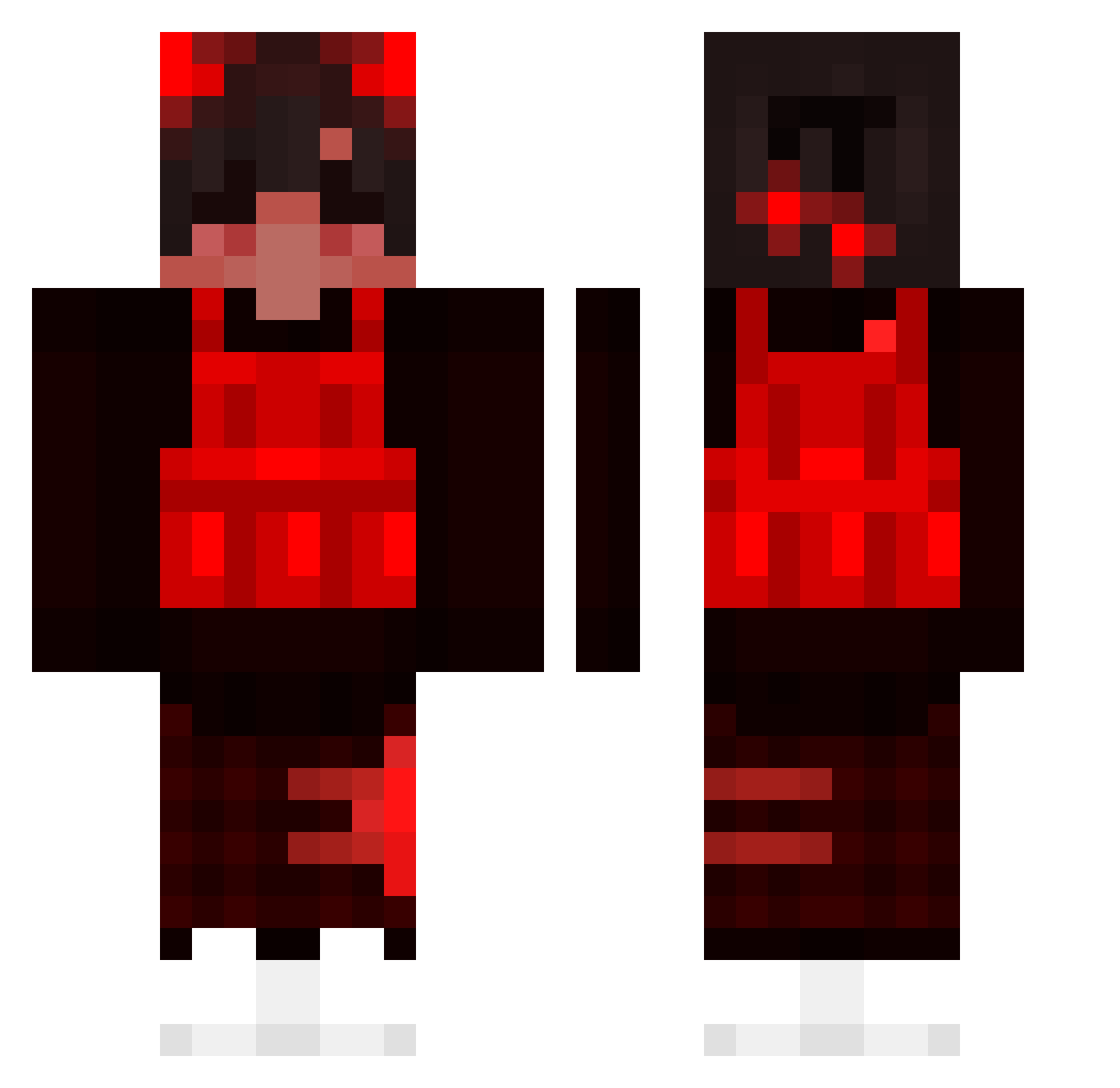
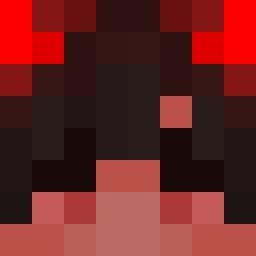
Current Minecraft skin of the player Chungsi, loaded from the official Mojang API. Rotate the 3D model with your mouse or finger, then download the skin as a PNG file and use it in Minecraft: Bedrock Edition or Java Edition for free. When Chungsi changes their skin, this page updates automatically and the old skin stays in the history below.
Other players with this skin (194)
Chungsi was the 135th player we have seen with this skin, first spotted on 13.10.2026. The same skin was seen on these players. Open a nickname to see their current skin and skin history.
 the_OneShoT YungHuskYT QuenedR Gelation WholeBoss dioptase22 TFK_Blood VexOnline TayZez Auesj 10iiikeerr Granzberg Maario_ Amerykaa rothchild Gamercacasophie iTempestx XanterrX prasca14 Clinch_ Chikitin_15 shaurmanop l1ghtqss bashoges nvqzr Ezizh_ SCHEMABOY__ ajs2 beikwell 4elove4ek007 Dinoramler Spideyu xTha_ Marini05 LawandL Snuppie99 nyexh69 Sailor_Artemis Flight0906 zElixir Pizzabwe Sergiuszekkk 3LOY_LIF minecraftisgood6 SuperhighX HighlySuspected zbrxzy Opaul12 DatDudeAJ Kyojin1997 eray63 _baga__ ottertyp Inerlijk miguel2727 Sawu1001 Snaffey Protector9119 Twitch_Jayzdemon Tommieboy04
How to install the Chungsi skin
- Press the Download button above to save the skin as a PNG file.
- Minecraft: Bedrock Edition (PE): open the Dressing Room from the main menu (or tap your character → Edit Character), go to Classic Skins → Owned, press the + (new skin) button, choose the downloaded PNG and pick the Classic (Steve) model. Works on PC and mobile; consoles cannot import custom skins.
- Minecraft: Java Edition: open the Minecraft Launcher, go to the Skins tab, click New Skin, load the PNG, pick the Classic (Steve) model and press Save & Use. You can also upload it at minecraft.net → Profile → Change Skin.
The skin does not show up after import - what should I do?
Restart Minecraft and open the Dressing Room again - imported skins sometimes appear only after a restart. Also make sure you selected the imported skin and picked the Classic (Steve) model.
Which model should I choose, Classic or Slim?
This skin is designed for the Classic (Steve) model. If you pick the wrong model, the arms of the skin will look stretched or squeezed.
Is the skin of Chungsi free to download?
Yes. Press Download, save the PNG file and use it in Minecraft: Bedrock Edition or Java Edition - no payment or registration needed. The skin also works on multiplayer servers and Realms.
More skins
Looking for more? Go back to all Minecraft skins and check the top skins of the week, month and all time, or find any player's skin by nickname.