
Chantillyny - Minecraft Skins & Skin History
Current Minecraft skin of the player Chantillyny, loaded from the official Mojang API. Rotate the 3D model with your mouse or finger, then download the skin as a PNG file and use it in Minecraft: Bedrock Edition or Java Edition for free. When Chantillyny changes their skin, this page updates automatically and the old skin stays in the history below.
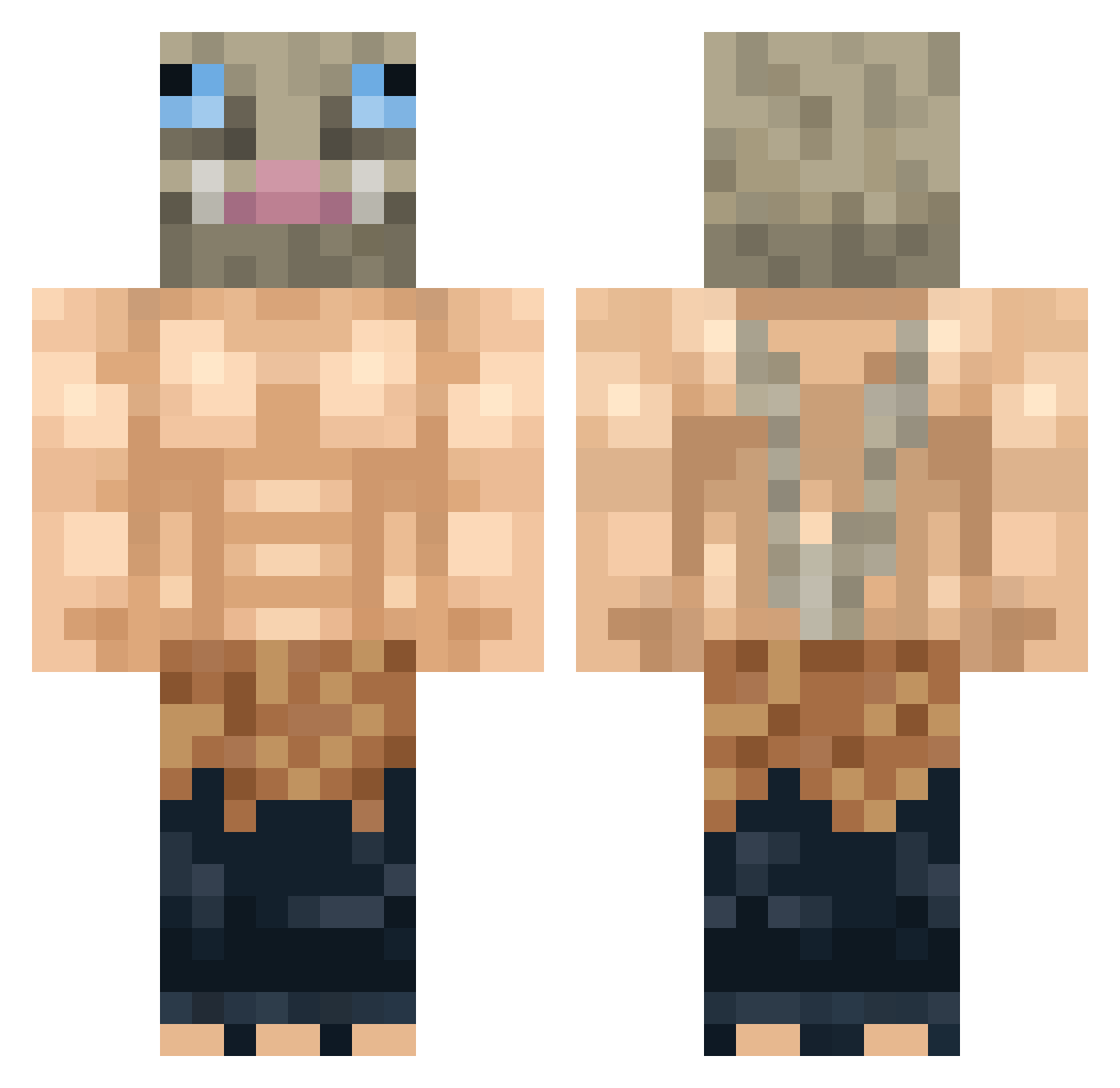
Other players with this skin (391)
Chantillyny was the 306th player we have seen with this skin, first spotted on 24.10.2026. The same skin was seen on these players. Open a nickname to see their current skin and skin history.
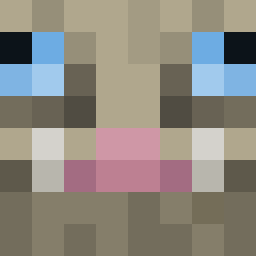 BSM1887 sanciomax chubbycheaks422 Cxscade Scaelord VaPiD_FaLc0n Amantikir tonxatic Treco Lacksito Taaha125 Calabresa777 RisenFenicks D4nd0 jjhayward NyneTTV Grieveran Mr_CyanMan JustC4llMeJoe Ignosuke PapaBenji99 381ibet_ilsnola demogorgan2239 Yukai_Seco CosmicCurse GTeEN Munchley Guimaa22 saiyangamer05 Neegwa Vurdugla Blinderansturm LiquidShaft10 TRUEWOLF_ Anubek PayOuu AquaticAvocado KevinMT98 maggyo Soild_Snail Fumante_BR Matoza emiliogutr NONO023 Bakuboob Dommel69 Inosuke_UwU TundH2 VinZeee Arkannd RushinLikeABoar ReynerZ7 Macys_Cool Obitosmangekyou MAGDIGHOST R5nGer Nicrosini TameOpala Silke357 TexonHD
More Boar Mask Minecraft skins
How to install the Chantillyny skin
- Press the Download button above to save the skin as a PNG file.
- Minecraft: Bedrock Edition (PE): open the Dressing Room from the main menu (or tap your character → Edit Character), go to Classic Skins → Owned, press the + (new skin) button, choose the downloaded PNG and pick the Classic (Steve) model. Works on PC and mobile; consoles cannot import custom skins.
- Minecraft: Java Edition: open the Minecraft Launcher, go to the Skins tab, click New Skin, load the PNG, pick the Classic (Steve) model and press Save & Use. You can also upload it at minecraft.net → Profile → Change Skin.
The skin does not show up after import - what should I do?
Restart Minecraft and open the Dressing Room again - imported skins sometimes appear only after a restart. Also make sure you selected the imported skin and picked the Classic (Steve) model.
Which model should I choose, Classic or Slim?
This skin is designed for the Classic (Steve) model. If you pick the wrong model, the arms of the skin will look stretched or squeezed.
Is the skin of Chantillyny free to download?
Yes. Press Download, save the PNG file and use it in Minecraft: Bedrock Edition or Java Edition - no payment or registration needed. The skin also works on multiplayer servers and Realms.
More skins
Looking for more? Go back to all Minecraft skins and check the top skins of the week, month and all time, or find any player's skin by nickname.