
AustinNielson - Minecraft Skins & Skin History
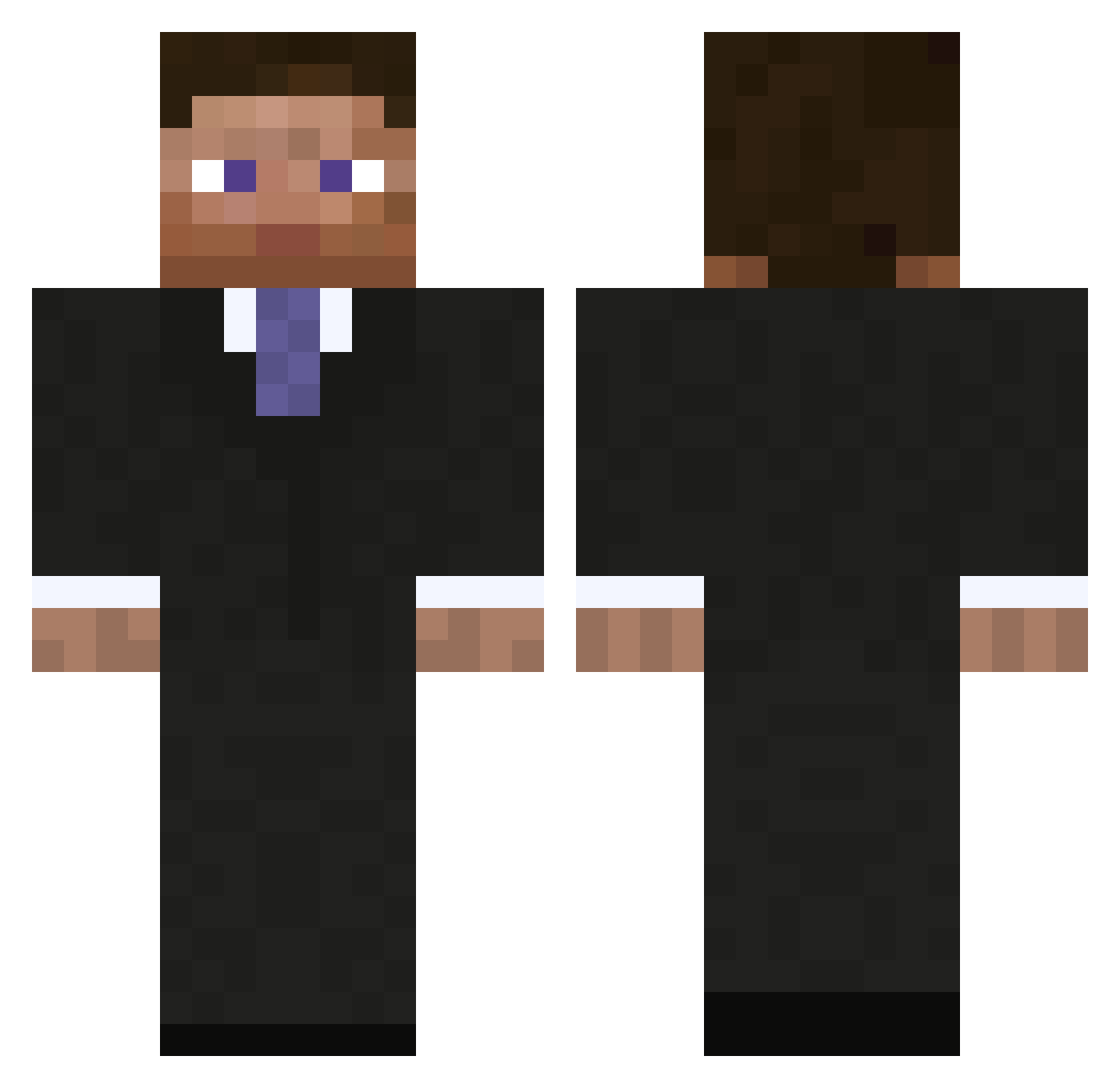
Current Minecraft skin of the player AustinNielson, loaded from the official Mojang API. Rotate the 3D model with your mouse or finger, then download the skin as a PNG file and use it in Minecraft: Bedrock Edition or Java Edition for free. When AustinNielson changes their skin, this page updates automatically and the old skin stays in the history below.
Other players with this skin (1008)
AustinNielson was the 868th player we have seen with this skin, first spotted on 24.10.2026. The same skin was seen on these players. Open a nickname to see their current skin and skin history.
 masterflannel seven_souls01 ExClaimTrick HumbleRodent Dobie67 Falping kuzya Xunlay Mwasted themetime123 JumpOnMe rassack17 razze_h OTaddesse TheChopper1997 IamMarshall almostdawson MasterChase23 dxxTheChosenOne bbqlolomg TT94230 frost_fox YungFok comander3937 Kronomic Murfje fds1233 boondock_61 fightchoclate connor254 mrmeeper Karlsens MrMee3 Marximera Douraine bjoernd99 whoelse01 Nikkap9 bcormier superman1337x AdamB301 xNerz74 davidtheking100 Smellybear19 Snake2105 thesaltman13 csprkst iKingJosh skbharman Maiikee SpeshalAlt15 Speaar oASANGo plantsrightsrep Youandi2003 geckomaster5 Boogieman44 Gyrrith_Ealon Roxden CyberianhuZky
More Businessman Minecraft skins
See all 6735 Businessman skins
How to install the AustinNielson skin
- Press the Download button above to save the skin as a PNG file.
- Minecraft: Bedrock Edition (PE): open the Dressing Room from the main menu (or tap your character → Edit Character), go to Classic Skins → Owned, press the + (new skin) button, choose the downloaded PNG and pick the Classic (Steve) model. Works on PC and mobile; consoles cannot import custom skins.
- Minecraft: Java Edition: open the Minecraft Launcher, go to the Skins tab, click New Skin, load the PNG, pick the Classic (Steve) model and press Save & Use. You can also upload it at minecraft.net → Profile → Change Skin.
The skin does not show up after import - what should I do?
Restart Minecraft and open the Dressing Room again - imported skins sometimes appear only after a restart. Also make sure you selected the imported skin and picked the Classic (Steve) model.
Which model should I choose, Classic or Slim?
This skin is designed for the Classic (Steve) model. If you pick the wrong model, the arms of the skin will look stretched or squeezed.
Is the skin of AustinNielson free to download?
Yes. Press Download, save the PNG file and use it in Minecraft: Bedrock Edition or Java Edition - no payment or registration needed. The skin also works on multiplayer servers and Realms.
More skins
Looking for more? Go back to all Minecraft skins and check the top skins of the week, month and all time, or find any player's skin by nickname.