
Aryo290 - Minecraft Skins & Skin History
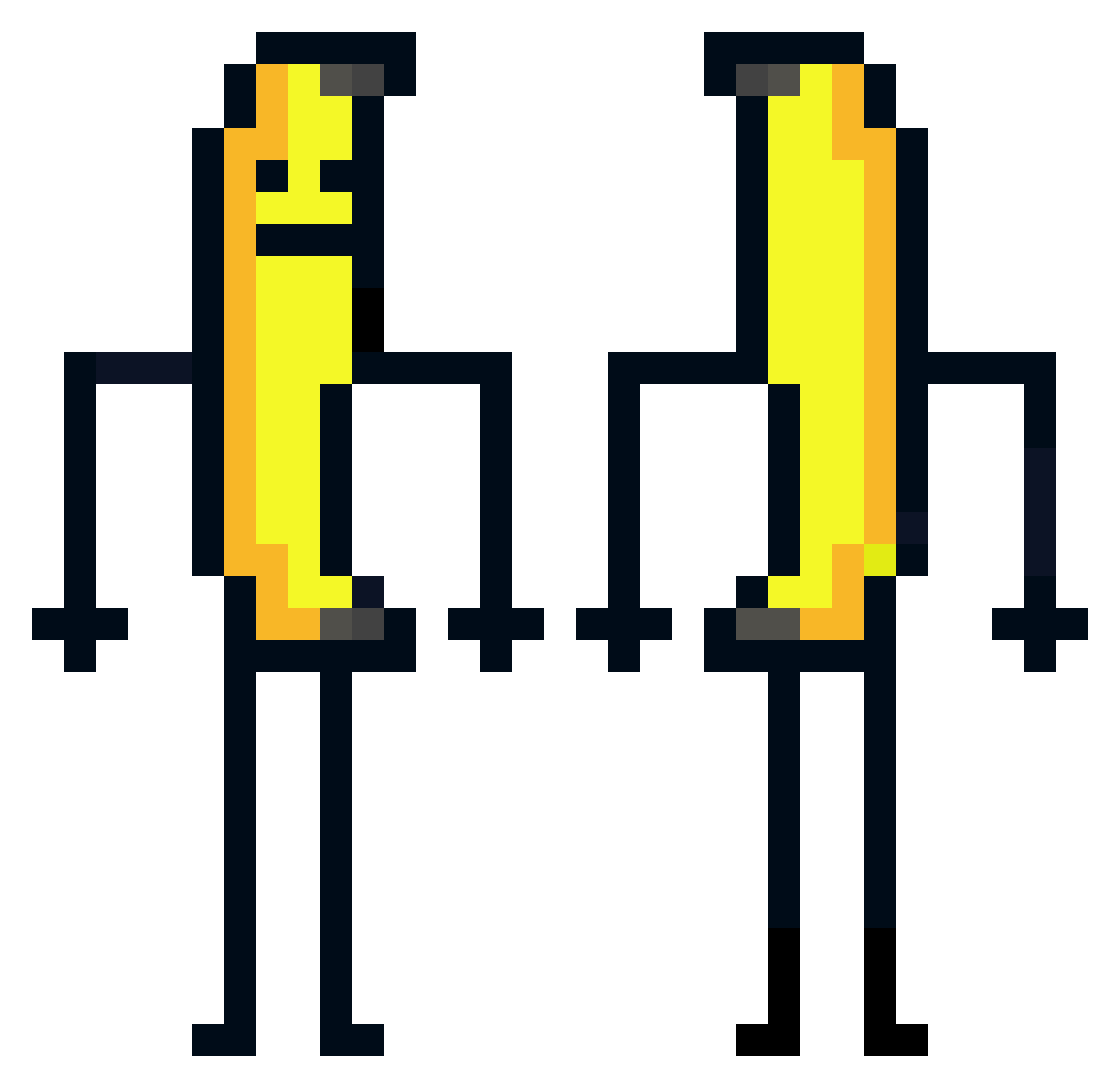
Current Minecraft skin of the player Aryo290, loaded from the official Mojang API. Rotate the 3D model with your mouse or finger, then download the skin as a PNG file and use it in Minecraft: Bedrock Edition or Java Edition for free. When Aryo290 changes their skin, this page updates automatically and the old skin stays in the history below.
Other players with this skin (583)
Aryo290 was the 523rd player we have seen with this skin, first spotted on 29.10.2026. The same skin was seen on these players. Open a nickname to see their current skin and skin history.
 NzK260 ItzS1len_ hallowin7 Terms_Conditions Soggydonut2 Pho3nixYT marcokouwer NaizziaN Zandy411 Kuenyy Bloom_576 kekrik0 alwayzskibidi Eisomarto unlikely_name KOR_gagreen2 RoyalKazik Skawinjr AKironhead iFearPro cannedbean234 LightTwizzy Dunutti Tingya7552 Ibopoto6400 NEWNIFT gigalnyeo Gigasaurusus JohnGembo tidyrobin789 xiaomiredminote2 Ewensimba01 Infinity_21 Bumblesnort67 Lunacy_jules Jason_K1 MoonLordGay FGFF6910 seoj0107 WinnerOG OlympusBot2 Nicochan5K Mumbo17 CanPk14 Kadivis_ Servie0511 xix_ix Spongydrift21 MyNameIsBibouche Celiaoderso Dedette49 anazk B_NardPaul Kardinolas3337 CHICKENDNUGGET SSO_H Kennyrar plschuy Vridoo smolphie
More Banana Minecraft skins
How to install the Aryo290 skin
- Press the Download button above to save the skin as a PNG file.
- Minecraft: Bedrock Edition (PE): open the Dressing Room from the main menu (or tap your character → Edit Character), go to Classic Skins → Owned, press the + (new skin) button, choose the downloaded PNG and pick the Classic (Steve) model. Works on PC and mobile; consoles cannot import custom skins.
- Minecraft: Java Edition: open the Minecraft Launcher, go to the Skins tab, click New Skin, load the PNG, pick the Classic (Steve) model and press Save & Use. You can also upload it at minecraft.net → Profile → Change Skin.
The skin does not show up after import - what should I do?
Restart Minecraft and open the Dressing Room again - imported skins sometimes appear only after a restart. Also make sure you selected the imported skin and picked the Classic (Steve) model.
Which model should I choose, Classic or Slim?
This skin is designed for the Classic (Steve) model. If you pick the wrong model, the arms of the skin will look stretched or squeezed.
Is the skin of Aryo290 free to download?
Yes. Press Download, save the PNG file and use it in Minecraft: Bedrock Edition or Java Edition - no payment or registration needed. The skin also works on multiplayer servers and Realms.
More skins
Looking for more? Go back to all Minecraft skins and check the top skins of the week, month and all time, or find any player's skin by nickname.