
 Bbo0o S5aMpLe POCOYO9177 ChocolatNoirr DonChinjaoo Esipode EbbeEbola Luis007117 LilTapir Ib_Mary BigFloopalol Sezuur jacobenisko Saucinkhi Irgentwie98 Vizzi738 KASSPIK ExpiredSnacks Lil_Daze ScarySue Kermit_De_Frog22 phat_middle_part Blitu raam_ Baller__ AATILAA Arsynd Scheps Jestem_Czolgiem MLTmaxress Salad_A_s_s bcowan Hurleventre yvvvn_ ger1man alva06 hanskazan69 AsmetX444XD acidkeep Serious_Ryan Knifeofknives Galmag22 Wohooo lil_doop 6MachineYJM PhilippBu ButcherBeetle Th_MineCrafter KarlCow Hanngren christianc6 Vitalate Funky_Junky1 ZhaoXuanDong Wayne0921 Felix_2213 AboFahad99551 Metierre fuxckapeach CAPTxCharisma
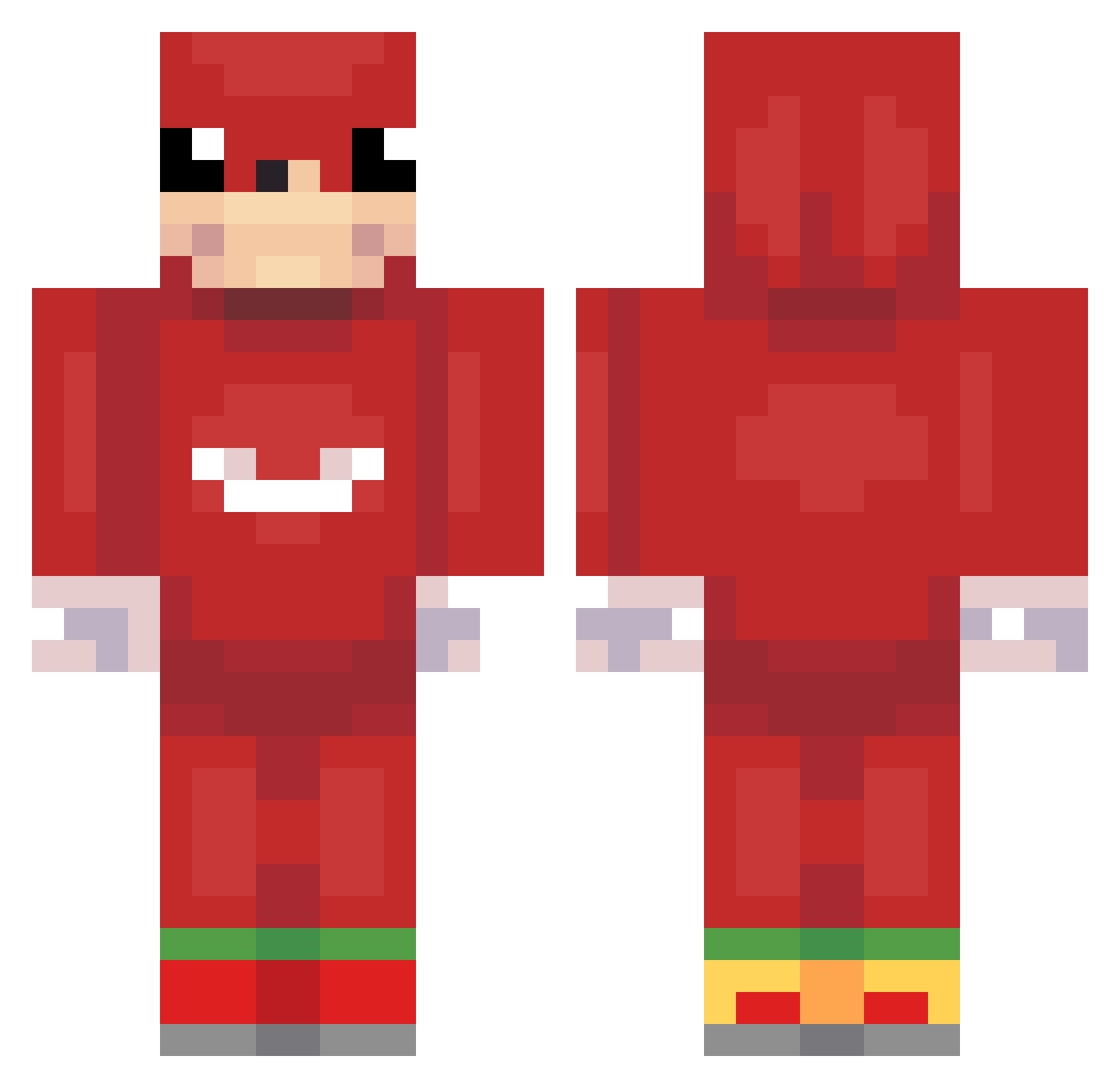
Minecraft skin of wjdrlf1231. Rotate the 3D model with your mouse or finger to view the skin from every angle, then download it as a PNG file and use it in Minecraft: Bedrock Edition or Java Edition for free. Rate the skin with stars to help other players find the best skins in our collection.
How to install the wjdrlf1231 skin
- Press the Download button above to save the skin as a PNG file.
- Minecraft: Bedrock Edition (PE): open the Dressing Room from the main menu (or tap your character → Edit Character), go to Classic Skins → Owned, press the + (new skin) button, choose the downloaded PNG and pick the Classic (Steve) model. Works on PC and mobile; consoles cannot import custom skins.
- Minecraft: Java Edition: open the Minecraft Launcher, go to the Skins tab, click New Skin, load the PNG, pick the Classic (Steve) model and press Save & Use. You can also upload it at minecraft.net → Profile → Change Skin.
The skin does not show up after import - what should I do?
Restart Minecraft and open the Dressing Room again - imported skins sometimes appear only after a restart. Also make sure you selected the imported skin and picked the Classic (Steve) model.
Which model should I choose, Classic or Slim?
This skin is designed for the Classic (Steve) model. If you pick the wrong model, the arms of the skin will look stretched or squeezed.
Is this skin free to use?
Yes. Press Download, save the PNG file and use it in Minecraft: Bedrock Edition or Java Edition - no payment or registration needed. The skin also works on multiplayer servers and Realms.
More Ugandan Knuckles Minecraft skins
See all 62 Ugandan Knuckles skins
More skins
Looking for more? Go back to all Minecraft skins and check the top skins of the week, month and all time, or find any player's skin by nickname.