
yome007 - Minecraft Skins & Skin History
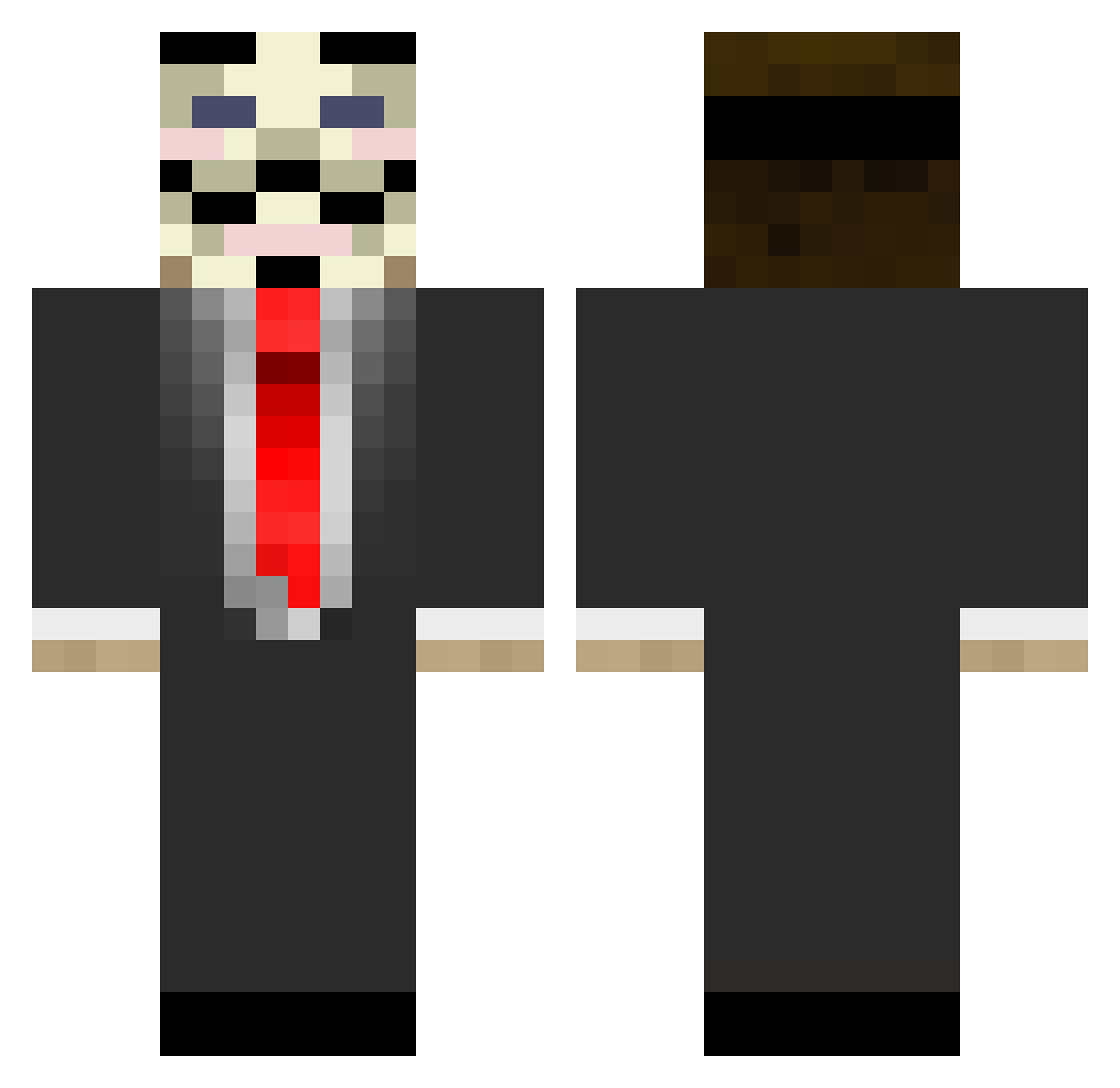
Current Minecraft skin of the player yome007, loaded from the official Mojang API. Rotate the 3D model with your mouse or finger, then download the skin as a PNG file and use it in Minecraft: Bedrock Edition or Java Edition for free. When yome007 changes their skin, this page updates automatically and the old skin stays in the history below.
Other players with this skin (882)
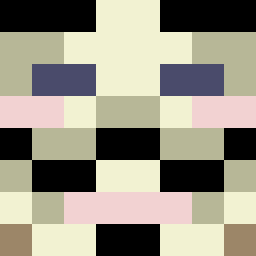
yome007 was the 713th player we have seen with this skin, first spotted on 24.10.2026. The same skin was seen on these players. Open a nickname to see their current skin and skin history.
 3PIC_KILL3R Foshy babuyannick prinz7710 j1zz1 McGuardian ffravenone TheSpecters Tristanms EpsilonOverlord NICH3 sebavdh Gouloumdoume MrBombastic25 CottonPick3r laplante00 ThePTHMaster BendoRT Potatio terskatirallaa Eviade Snowwewhite15 CalamityTrigger _A_Stranger_ Skps Alpine9 longyy RADXD Anonymous2909 kri5tof3r twinbaron 21xBlackxHawkx94 Frejig eeeetienne Void014 swejoh123 Monster5177 IgReZy meteor_brothers Egillbesti1 sul0424 Chippsters Super_Toilette TheBeastEver Bebsiij startelex Eddecool2012 Restrive xanxus109 artabear TropicalTrickz WeedOwnage woojin1317 moneF sstrungis eagleglider ItsSimplyTom fasoll Kyson_42 JUNIOR_CAT
More V For Vendetta Minecraft skins
See all 315 V For Vendetta skins
How to install the yome007 skin
- Press the Download button above to save the skin as a PNG file.
- Minecraft: Bedrock Edition (PE): open the Dressing Room from the main menu (or tap your character → Edit Character), go to Classic Skins → Owned, press the + (new skin) button, choose the downloaded PNG and pick the Classic (Steve) model. Works on PC and mobile; consoles cannot import custom skins.
- Minecraft: Java Edition: open the Minecraft Launcher, go to the Skins tab, click New Skin, load the PNG, pick the Classic (Steve) model and press Save & Use. You can also upload it at minecraft.net → Profile → Change Skin.
The skin does not show up after import - what should I do?
Restart Minecraft and open the Dressing Room again - imported skins sometimes appear only after a restart. Also make sure you selected the imported skin and picked the Classic (Steve) model.
Which model should I choose, Classic or Slim?
This skin is designed for the Classic (Steve) model. If you pick the wrong model, the arms of the skin will look stretched or squeezed.
Is the skin of yome007 free to download?
Yes. Press Download, save the PNG file and use it in Minecraft: Bedrock Edition or Java Edition - no payment or registration needed. The skin also works on multiplayer servers and Realms.
More skins
Looking for more? Go back to all Minecraft skins and check the top skins of the week, month and all time, or find any player's skin by nickname.