
xxllxllxx - Minecraft Skins & Skin History
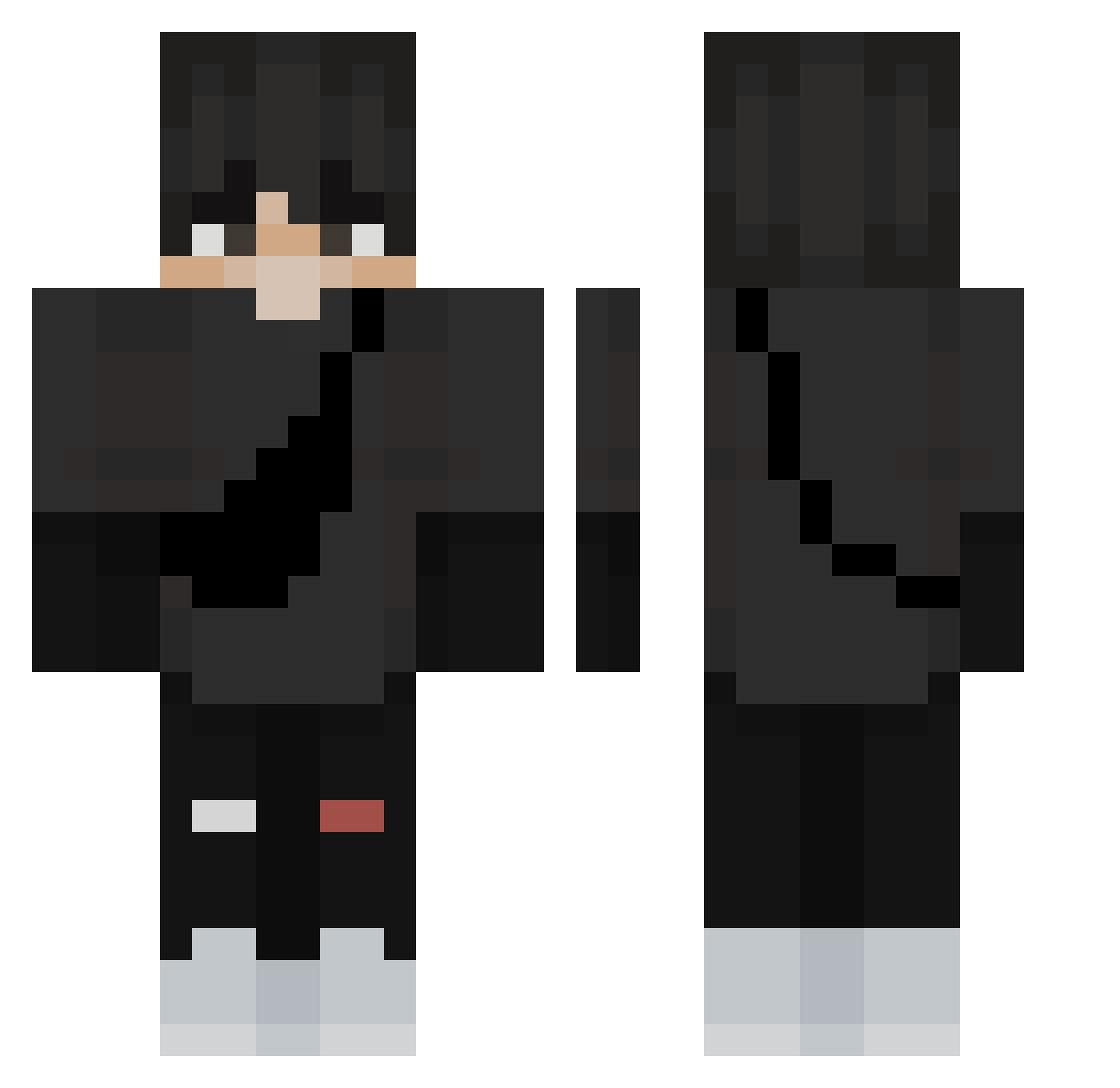
Current Minecraft skin of the player xxllxllxx, loaded from the official Mojang API. Rotate the 3D model with your mouse or finger, then download the skin as a PNG file and use it in Minecraft: Bedrock Edition or Java Edition for free. When xxllxllxx changes their skin, this page updates automatically and the old skin stays in the history below.
Other players with this skin (367)
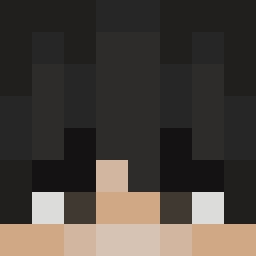
xxllxllxx was the 334th player we have seen with this skin, first spotted on 03.11.2026. The same skin was seen on these players. Open a nickname to see their current skin and skin history.
 Magm0rtar Mike19036 Mrizzuu the_ethan_uwu ViktorZacho JoshPro134 Skrobol1 xiaozhan00 wcaleniekapiq Systemfehler98 Juanma24 Lepotedecoca CrustyEarwax123 zozy_koak SolitaryGem mvrc3l BernardoTxa SrGive jimin0523 michulx Brutal_Pinguins Patricks97 XxCrypticx layzhayu_ AlittleBin Crackers89 GS_ChetoProGamer Lenje Dovakin2827 Mo1stBagelz jinyejun421 EnvixityPlays DenviStrqfe Mesloi latencyalexx Mark0Best masnybartek15 Cabraaal Owen_is_loco smok112 HuGooNotFound Dudlas13 steven159 stephix1999 DaintyWall skatergirl987 NotSaumil FrostyFlowz Break1ngRules NotMarkey Sphin_x BlazingDingo superplayer734 Govkelevic leoken123 nicksfps OfficerCracki mintak2436 Blendi93 Xx_Suvi_xX
More E Boy Minecraft skins
How to install the xxllxllxx skin
- Press the Download button above to save the skin as a PNG file.
- Minecraft: Bedrock Edition (PE): open the Dressing Room from the main menu (or tap your character → Edit Character), go to Classic Skins → Owned, press the + (new skin) button, choose the downloaded PNG and pick the Classic (Steve) model. Works on PC and mobile; consoles cannot import custom skins.
- Minecraft: Java Edition: open the Minecraft Launcher, go to the Skins tab, click New Skin, load the PNG, pick the Classic (Steve) model and press Save & Use. You can also upload it at minecraft.net → Profile → Change Skin.
The skin does not show up after import - what should I do?
Restart Minecraft and open the Dressing Room again - imported skins sometimes appear only after a restart. Also make sure you selected the imported skin and picked the Classic (Steve) model.
Which model should I choose, Classic or Slim?
This skin is designed for the Classic (Steve) model. If you pick the wrong model, the arms of the skin will look stretched or squeezed.
Is the skin of xxllxllxx free to download?
Yes. Press Download, save the PNG file and use it in Minecraft: Bedrock Edition or Java Edition - no payment or registration needed. The skin also works on multiplayer servers and Realms.
More skins
Looking for more? Go back to all Minecraft skins and check the top skins of the week, month and all time, or find any player's skin by nickname.