
xxentreaty - Minecraft Skins & Skin History
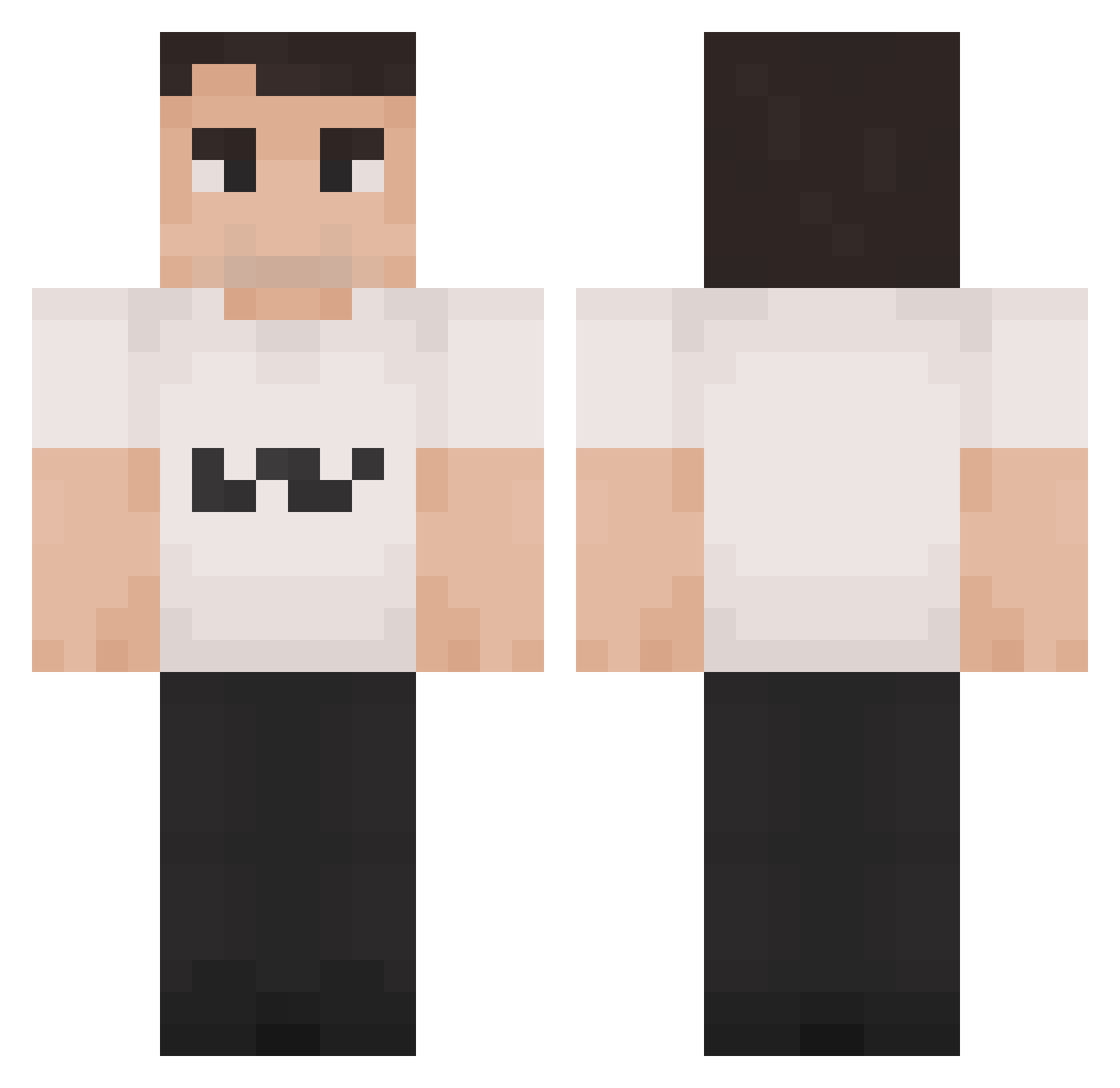
Current Minecraft skin of the player xxentreaty, loaded from the official Mojang API. Rotate the 3D model with your mouse or finger, then download the skin as a PNG file and use it in Minecraft: Bedrock Edition or Java Edition for free. When xxentreaty changes their skin, this page updates automatically and the old skin stays in the history below.
Other players with this skin (1421)
xxentreaty was the 1112th player we have seen with this skin, first spotted on 17.10.2026. The same skin was seen on these players. Open a nickname to see their current skin and skin history.
 DrMowMow nagantiful Roadrunner95 grupaTV orkjoc Addisontoesinme da_jiba anialation bryxly IlKappaa Legitfountain17 Yoshiblud LordFunger Hubson98 agarthanga nierax23 Nonope Sebudian vegitable82 Charlie_kirk1 Jimiromaiton Remgarr imannaufal2 Vlaskov Birimbau899 fesfgvzrsweg RobloxPredator ibamboozle GhrineeR kotaspotas Teerjan Zeyska NoobIsPro42 kanyesouthh grieel Mystic2773 TeusTurbo kylegreen8 hallowplug poteznyjerry huu37 dukafi yxruu escojammin tumbapuchas69 floppitybopps lovinlogan TraitorofItali XxxWeegeexxX NolgeDog Rezmint theHrony FuzzyCheeseYT Carelesskarma71 gajinhobue lapersonamasfina XxSolarXx125 Greaseboi123 Zekobolita Joshua9285
More Schlatt Minecraft skins
How to install the xxentreaty skin
- Press the Download button above to save the skin as a PNG file.
- Minecraft: Bedrock Edition (PE): open the Dressing Room from the main menu (or tap your character → Edit Character), go to Classic Skins → Owned, press the + (new skin) button, choose the downloaded PNG and pick the Classic (Steve) model. Works on PC and mobile; consoles cannot import custom skins.
- Minecraft: Java Edition: open the Minecraft Launcher, go to the Skins tab, click New Skin, load the PNG, pick the Classic (Steve) model and press Save & Use. You can also upload it at minecraft.net → Profile → Change Skin.
The skin does not show up after import - what should I do?
Restart Minecraft and open the Dressing Room again - imported skins sometimes appear only after a restart. Also make sure you selected the imported skin and picked the Classic (Steve) model.
Which model should I choose, Classic or Slim?
This skin is designed for the Classic (Steve) model. If you pick the wrong model, the arms of the skin will look stretched or squeezed.
Is the skin of xxentreaty free to download?
Yes. Press Download, save the PNG file and use it in Minecraft: Bedrock Edition or Java Edition - no payment or registration needed. The skin also works on multiplayer servers and Realms.
More skins
Looking for more? Go back to all Minecraft skins and check the top skins of the week, month and all time, or find any player's skin by nickname.