
wyting - Minecraft Skins & Skin History
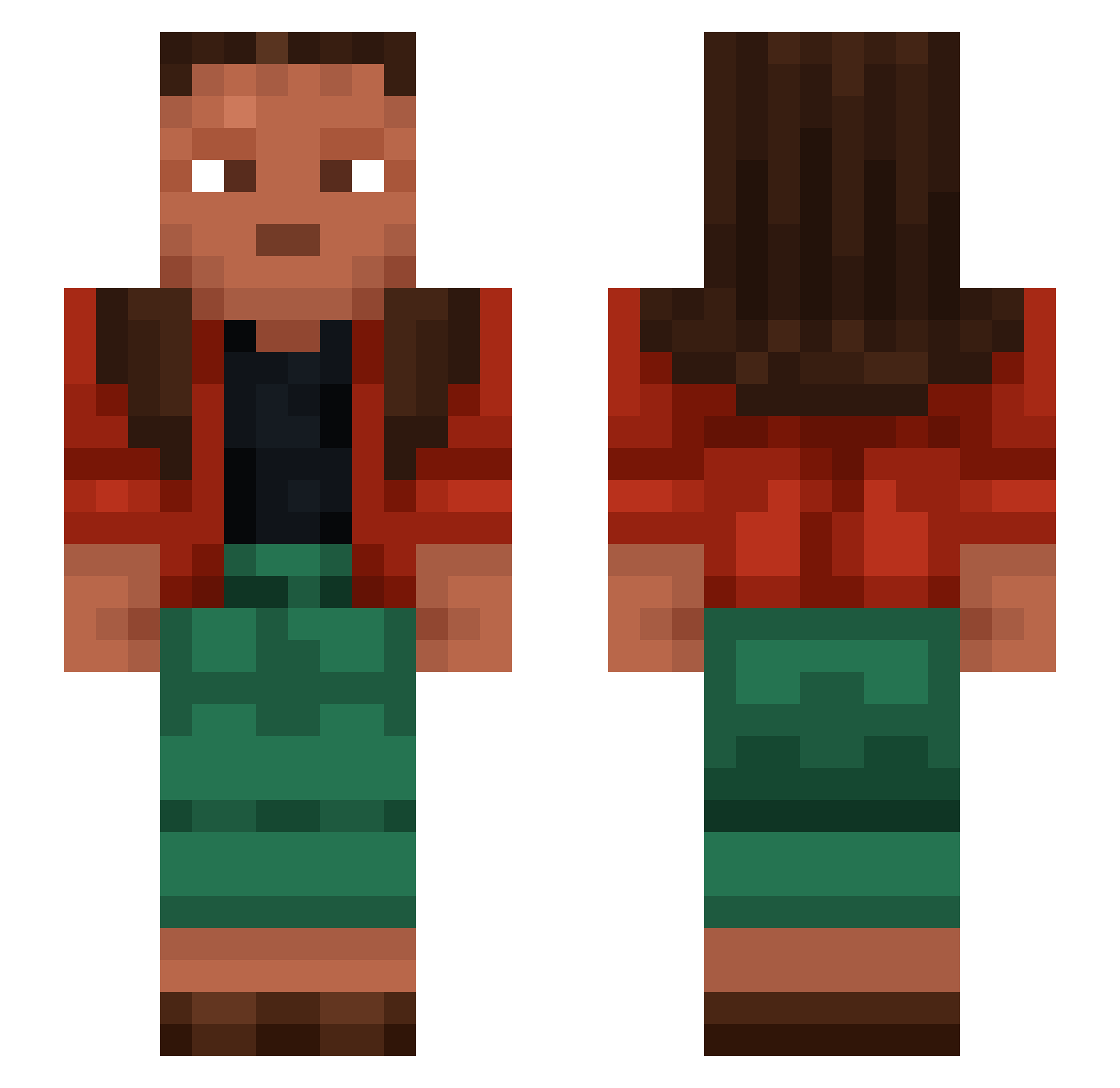
Current Minecraft skin of the player wyting, loaded from the official Mojang API. Rotate the 3D model with your mouse or finger, then download the skin as a PNG file and use it in Minecraft: Bedrock Edition or Java Edition for free. When wyting changes their skin, this page updates automatically and the old skin stays in the history below.
Other players with this skin (1334)
wyting was the 976th player we have seen with this skin, first spotted on 17.10.2026. The same skin was seen on these players. Open a nickname to see their current skin and skin history.
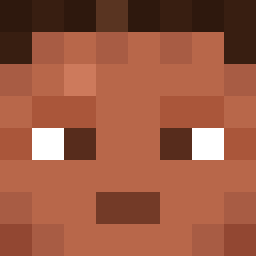 BlocKoZ Rolen217 Blattodea Billsefff realtered rhinox ludda117 peggy7258 Kredyn Sztanski Ridotto BedRIP winddog 4secondsmaxx ggm4 Th3R3dDrag0n_ Pardival Mxlle Skirantra Justinqwer Singult Donutbo1 Bean529 JayDotPDot IMKANDYXW AlexanderSC Dermatophyte Stupas bolta jvsef ChillVibesOnly2 Dreeo sikesaplak RyanOng Grreeegggg tongman HaroUkino clubs1331 Scrota cholic EdgierCornet296 MINETEXASDEMON avocadoskibdidi Zystanoff reimbursement Scaleless minecwaft123 LCMonkey69 songsound2 serums lunarmoonfall Coteen 1337flexx Sagster6913 RebelPaladen69 Nazirite Blueberry2005 RFZ birefringence FilipPro505
How to install the wyting skin
- Press the Download button above to save the skin as a PNG file.
- Minecraft: Bedrock Edition (PE): open the Dressing Room from the main menu (or tap your character → Edit Character), go to Classic Skins → Owned, press the + (new skin) button, choose the downloaded PNG and pick the Slim (Alex) model. Works on PC and mobile; consoles cannot import custom skins.
- Minecraft: Java Edition: open the Minecraft Launcher, go to the Skins tab, click New Skin, load the PNG, pick the Slim (Alex) model and press Save & Use. You can also upload it at minecraft.net → Profile → Change Skin.
The skin does not show up after import - what should I do?
Restart Minecraft and open the Dressing Room again - imported skins sometimes appear only after a restart. Also make sure you selected the imported skin and picked the Slim (Alex) model.
Which model should I choose, Classic or Slim?
This skin is designed for the Slim (Alex) model. If you pick the wrong model, the arms of the skin will look stretched or squeezed.
Is the skin of wyting free to download?
Yes. Press Download, save the PNG file and use it in Minecraft: Bedrock Edition or Java Edition - no payment or registration needed. The skin also works on multiplayer servers and Realms.
More skins
Looking for more? Go back to all Minecraft skins and check the top skins of the week, month and all time, or find any player's skin by nickname.