
w0mank11ler - Minecraft Skins & Skin History
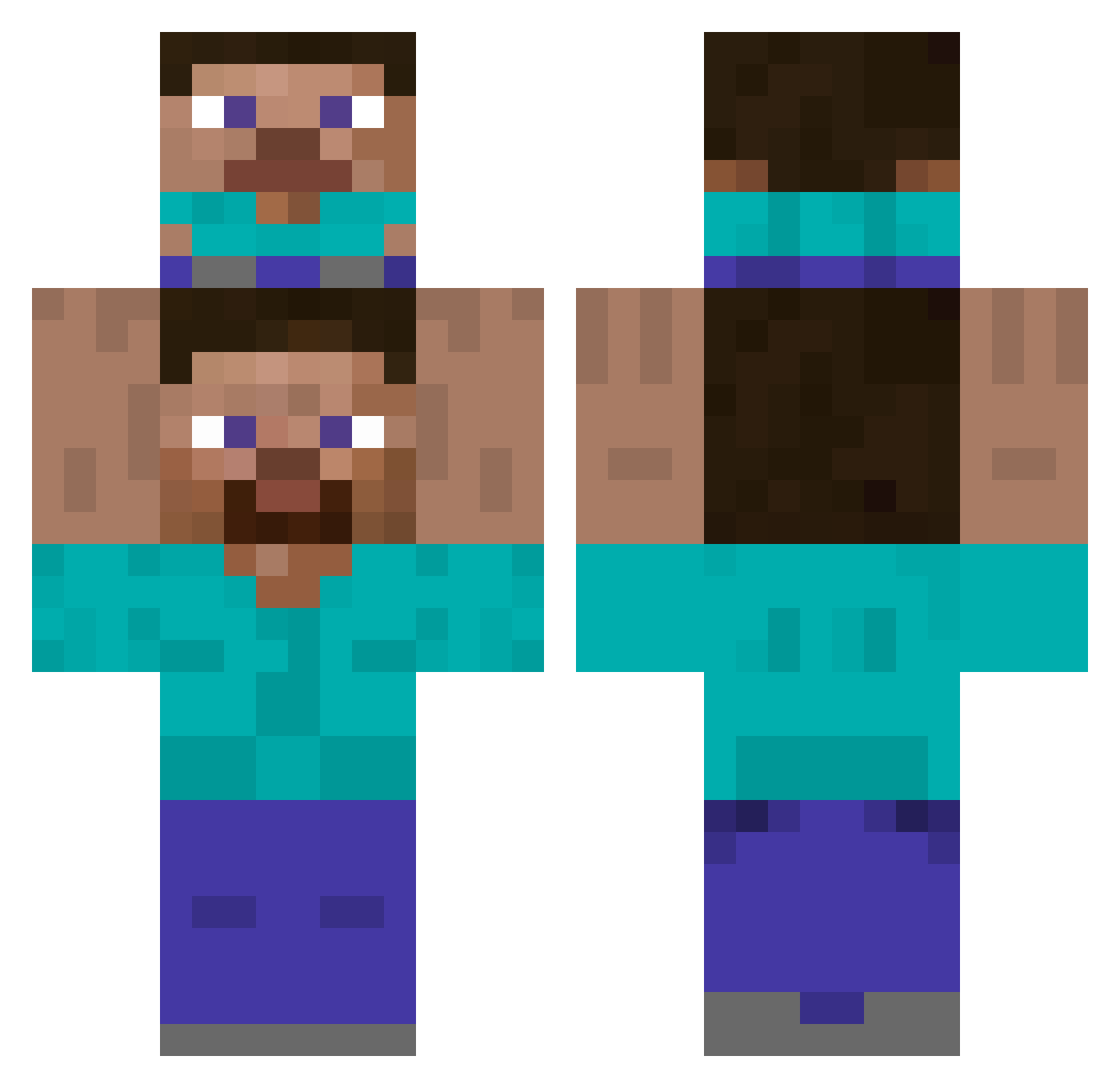
Current Minecraft skin of the player w0mank11ler, loaded from the official Mojang API. Rotate the 3D model with your mouse or finger, then download the skin as a PNG file and use it in Minecraft: Bedrock Edition or Java Edition for free. When w0mank11ler changes their skin, this page updates automatically and the old skin stays in the history below.
Other players with this skin (466)
w0mank11ler was the 382nd player we have seen with this skin, first spotted on 25.10.2026. The same skin was seen on these players. Open a nickname to see their current skin and skin history.
 NSEONU Muhammed_Alli1 Goldeneye321 Rikako_ Yaboidoggo pipa_style kavan9 ManBubble01 Leotos_31 demidov0100 Endr608 lamonayde Duu82 BeetleJuice_Idol Sonata_PVP jjhisme traficoinfantil Elivers87 Dragofire268 Lazah manee SirGrim101 Arpiste Alejofz FENT_and_STEEL Poncho_btw TurkJoker Roundtehworld HolyMC innegodis Naucy12 legodude15 Saiper7 DJhacker175 AlicanE35 koyak_E dat_other_guy L0ES0E Wastyr jyjy0505 FebruaryNinth78 Neiram_ SmokeyBeerNuts CatchingPeeta CoolKids2025 SpeedR6 Otaku_is_Perfect Cleversammy IgoRekT qx22bw emirxxx67 steppiiy Waos85 declabob squashymild Smorhz El_Valen42 YongGod Streitwolf2 BuRock99
How to install the w0mank11ler skin
- Press the Download button above to save the skin as a PNG file.
- Minecraft: Bedrock Edition (PE): open the Dressing Room from the main menu (or tap your character → Edit Character), go to Classic Skins → Owned, press the + (new skin) button, choose the downloaded PNG and pick the Classic (Steve) model. Works on PC and mobile; consoles cannot import custom skins.
- Minecraft: Java Edition: open the Minecraft Launcher, go to the Skins tab, click New Skin, load the PNG, pick the Classic (Steve) model and press Save & Use. You can also upload it at minecraft.net → Profile → Change Skin.
The skin does not show up after import - what should I do?
Restart Minecraft and open the Dressing Room again - imported skins sometimes appear only after a restart. Also make sure you selected the imported skin and picked the Classic (Steve) model.
Which model should I choose, Classic or Slim?
This skin is designed for the Classic (Steve) model. If you pick the wrong model, the arms of the skin will look stretched or squeezed.
Is the skin of w0mank11ler free to download?
Yes. Press Download, save the PNG file and use it in Minecraft: Bedrock Edition or Java Edition - no payment or registration needed. The skin also works on multiplayer servers and Realms.
More skins
Looking for more? Go back to all Minecraft skins and check the top skins of the week, month and all time, or find any player's skin by nickname.