
torungamer - Minecraft Skins & Skin History
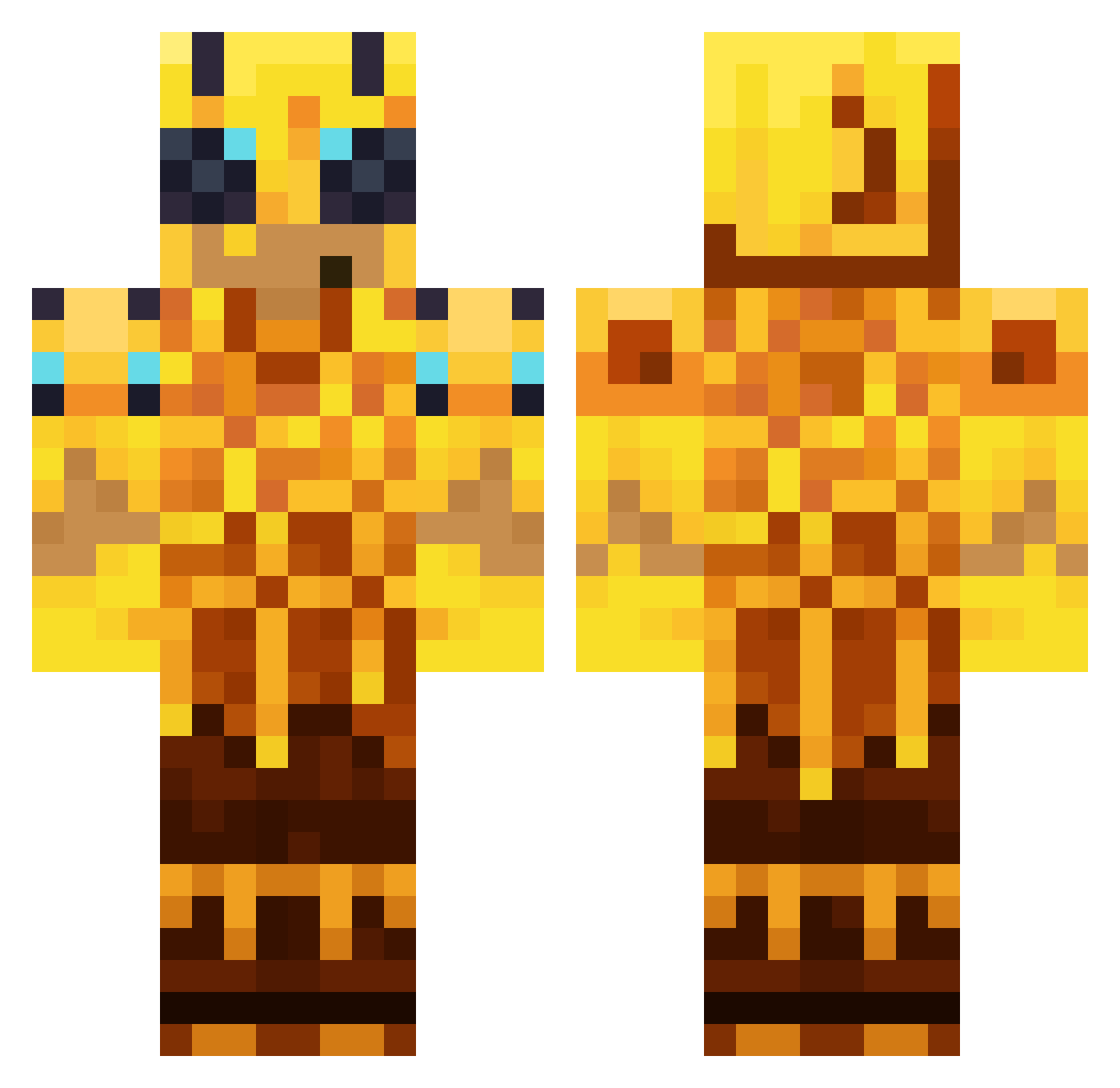
Current Minecraft skin of the player torungamer, loaded from the official Mojang API. Rotate the 3D model with your mouse or finger, then download the skin as a PNG file and use it in Minecraft: Bedrock Edition or Java Edition for free. When torungamer changes their skin, this page updates automatically and the old skin stays in the history below.
Other players with this skin (176)
torungamer was the 173rd player we have seen with this skin, first spotted on 09.11.2026. The same skin was seen on these players. Open a nickname to see their current skin and skin history.
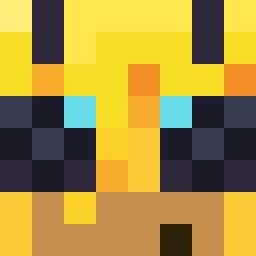 Unsaddle LoydEkdahl Javember Gold_Tetrix relEVANce6 CARTERPH JVJVJV2013 Alexin_Garcia Xurae GGxAbdullah igusungi xPurplex Yuqiiix DaddyChillB4U nieistotny2 daethpool bocik_123 uuuuuuuuuuuuuy witherslayer541 su_hooooooo RocciaTheClown Tomoratius DevSaber KRMSZZ amdfzd POLiZ3i hatesneedles EHOTNK killmegoddog69 Sydiq EisregenChef208 dacem_1031 gabyxx19 gyumin1010 MrNoodlers Fatestheadgamin selobalci BrighterScars 5607599 Orvadoodle Creepy202020 god_woosol3223 zenfire14235 _raffaello_18 M4RIHUANA_ TprMC wzenon Haskio Herobloodline DISGET88 _Nelson765 CheanderPTT purpleslilgoon sevasek DanyAl2016 samur3 CYMinecraft2 nasuzzzz TurtleAndPlastic AdamAltair
More Honey Minecraft skins
How to install the torungamer skin
- Press the Download button above to save the skin as a PNG file.
- Minecraft: Bedrock Edition (PE): open the Dressing Room from the main menu (or tap your character → Edit Character), go to Classic Skins → Owned, press the + (new skin) button, choose the downloaded PNG and pick the Classic (Steve) model. Works on PC and mobile; consoles cannot import custom skins.
- Minecraft: Java Edition: open the Minecraft Launcher, go to the Skins tab, click New Skin, load the PNG, pick the Classic (Steve) model and press Save & Use. You can also upload it at minecraft.net → Profile → Change Skin.
The skin does not show up after import - what should I do?
Restart Minecraft and open the Dressing Room again - imported skins sometimes appear only after a restart. Also make sure you selected the imported skin and picked the Classic (Steve) model.
Which model should I choose, Classic or Slim?
This skin is designed for the Classic (Steve) model. If you pick the wrong model, the arms of the skin will look stretched or squeezed.
Is the skin of torungamer free to download?
Yes. Press Download, save the PNG file and use it in Minecraft: Bedrock Edition or Java Edition - no payment or registration needed. The skin also works on multiplayer servers and Realms.
More skins
Looking for more? Go back to all Minecraft skins and check the top skins of the week, month and all time, or find any player's skin by nickname.