
takething - Minecraft Skins & Skin History
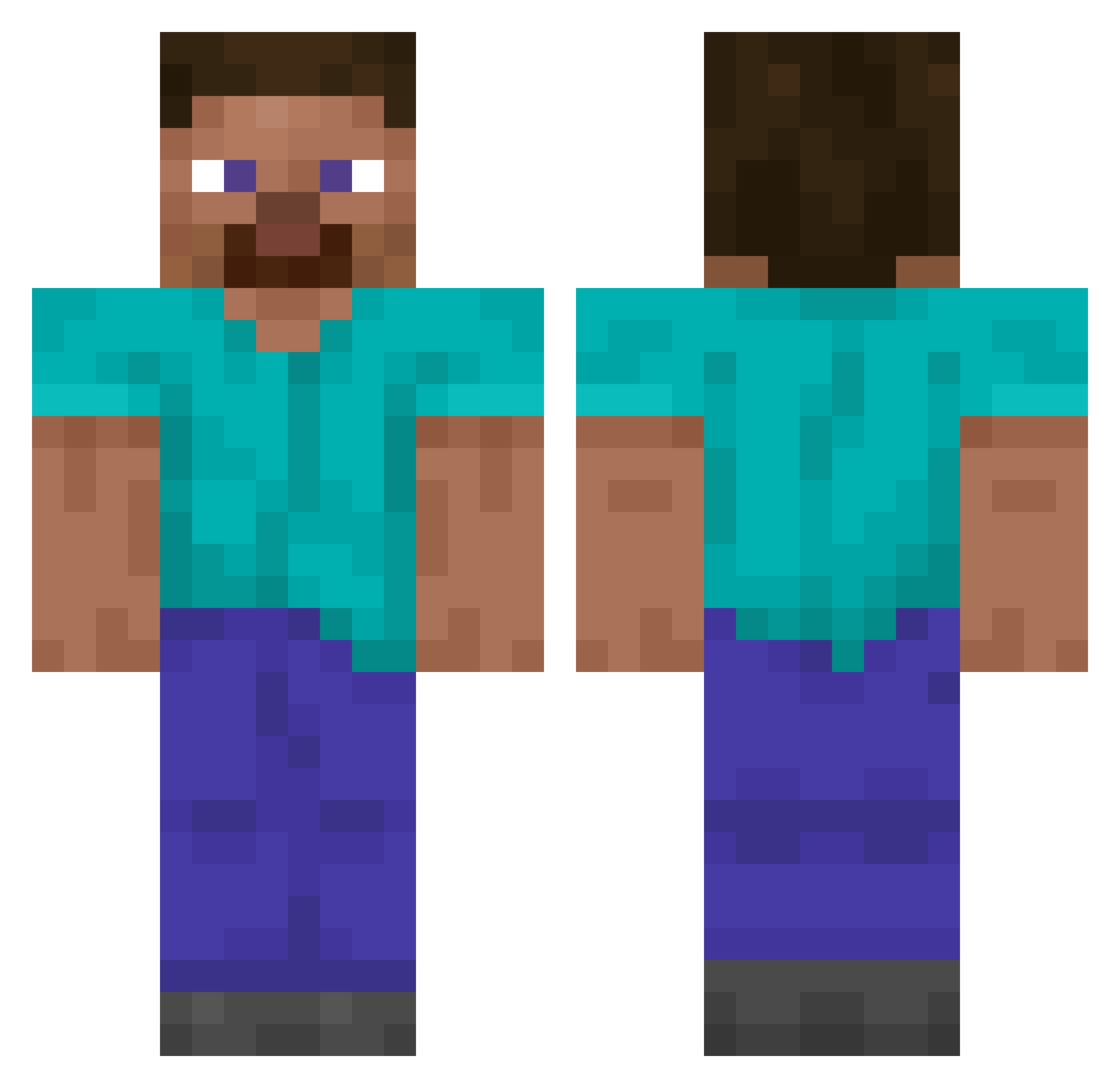
Current Minecraft skin of the player takething, loaded from the official Mojang API. Rotate the 3D model with your mouse or finger, then download the skin as a PNG file and use it in Minecraft: Bedrock Edition or Java Edition for free. When takething changes their skin, this page updates automatically and the old skin stays in the history below.
Other players with this skin (15171)
takething was the 15145th player we have seen with this skin, first spotted on 12.11.2026. The same skin was seen on these players. Open a nickname to see their current skin and skin history.
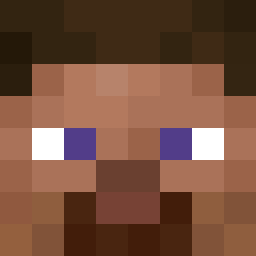 Andre2317 xAnNinA_xX AxYntE flutterbird Swarthy485 MNTS_504 RicardoRB GunterMitUmlaut Nexaiter Gustavo233 Aoizo aks_SDZLj_03_02 lovecheng YWJ7538 Simoiacos zajijoa Lil_Big_G cofyKid Liiiind MCnugget123 romantha 67_Owen_67 Tuppa_ repruhunt Piticut DaRet11 Lugi134 jibeen lumap dojunfa Thiazide Monume DonutSnoken123 UncQuangHuy_ MicroVzla WollyWoz aztman_1 Quwodo Iheartdojacat LachyFromNZ Wuddie eighthnote0 dagnieleghei Thenotourios Saytus MustafaBird slidingOrca__ obama_prism1 stunseed419 Firikkusu Hape jamzoe BBQSteakProcione Flyning_Leon DankishBryan Racketka JelonPL HDborna llBadboyll swemx
How to install the takething skin
- Press the Download button above to save the skin as a PNG file.
- Minecraft: Bedrock Edition (PE): open the Dressing Room from the main menu (or tap your character → Edit Character), go to Classic Skins → Owned, press the + (new skin) button, choose the downloaded PNG and pick the Classic (Steve) model. Works on PC and mobile; consoles cannot import custom skins.
- Minecraft: Java Edition: open the Minecraft Launcher, go to the Skins tab, click New Skin, load the PNG, pick the Classic (Steve) model and press Save & Use. You can also upload it at minecraft.net → Profile → Change Skin.
The skin does not show up after import - what should I do?
Restart Minecraft and open the Dressing Room again - imported skins sometimes appear only after a restart. Also make sure you selected the imported skin and picked the Classic (Steve) model.
Which model should I choose, Classic or Slim?
This skin is designed for the Classic (Steve) model. If you pick the wrong model, the arms of the skin will look stretched or squeezed.
Is the skin of takething free to download?
Yes. Press Download, save the PNG file and use it in Minecraft: Bedrock Edition or Java Edition - no payment or registration needed. The skin also works on multiplayer servers and Realms.
More skins
Looking for more? Go back to all Minecraft skins and check the top skins of the week, month and all time, or find any player's skin by nickname.