
suzuran31 - Minecraft Skins & Skin History
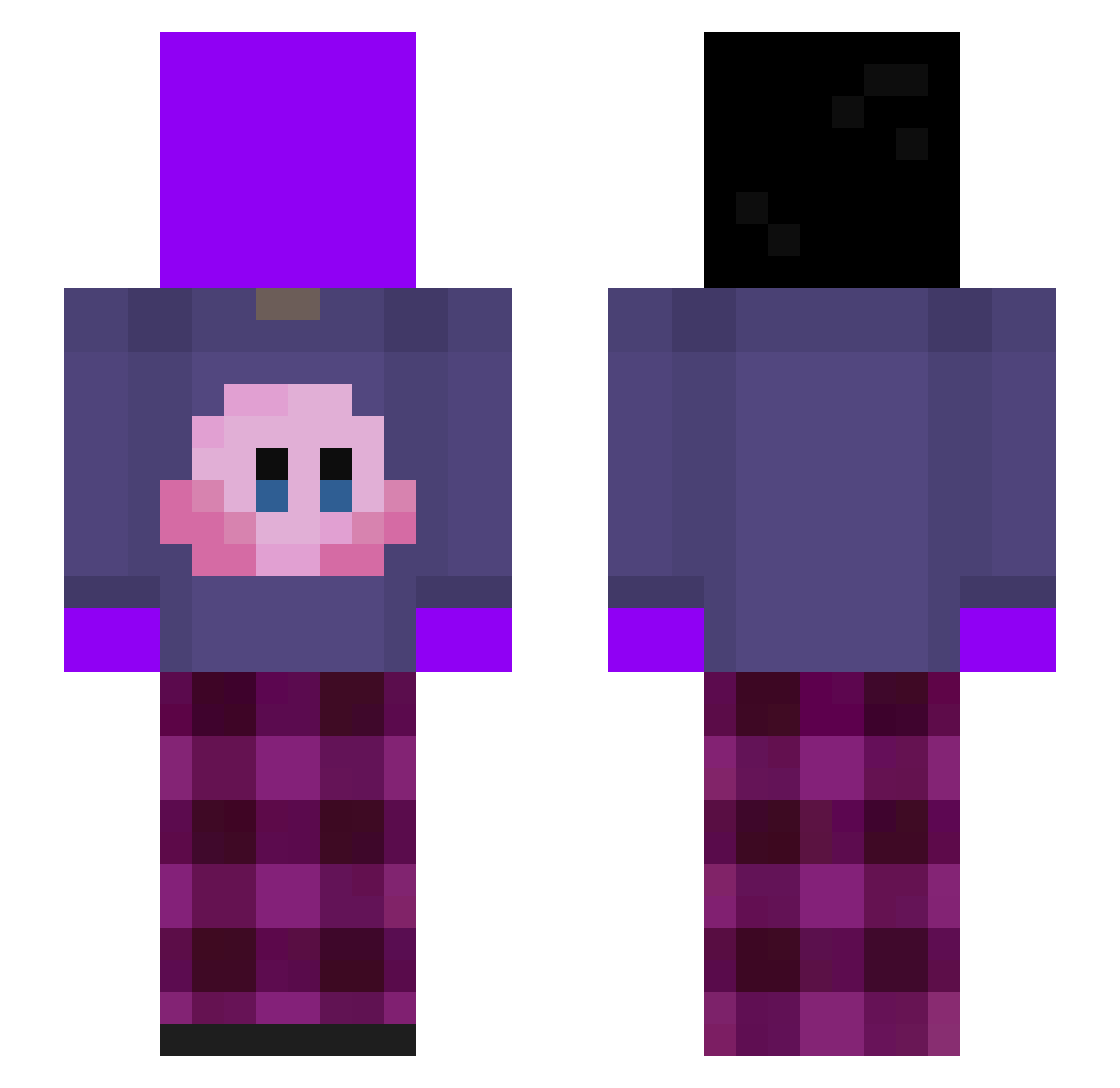
Current Minecraft skin of the player suzuran31, loaded from the official Mojang API. Rotate the 3D model with your mouse or finger, then download the skin as a PNG file and use it in Minecraft: Bedrock Edition or Java Edition for free. When suzuran31 changes their skin, this page updates automatically and the old skin stays in the history below.
Other players with this skin (365)
suzuran31 was the 282nd player we have seen with this skin, first spotted on 19.10.2026. The same skin was seen on these players. Open a nickname to see their current skin and skin history.
 CheeseWarior wnwoans Kakak0 wg_FY3os_07_10 MATAP 45g4 Ruben314 TicTacDieb88 SUBiSU7 9jdx GiorgoTost simon_noss avaliaa_ Kubas998 k1FF123 oggggslayer gotowanamarchew2 ldxq Talkbb Head_GOD carldt91 vividruid Harry__Maguire02 Jose_Mlds G3nnar0 Ko_orgi jejeposz klemenzabi orer2312 elmax_xd SpaceWolff K9RBE Peptics ngaexify HoningBeertje12 k1bzy yoorimlol MonkeyMan6900 darksaga41 morningreplies JUJU_BICHI taeho9608 vountii Developers_G MagoDelCrafterio JoranaBanana takenaka213 Wisper_11 WarriorJoanna ksywka_ zzcfather Ewiath hrryv oguzramfury23 jrugaddiction RDGLFX Sosalgerienne LilAndrada Picblock KokobeanDeMasta
More Kirby Minecraft skins
How to install the suzuran31 skin
- Press the Download button above to save the skin as a PNG file.
- Minecraft: Bedrock Edition (PE): open the Dressing Room from the main menu (or tap your character → Edit Character), go to Classic Skins → Owned, press the + (new skin) button, choose the downloaded PNG and pick the Slim (Alex) model. Works on PC and mobile; consoles cannot import custom skins.
- Minecraft: Java Edition: open the Minecraft Launcher, go to the Skins tab, click New Skin, load the PNG, pick the Slim (Alex) model and press Save & Use. You can also upload it at minecraft.net → Profile → Change Skin.
The skin does not show up after import - what should I do?
Restart Minecraft and open the Dressing Room again - imported skins sometimes appear only after a restart. Also make sure you selected the imported skin and picked the Slim (Alex) model.
Which model should I choose, Classic or Slim?
This skin is designed for the Slim (Alex) model. If you pick the wrong model, the arms of the skin will look stretched or squeezed.
Is the skin of suzuran31 free to download?
Yes. Press Download, save the PNG file and use it in Minecraft: Bedrock Edition or Java Edition - no payment or registration needed. The skin also works on multiplayer servers and Realms.
More skins
Looking for more? Go back to all Minecraft skins and check the top skins of the week, month and all time, or find any player's skin by nickname.