
spocony_steve22 - Minecraft Skins & Skin History
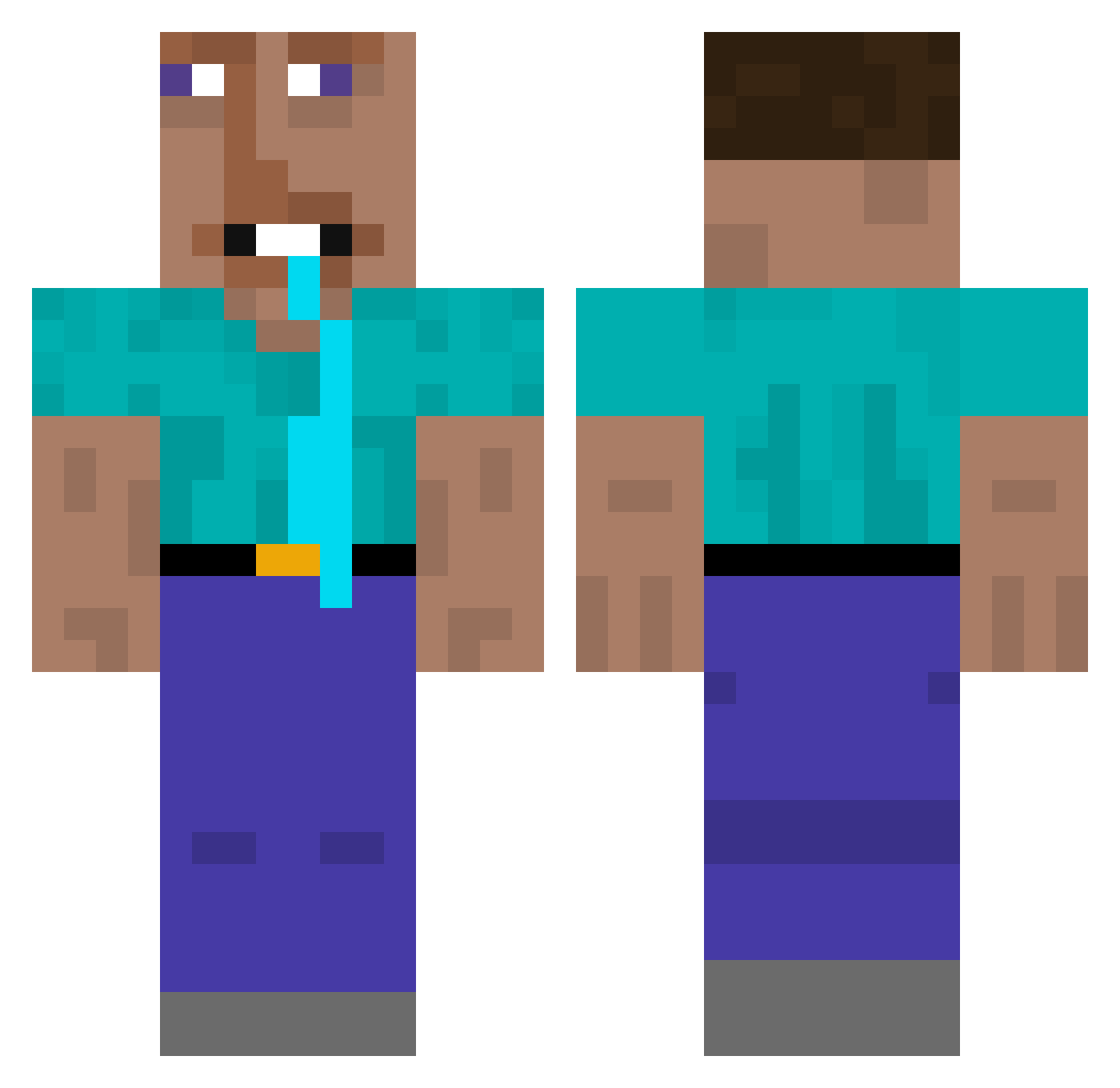
Current Minecraft skin of the player spocony_steve22, loaded from the official Mojang API. Rotate the 3D model with your mouse or finger, then download the skin as a PNG file and use it in Minecraft: Bedrock Edition or Java Edition for free. When spocony_steve22 changes their skin, this page updates automatically and the old skin stays in the history below.
Other players with this skin (436)
spocony_steve22 was the 409th player we have seen with this skin, first spotted on 04.11.2026. The same skin was seen on these players. Open a nickname to see their current skin and skin history.
 pieter_rietveld Redstar118 ghlorious StonegTV SeitlicherWinkel MrG2o TuffAhhNih Apfelpipi Kamsiy cc_5543 pre_stonn ikeacppvp zawaltos gyro_743 Suizard2x toutoumi Mimikyu_169 gandullo032 WilleBille_H prostheticnewt41 Schlitzohr00 Complexious_ boyban66778 arrenbarren128 RauchenderDubi YoonNotFound030 vicho_frio FERBELdcr z1ron_ OnklelvonPapa hoodG EtziderKing thomassigma123 paidaxing8 azumo sybausyfm ZingyMoth Aesthetic_ DXEMONN nathantat nichoass Kizmocontra Erime Evangelion11 Rozeto L0calVillager brchilll_ Tedbundy1234 fleerid leGta_killer xyxl9878 Flamertub kakashkiuser chenzengqi Tinko_o Philippilus DirtyCups1 vyxi1x enderperson10 Fortuna2909
More Drooling Minecraft skins
How to install the spocony_steve22 skin
- Press the Download button above to save the skin as a PNG file.
- Minecraft: Bedrock Edition (PE): open the Dressing Room from the main menu (or tap your character → Edit Character), go to Classic Skins → Owned, press the + (new skin) button, choose the downloaded PNG and pick the Classic (Steve) model. Works on PC and mobile; consoles cannot import custom skins.
- Minecraft: Java Edition: open the Minecraft Launcher, go to the Skins tab, click New Skin, load the PNG, pick the Classic (Steve) model and press Save & Use. You can also upload it at minecraft.net → Profile → Change Skin.
The skin does not show up after import - what should I do?
Restart Minecraft and open the Dressing Room again - imported skins sometimes appear only after a restart. Also make sure you selected the imported skin and picked the Classic (Steve) model.
Which model should I choose, Classic or Slim?
This skin is designed for the Classic (Steve) model. If you pick the wrong model, the arms of the skin will look stretched or squeezed.
Is the skin of spocony_steve22 free to download?
Yes. Press Download, save the PNG file and use it in Minecraft: Bedrock Edition or Java Edition - no payment or registration needed. The skin also works on multiplayer servers and Realms.
More skins
Looking for more? Go back to all Minecraft skins and check the top skins of the week, month and all time, or find any player's skin by nickname.