
skadottaclient - Minecraft Skins & Skin History
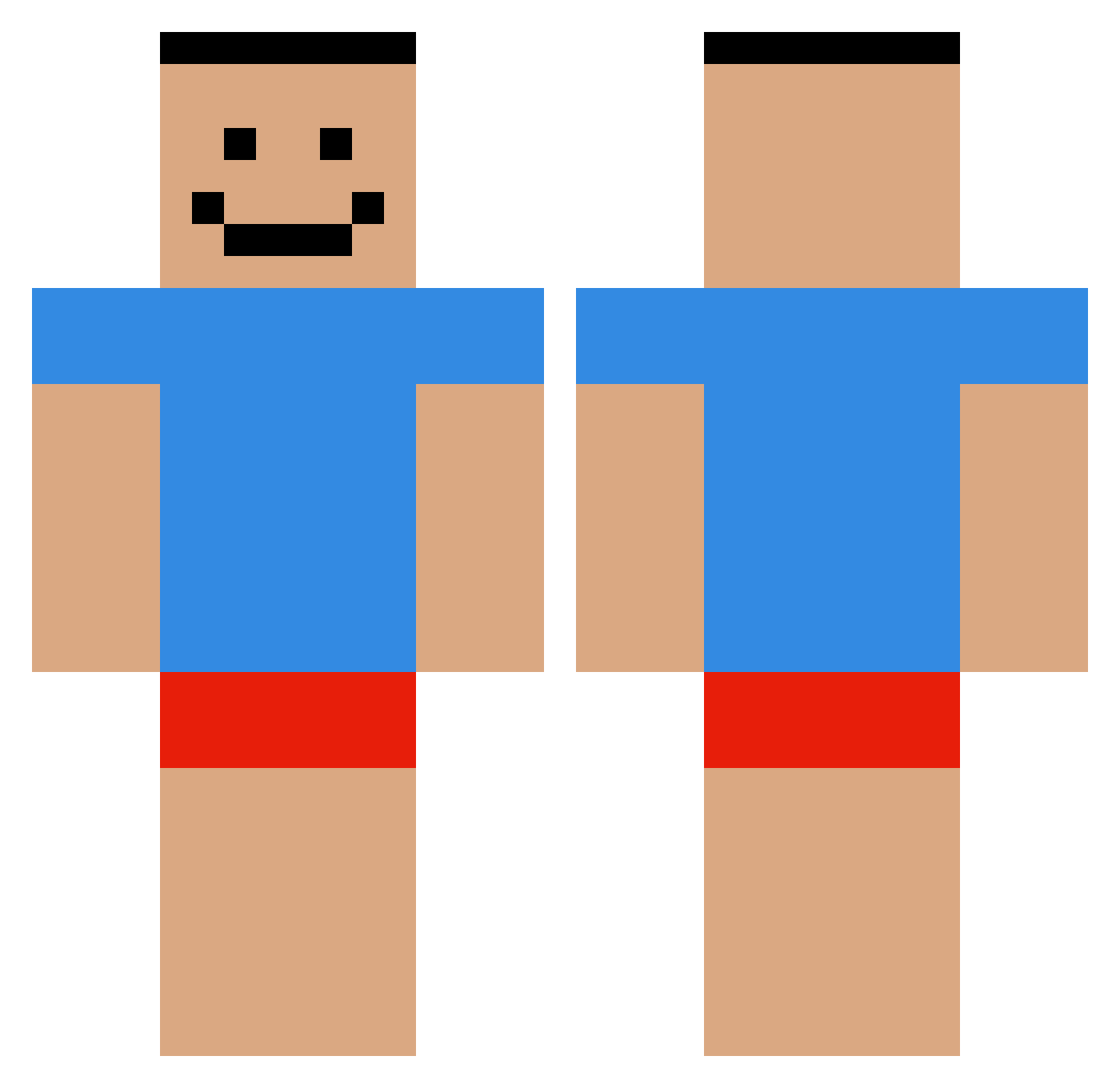
Current Minecraft skin of the player skadottaclient, loaded from the official Mojang API. Rotate the 3D model with your mouse or finger, then download the skin as a PNG file and use it in Minecraft: Bedrock Edition or Java Edition for free. When skadottaclient changes their skin, this page updates automatically and the old skin stays in the history below.
Other players with this skin (611)
skadottaclient was the 570th player we have seen with this skin, first spotted on 04.11.2026. The same skin was seen on these players. Open a nickname to see their current skin and skin history.
 bbobuya trtrtrtr Antotron_ HyperNormie Dan_ddd vik4tor giwake illuminarty kidpillow kangesh01 curly_top vMagiix ovhero wafol11 vddh Revelentor 952 treep1173 BuuzikK 703msj ItsBlade85 Efbiiay Bobz_284 KobliznikLol 1ophe6r christopher1177 Xiaozhiding EddIIll CreeperBoy2007 gii11 AugilDK jusnax lavoie99 AzIsBetter 4hot jxnigg JK800 Nielsio zhitass sh1tasscodes Cvitoy comelicker69 RainerBot69 TestSubject03 NotBlueXD69 JSmithy pyo24 _Gypsy fabulous_mcqueen Kimpoko Epicrazzmatazz TFIII woojin24 illlustrious MelinaTr1311 CUTE_taegun Slow_giant996 PhilophrosyneXV R1LX4 CuteKrzysiu_
How to install the skadottaclient skin
- Press the Download button above to save the skin as a PNG file.
- Minecraft: Bedrock Edition (PE): open the Dressing Room from the main menu (or tap your character → Edit Character), go to Classic Skins → Owned, press the + (new skin) button, choose the downloaded PNG and pick the Classic (Steve) model. Works on PC and mobile; consoles cannot import custom skins.
- Minecraft: Java Edition: open the Minecraft Launcher, go to the Skins tab, click New Skin, load the PNG, pick the Classic (Steve) model and press Save & Use. You can also upload it at minecraft.net → Profile → Change Skin.
The skin does not show up after import - what should I do?
Restart Minecraft and open the Dressing Room again - imported skins sometimes appear only after a restart. Also make sure you selected the imported skin and picked the Classic (Steve) model.
Which model should I choose, Classic or Slim?
This skin is designed for the Classic (Steve) model. If you pick the wrong model, the arms of the skin will look stretched or squeezed.
Is the skin of skadottaclient free to download?
Yes. Press Download, save the PNG file and use it in Minecraft: Bedrock Edition or Java Edition - no payment or registration needed. The skin also works on multiplayer servers and Realms.
More skins
Looking for more? Go back to all Minecraft skins and check the top skins of the week, month and all time, or find any player's skin by nickname.