
seoho0101 - Minecraft Skins & Skin History
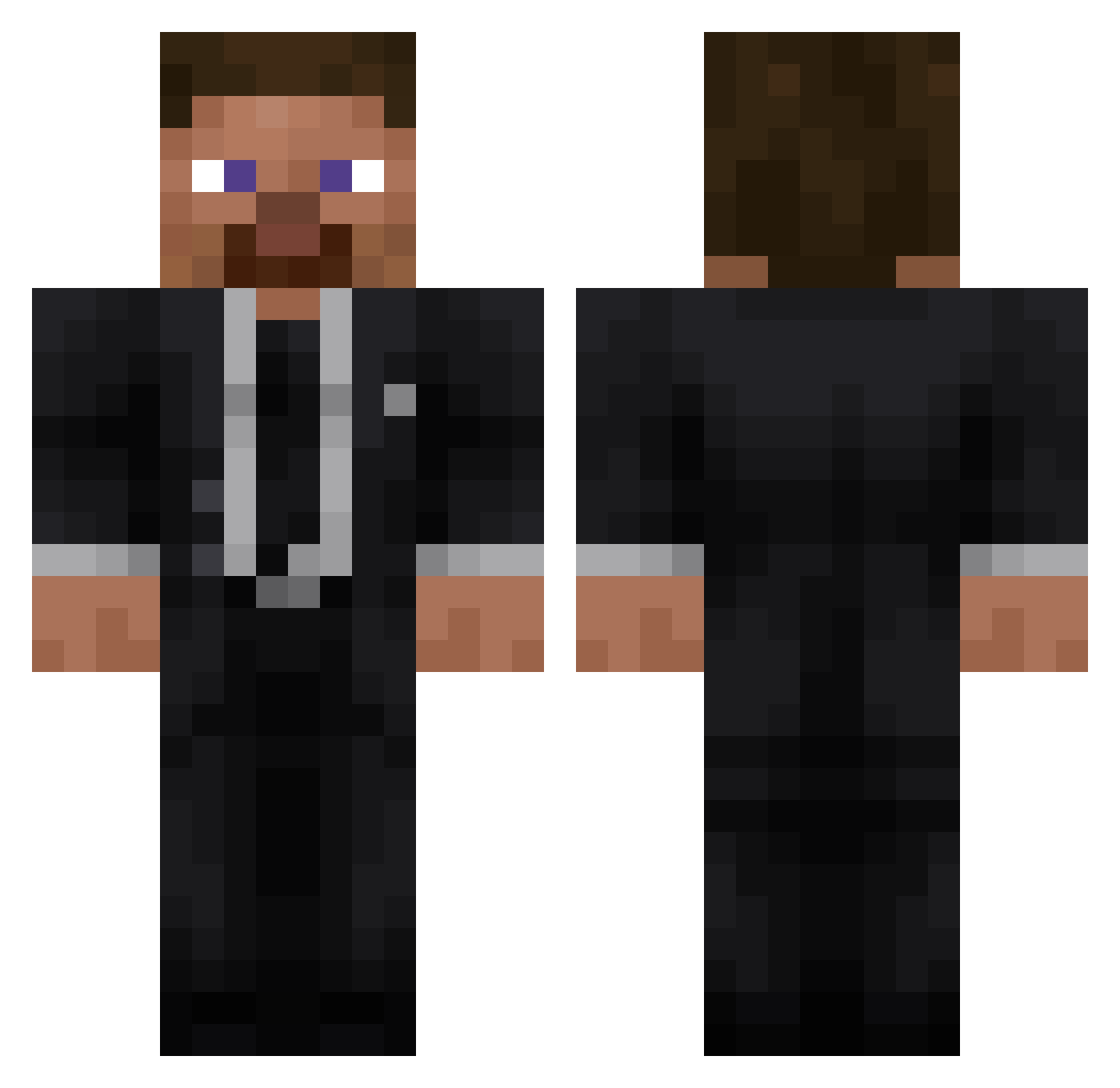
Current Minecraft skin of the player seoho0101, loaded from the official Mojang API. Rotate the 3D model with your mouse or finger, then download the skin as a PNG file and use it in Minecraft: Bedrock Edition or Java Edition for free. When seoho0101 changes their skin, this page updates automatically and the old skin stays in the history below.
Other players with this skin (43)
seoho0101 was the 20th player we have seen with this skin, first spotted on 09.10.2026. The same skin was seen on these players. Open a nickname to see their current skin and skin history.
 4481 Beast__XD Hypergamer3d evrv Rafaello079 marcus1102013m MrChocolate088 FootLoverNumber1 Modifier_Niko MrAlejandro2010 DarcKcrane42 freakyrolo miguelitoit der_alte_uwe FarTitan Feer_XD HJ4E Geeqs NegaTiVeD GGonyam dark_pandio oLxl jpprocks_20 liki1234567 Qvzxx SrPolla777 hi1c siderovich xH__X Kokushibo12345 m1only Nexzi_22 maxhenryk FELIPUNKSAWARZON Krol_Tekiliusz_I CrX_BeaM shh0133 TH_THE_GR corswins1 emelside f1n4n CarmeloCampos JoeyNA
More Businessman Minecraft skins
See all 6680 Businessman skins
How to install the seoho0101 skin
- Press the Download button above to save the skin as a PNG file.
- Minecraft: Bedrock Edition (PE): open the Dressing Room from the main menu (or tap your character → Edit Character), go to Classic Skins → Owned, press the + (new skin) button, choose the downloaded PNG and pick the Classic (Steve) model. Works on PC and mobile; consoles cannot import custom skins.
- Minecraft: Java Edition: open the Minecraft Launcher, go to the Skins tab, click New Skin, load the PNG, pick the Classic (Steve) model and press Save & Use. You can also upload it at minecraft.net → Profile → Change Skin.
The skin does not show up after import - what should I do?
Restart Minecraft and open the Dressing Room again - imported skins sometimes appear only after a restart. Also make sure you selected the imported skin and picked the Classic (Steve) model.
Which model should I choose, Classic or Slim?
This skin is designed for the Classic (Steve) model. If you pick the wrong model, the arms of the skin will look stretched or squeezed.
Is the skin of seoho0101 free to download?
Yes. Press Download, save the PNG file and use it in Minecraft: Bedrock Edition or Java Edition - no payment or registration needed. The skin also works on multiplayer servers and Realms.
More skins
Looking for more? Go back to all Minecraft skins and check the top skins of the week, month and all time, or find any player's skin by nickname.