
resoluties - Minecraft Skins & Skin History
Current Minecraft skin of the player resoluties, loaded from the official Mojang API. Rotate the 3D model with your mouse or finger, then download the skin as a PNG file and use it in Minecraft: Bedrock Edition or Java Edition for free. When resoluties changes their skin, this page updates automatically and the old skin stays in the history below.
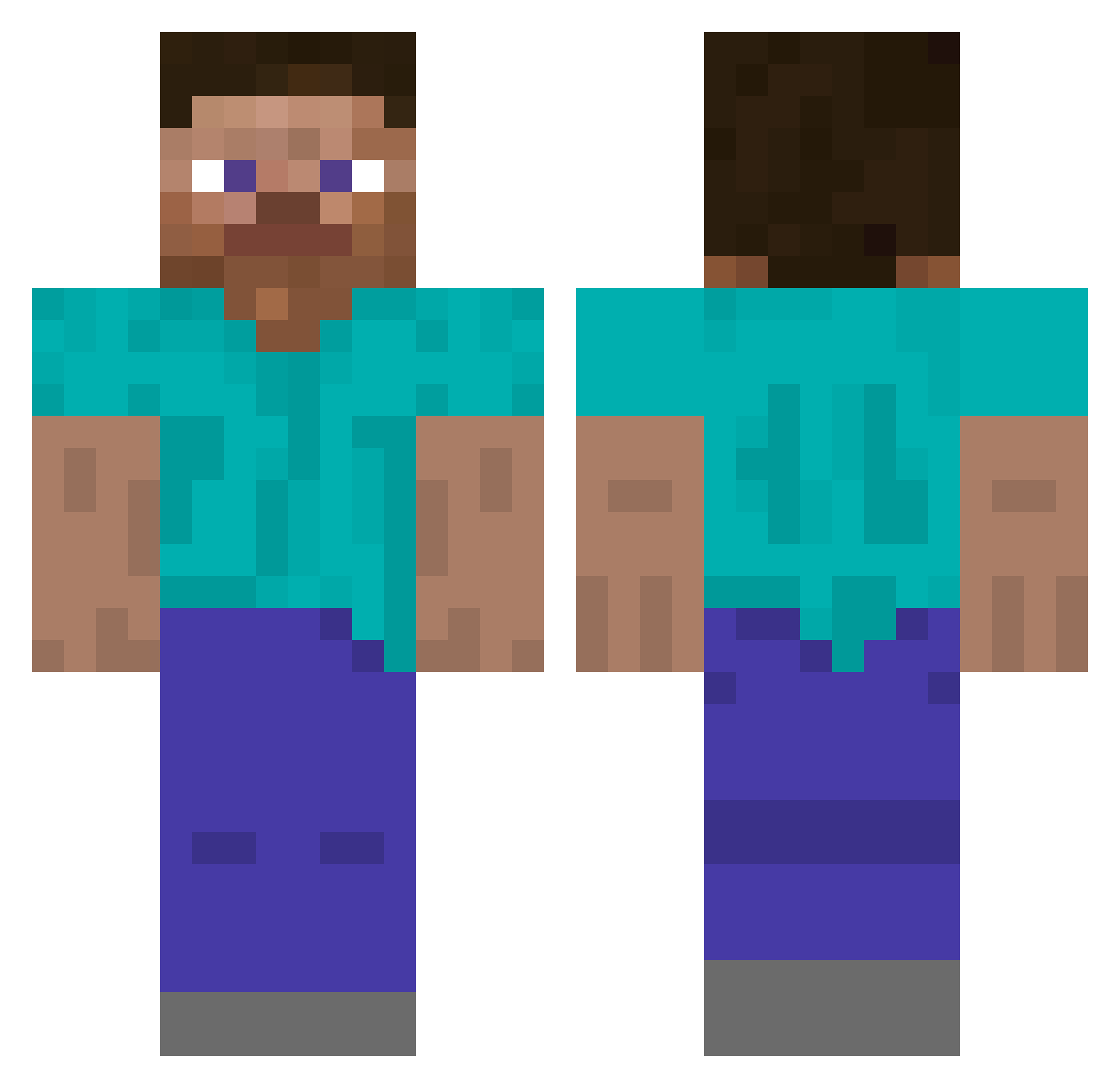
Other players with this skin (5296)
resoluties was the 4916th player we have seen with this skin, first spotted on 04.11.2026. The same skin was seen on these players. Open a nickname to see their current skin and skin history.
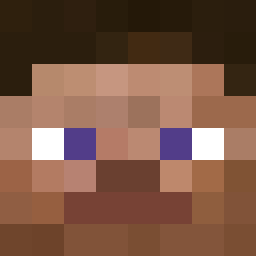 Denz_OG Gergelll pu497p Lanzo_Bells6969 pkconnolly BarryBeyzer plion Tohtori_Lothar ___1L1___ lomzer_qt smile_________ Eikichi31 Bulkainis NecronsHandle Jinqzy_ Axe9999 iram333 ItsAnnoying Benjaminnn_ Terminus kaki_gadol semnell KrosNub DannyV123 fcgod sinbiz446 Squawl DoItAllNight n0t1nappropriate 1tyler101 BarneyLikesKids contdemaincraft dolyyy34 Not_Israphel Fout_ Soviet_Potato214 WolpBoy massivetiddies W16 Gaez Nighthit EnemyRoboBana slotten 6surfy PDN BigBosserino invalidLuca phottooo bradpoindexter CrispyBrownStain MagnusTheR3d Theo_7 Denki03official 765s Cariban Enjoied ItzRelme obkn1 Josif12 wraytmerq
How to install the resoluties skin
- Press the Download button above to save the skin as a PNG file.
- Minecraft: Bedrock Edition (PE): open the Dressing Room from the main menu (or tap your character → Edit Character), go to Classic Skins → Owned, press the + (new skin) button, choose the downloaded PNG and pick the Classic (Steve) model. Works on PC and mobile; consoles cannot import custom skins.
- Minecraft: Java Edition: open the Minecraft Launcher, go to the Skins tab, click New Skin, load the PNG, pick the Classic (Steve) model and press Save & Use. You can also upload it at minecraft.net → Profile → Change Skin.
The skin does not show up after import - what should I do?
Restart Minecraft and open the Dressing Room again - imported skins sometimes appear only after a restart. Also make sure you selected the imported skin and picked the Classic (Steve) model.
Which model should I choose, Classic or Slim?
This skin is designed for the Classic (Steve) model. If you pick the wrong model, the arms of the skin will look stretched or squeezed.
Is the skin of resoluties free to download?
Yes. Press Download, save the PNG file and use it in Minecraft: Bedrock Edition or Java Edition - no payment or registration needed. The skin also works on multiplayer servers and Realms.
More skins
Looking for more? Go back to all Minecraft skins and check the top skins of the week, month and all time, or find any player's skin by nickname.