
raniny - Minecraft Skins & Skin History
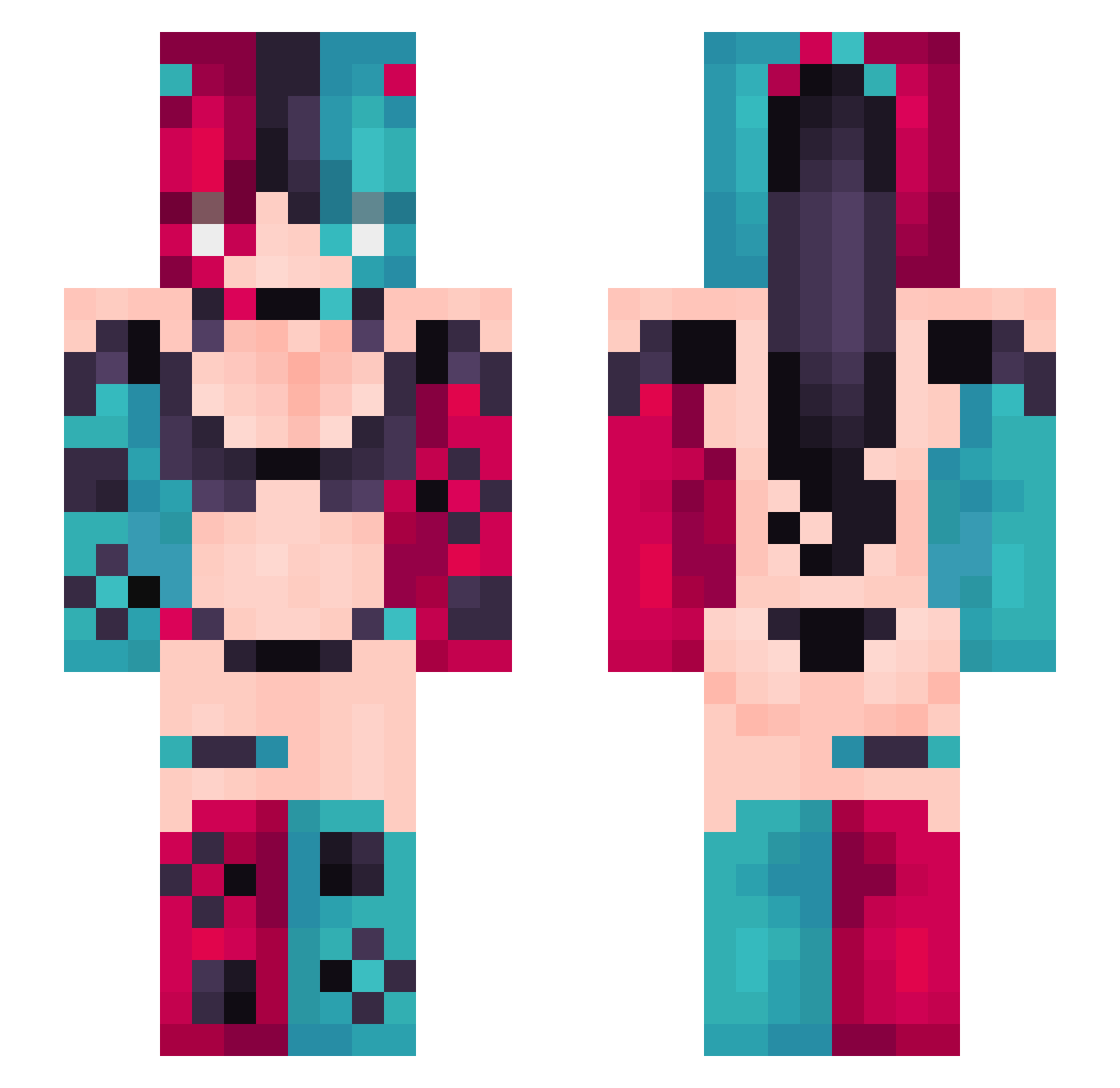
Current Minecraft skin of the player raniny, loaded from the official Mojang API. Rotate the 3D model with your mouse or finger, then download the skin as a PNG file and use it in Minecraft: Bedrock Edition or Java Edition for free. When raniny changes their skin, this page updates automatically and the old skin stays in the history below.
Other players with this skin (434)
raniny was the 353rd player we have seen with this skin, first spotted on 24.10.2026. The same skin was seen on these players. Open a nickname to see their current skin and skin history.
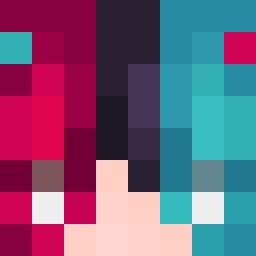 TOMMYGAX happyonedays LIVERxD 3eu_ PHANTOM420098 naha_i_do_win ErlingHaaland99 tikona33 Accelerator375 BeastlyZone MuCiMu LilNightVert YYIU123 Valeeap9 Rolicl Beyeuditbu koolaidirty zviti10 Justicar_Zelty jefferychih0513 fayzo_games Adirael15 Theon21 qt_zb coke8354 BadzMaru_ Reddonack Aubbiee PuchiPoo zhoucz Minoboros jynxaa JustQuiinn drtutfgg Tinkerbell1011 dowon12 TyGAr99 Bogdanky hai_xian_ Mr_Hardman Bapstipe Lunesan Twilight654 AssessedOx1075 RowanOlsen RemissThunder26 Meiril IanOuO_TW Songface 1328_Medic Fafa7021 pandapaw96 Az9z illIIlllII nianyi666 blaze442 BabySaIIy PoppedByKoi knbc 0wi6Ka
More Nintendo Switch Minecraft skins
See all 24 Nintendo Switch skins
How to install the raniny skin
- Press the Download button above to save the skin as a PNG file.
- Minecraft: Bedrock Edition (PE): open the Dressing Room from the main menu (or tap your character → Edit Character), go to Classic Skins → Owned, press the + (new skin) button, choose the downloaded PNG and pick the Slim (Alex) model. Works on PC and mobile; consoles cannot import custom skins.
- Minecraft: Java Edition: open the Minecraft Launcher, go to the Skins tab, click New Skin, load the PNG, pick the Slim (Alex) model and press Save & Use. You can also upload it at minecraft.net → Profile → Change Skin.
The skin does not show up after import - what should I do?
Restart Minecraft and open the Dressing Room again - imported skins sometimes appear only after a restart. Also make sure you selected the imported skin and picked the Slim (Alex) model.
Which model should I choose, Classic or Slim?
This skin is designed for the Slim (Alex) model. If you pick the wrong model, the arms of the skin will look stretched or squeezed.
Is the skin of raniny free to download?
Yes. Press Download, save the PNG file and use it in Minecraft: Bedrock Edition or Java Edition - no payment or registration needed. The skin also works on multiplayer servers and Realms.
More skins
Looking for more? Go back to all Minecraft skins and check the top skins of the week, month and all time, or find any player's skin by nickname.