
privilegedWhiteb - Minecraft Skins & Skin History
Current Minecraft skin of the player privilegedWhiteb, loaded from the official Mojang API. Rotate the 3D model with your mouse or finger, then download the skin as a PNG file and use it in Minecraft: Bedrock Edition or Java Edition for free. When privilegedWhiteb changes their skin, this page updates automatically and the old skin stays in the history below.
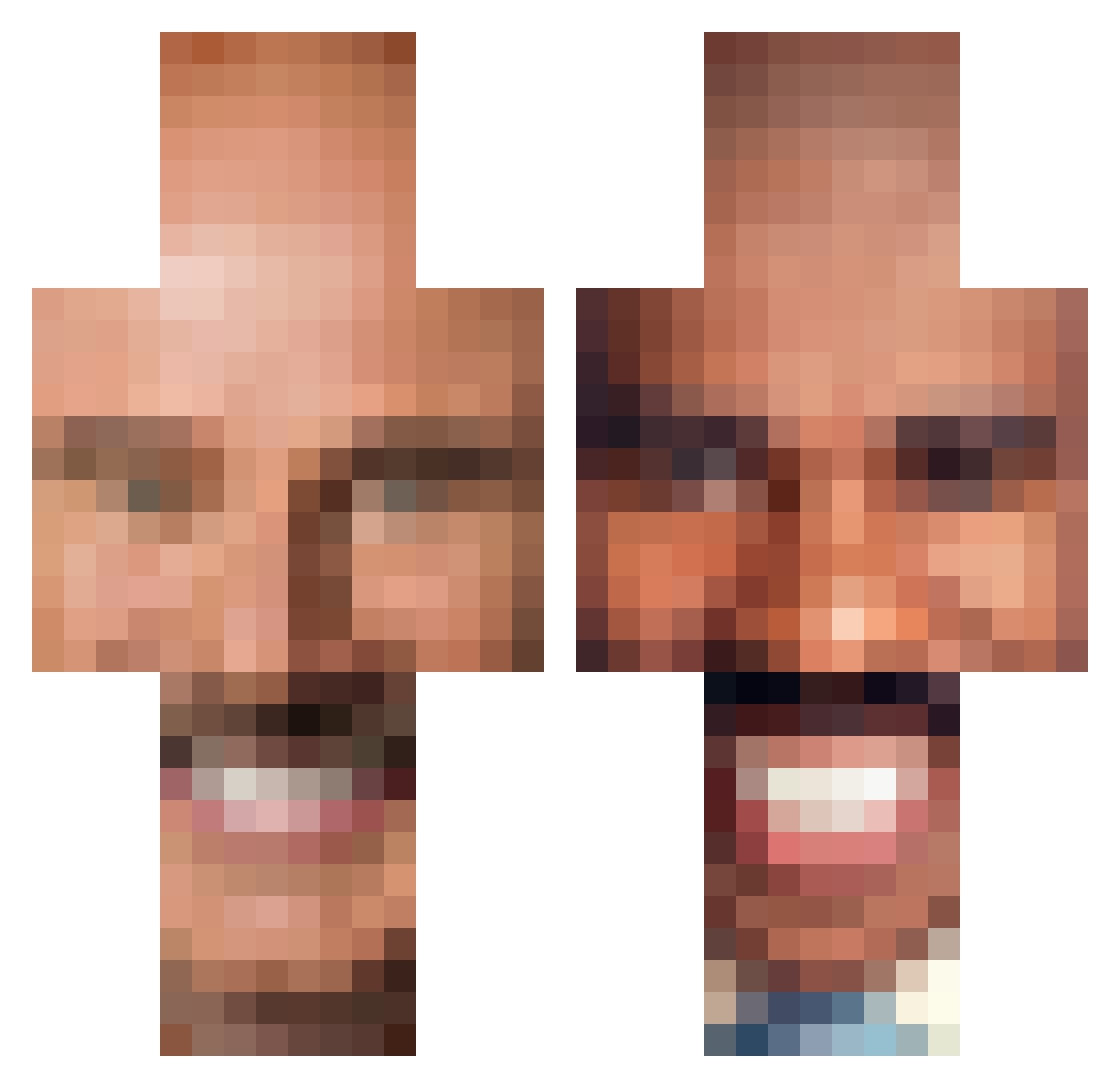
Other players with this skin (336)
privilegedWhiteb was the 219th player we have seen with this skin, first spotted on 12.10.2026. The same skin was seen on these players. Open a nickname to see their current skin and skin history.
 girlboss_27 cjs245 PotentialMenace trevorleckey hewbert stebharvey Dethorasis chicken_lamp Zillamaster55 Pentacular Jezzus elbratan xxxkiller500 Sebi_frl OGConfig LastCooper MrFwa monkebusines bigboybarrett24 Rkaion weeinerbinger Hen_Hens scootieboy Chuck_Nors PvP_Devil boxlord244 Torxa_ Wondervaca RonanLombardo7 ros_coe vamp22 GrundleGrabber biggestmicrowave Eman_1 ObtainedDust GarageFridge bearrrYT halfbloodedkiwi Hartbad littlemaple Necrophiliac02 Kader_pool honkr _Pompei_ usavich547 HouseyGMZ PopcornSchmutz ArnulfoDotson Tomerno Imlumb Tabern7199 wangolomaniac Falcon_Force1 Eriction123 JayofTheSon nnoorrttoonn PorkyDude7 SDCC_Crafty_06 JaKrispy91 Quakez
More Steve Harvey Minecraft skins
How to install the privilegedWhiteb skin
- Press the Download button above to save the skin as a PNG file.
- Minecraft: Bedrock Edition (PE): open the Dressing Room from the main menu (or tap your character → Edit Character), go to Classic Skins → Owned, press the + (new skin) button, choose the downloaded PNG and pick the Classic (Steve) model. Works on PC and mobile; consoles cannot import custom skins.
- Minecraft: Java Edition: open the Minecraft Launcher, go to the Skins tab, click New Skin, load the PNG, pick the Classic (Steve) model and press Save & Use. You can also upload it at minecraft.net → Profile → Change Skin.
The skin does not show up after import - what should I do?
Restart Minecraft and open the Dressing Room again - imported skins sometimes appear only after a restart. Also make sure you selected the imported skin and picked the Classic (Steve) model.
Which model should I choose, Classic or Slim?
This skin is designed for the Classic (Steve) model. If you pick the wrong model, the arms of the skin will look stretched or squeezed.
Is the skin of privilegedWhiteb free to download?
Yes. Press Download, save the PNG file and use it in Minecraft: Bedrock Edition or Java Edition - no payment or registration needed. The skin also works on multiplayer servers and Realms.
More skins
Looking for more? Go back to all Minecraft skins and check the top skins of the week, month and all time, or find any player's skin by nickname.