
pdf_Tim_oxr - Minecraft Skins & Skin History
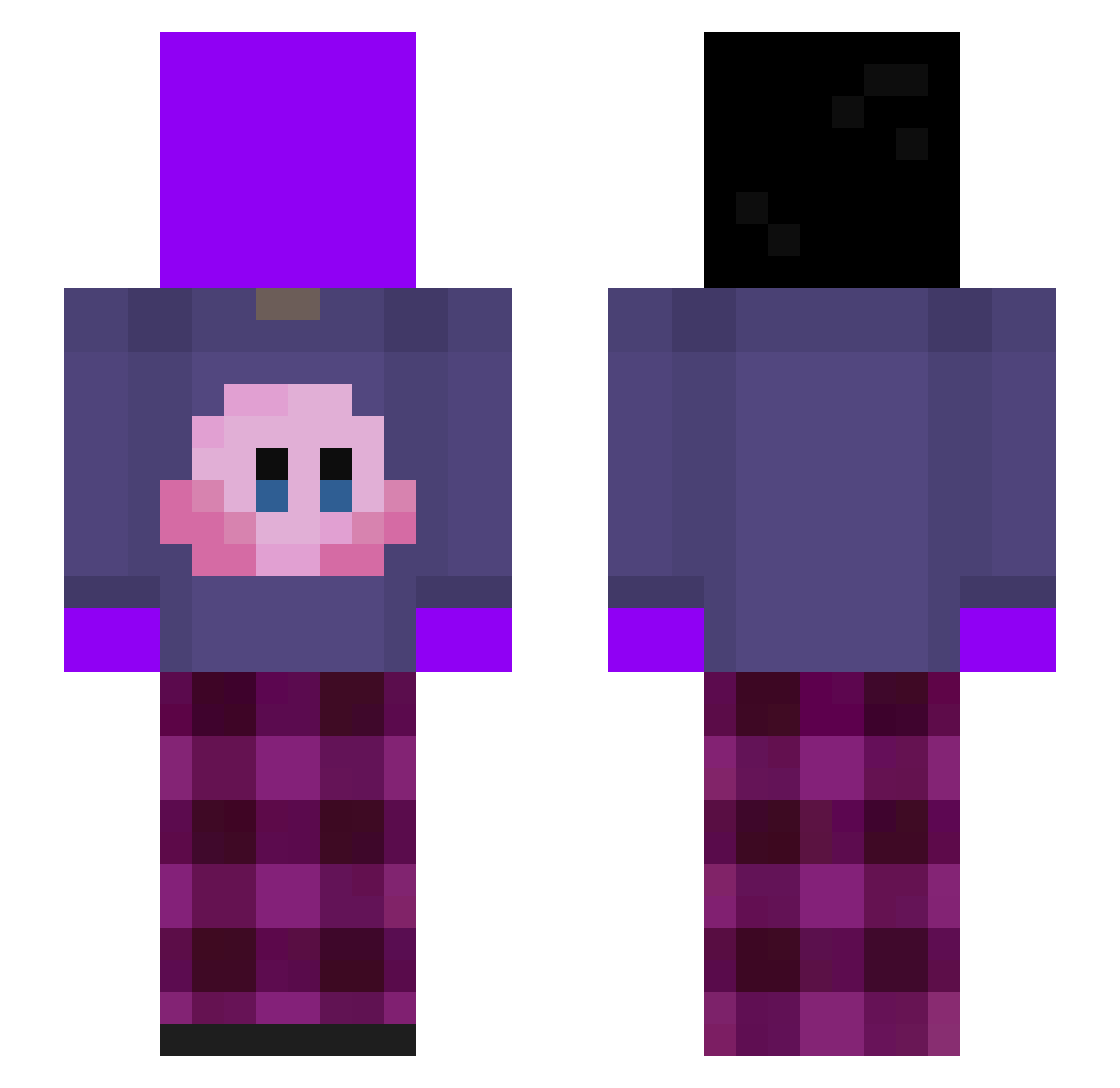
Current Minecraft skin of the player pdf_Tim_oxr, loaded from the official Mojang API. Rotate the 3D model with your mouse or finger, then download the skin as a PNG file and use it in Minecraft: Bedrock Edition or Java Edition for free. When pdf_Tim_oxr changes their skin, this page updates automatically and the old skin stays in the history below.
Other players with this skin (334)
pdf_Tim_oxr was the 207th player we have seen with this skin, first spotted on 29.09.2026. The same skin was seen on these players. Open a nickname to see their current skin and skin history.
 Piglenor Ishiba8840 SympathyFn2008 Euac53 Azetelys Wumda navjrex rqdw lqmzz kateore ITS2EVER 1yuuk SOLOENOUGH__ Dzsokistil Pepitocraft777 Azirix wacas5 Kk_Salarda Pibitopiola HaiYaaaaa NNahAA Pep_The_Boy o_jum FixPlay36898 ujyinfgnuyeygknx kayomagbananen pablowwgb kuaja supyr CrazyChicken67 MRsimon60 personalenis qifuq SashaMcFlurry kaka8196 clooxsef RyanWu87w OwnerX2 abc67tungtung enjoy_11 jinshik1 vNoHxpe31 Oblivioud_ ChangsubGod 08trj__ ZeusZinhoXL ZyteOk erezzz11 hogick virbe SANCTUM84 BladeeCollide Tomlegend2905 VOLODYA_GVYNT z1ys PickCell17 Syqs 19ALBATROS05 ShySteezyAlt oeaq
More Kirby Minecraft skins
How to install the pdf_Tim_oxr skin
- Press the Download button above to save the skin as a PNG file.
- Minecraft: Bedrock Edition (PE): open the Dressing Room from the main menu (or tap your character → Edit Character), go to Classic Skins → Owned, press the + (new skin) button, choose the downloaded PNG and pick the Slim (Alex) model. Works on PC and mobile; consoles cannot import custom skins.
- Minecraft: Java Edition: open the Minecraft Launcher, go to the Skins tab, click New Skin, load the PNG, pick the Slim (Alex) model and press Save & Use. You can also upload it at minecraft.net → Profile → Change Skin.
The skin does not show up after import - what should I do?
Restart Minecraft and open the Dressing Room again - imported skins sometimes appear only after a restart. Also make sure you selected the imported skin and picked the Slim (Alex) model.
Which model should I choose, Classic or Slim?
This skin is designed for the Slim (Alex) model. If you pick the wrong model, the arms of the skin will look stretched or squeezed.
Is the skin of pdf_Tim_oxr free to download?
Yes. Press Download, save the PNG file and use it in Minecraft: Bedrock Edition or Java Edition - no payment or registration needed. The skin also works on multiplayer servers and Realms.
More skins
Looking for more? Go back to all Minecraft skins and check the top skins of the week, month and all time, or find any player's skin by nickname.