
p_pair - Minecraft Skins & Skin History
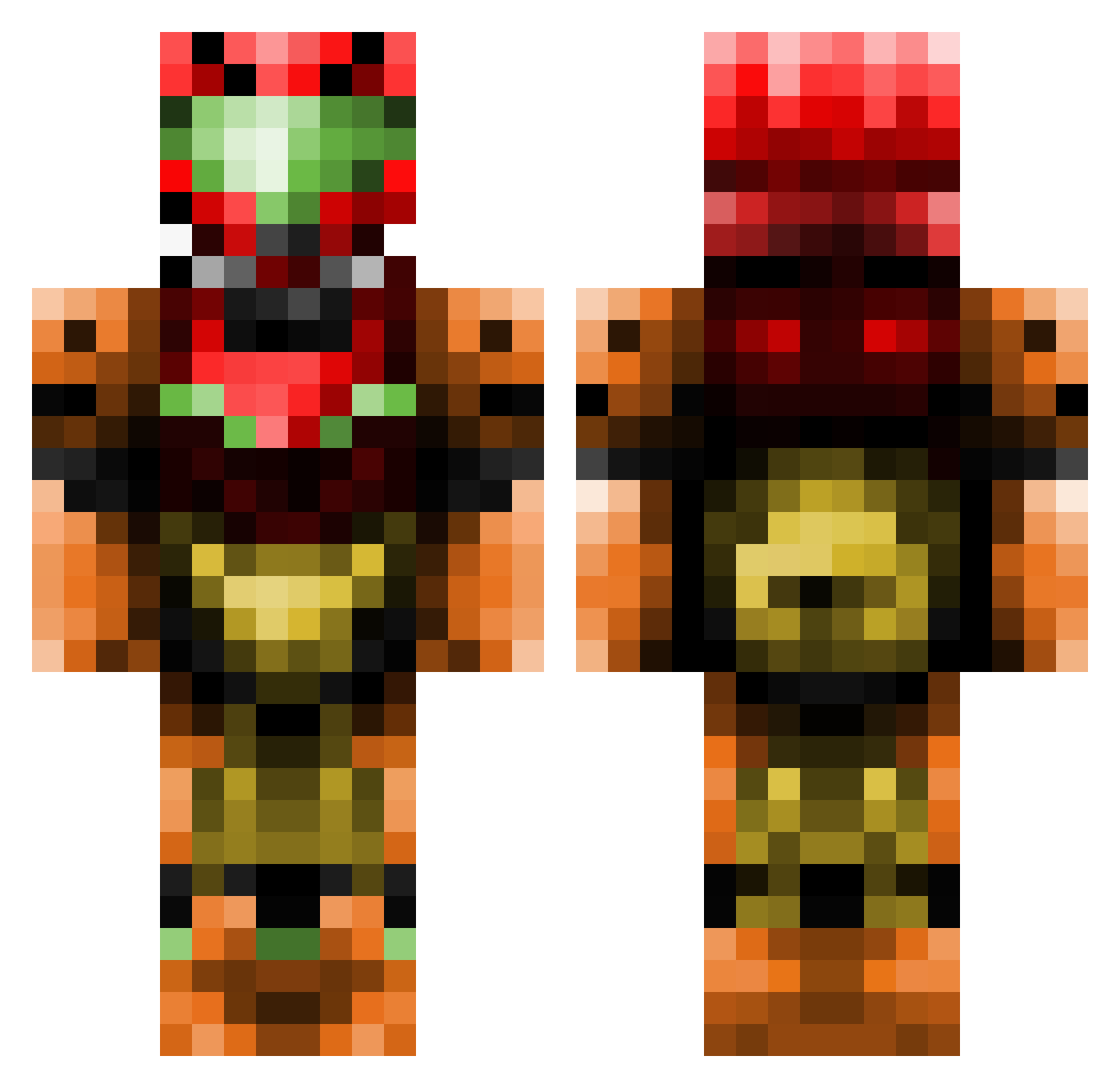
Current Minecraft skin of the player p_pair, loaded from the official Mojang API. Rotate the 3D model with your mouse or finger, then download the skin as a PNG file and use it in Minecraft: Bedrock Edition or Java Edition for free. When p_pair changes their skin, this page updates automatically and the old skin stays in the history below.
Other players with this skin (111)
p_pair was the 87th player we have seen with this skin, first spotted on 16.10.2026. The same skin was seen on these players. Open a nickname to see their current skin and skin history.
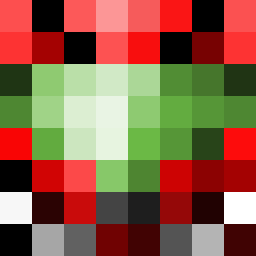 McBozley SunnyChubby Rebelhero423 MaXDeloume Samus4ran Untitled_JD TonyDa ZeroFsGivin MetroidxHunt Crysiscore Nik0Tesla Belzerbu Vash____ d3m01ish3r Schmidtty4321 Grassy_Knowle Argenter Killen91 MarechalSamuel Hayabusa3333 Byakushiki strategyradish T3ng1l Silvian84 Maziyus Minecrafter_Edu Sonps Melpercio dark_link343 frogger445 AevanGR AaronPatriot12 Xalvador Acoustic_Rat Darkstars141 SleepingRose98 Sekellx H4ruk4ze Deltazlen ItsThatDog Oblinky KingSentinal FrivolousBliss ATROM SpookWorm00 2flux_ A_Canadian stargun1000 zeldenyc bensantos Squiidy2 SarahSwatty B0WLSHEET thehundreds31 FireGoliath gandalfinetto Deemand ROEGIBI Reez41 YellowMagicOgawa
More Samus Aran Minecraft skins
How to install the p_pair skin
- Press the Download button above to save the skin as a PNG file.
- Minecraft: Bedrock Edition (PE): open the Dressing Room from the main menu (or tap your character → Edit Character), go to Classic Skins → Owned, press the + (new skin) button, choose the downloaded PNG and pick the Classic (Steve) model. Works on PC and mobile; consoles cannot import custom skins.
- Minecraft: Java Edition: open the Minecraft Launcher, go to the Skins tab, click New Skin, load the PNG, pick the Classic (Steve) model and press Save & Use. You can also upload it at minecraft.net → Profile → Change Skin.
The skin does not show up after import - what should I do?
Restart Minecraft and open the Dressing Room again - imported skins sometimes appear only after a restart. Also make sure you selected the imported skin and picked the Classic (Steve) model.
Which model should I choose, Classic or Slim?
This skin is designed for the Classic (Steve) model. If you pick the wrong model, the arms of the skin will look stretched or squeezed.
Is the skin of p_pair free to download?
Yes. Press Download, save the PNG file and use it in Minecraft: Bedrock Edition or Java Edition - no payment or registration needed. The skin also works on multiplayer servers and Realms.
More skins
Looking for more? Go back to all Minecraft skins and check the top skins of the week, month and all time, or find any player's skin by nickname.