
oliwierek324 - Minecraft Skins & Skin History
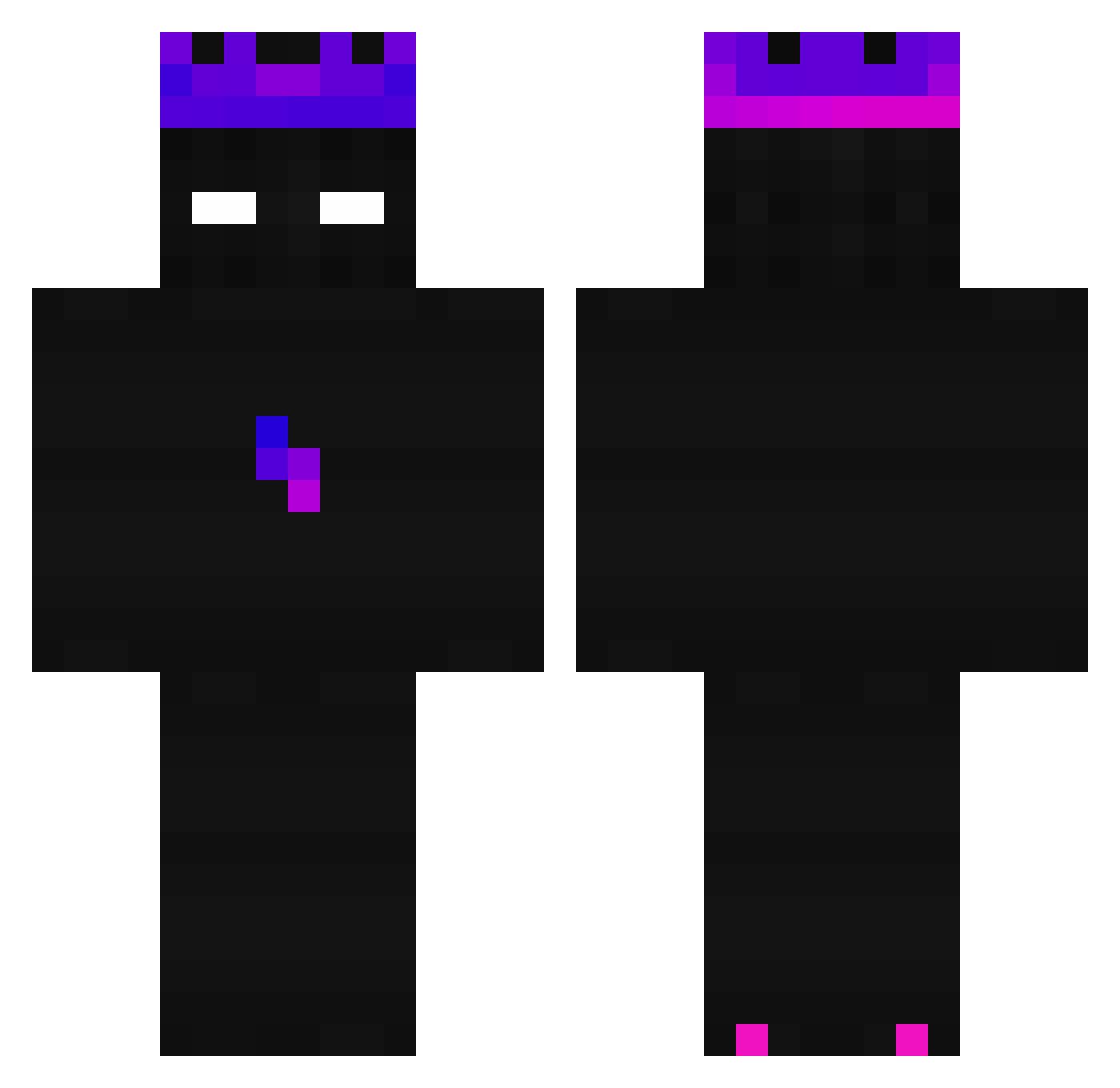
Current Minecraft skin of the player oliwierek324, loaded from the official Mojang API. Rotate the 3D model with your mouse or finger, then download the skin as a PNG file and use it in Minecraft: Bedrock Edition or Java Edition for free. When oliwierek324 changes their skin, this page updates automatically and the old skin stays in the history below.
Other players with this skin (277)
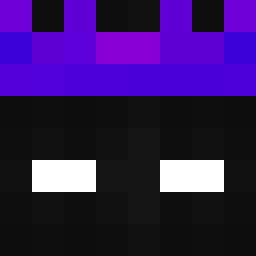
oliwierek324 was the 271st player we have seen with this skin, first spotted on 07.11.2026. The same skin was seen on these players. Open a nickname to see their current skin and skin history.
 Stormx_10 Nurzhan bolt169 CaMel0tE walterpro97 TheGreed333 XXX_MORGAN ItsDenyx DawEkoo SrMiarma_MC MildRow Gogi04 _Marinou_ Rumafu8 RestHigh gaoazaproduction z22110561 Just_kaifarik 509755 iancat0105 ZHIHA0 _Lelouch__ NotNublaOG CoolFella__ Eternity_Nox_ Jaboski AnarchyAdmin lan__wu silhov MR_INTROVERT wangian0704 Matwiejczukowa Don_armando67 UERobin peterskot INDIRA2125 Vade___ Tomasz2009 UnderstandUrself SoleCellar13553 ADOpler InternetRat mirthneck Scyzor8241 HausmeisterFred vRaidxn TT_pog TheSunBorn Xdrayvi Jordinosaure DarkSPT _Goraz_ DkDastardly Miraldo gh0sty7 rouge372 Vikicus Noel954 SharpLord vBlockBusteR
How to install the oliwierek324 skin
- Press the Download button above to save the skin as a PNG file.
- Minecraft: Bedrock Edition (PE): open the Dressing Room from the main menu (or tap your character → Edit Character), go to Classic Skins → Owned, press the + (new skin) button, choose the downloaded PNG and pick the Classic (Steve) model. Works on PC and mobile; consoles cannot import custom skins.
- Minecraft: Java Edition: open the Minecraft Launcher, go to the Skins tab, click New Skin, load the PNG, pick the Classic (Steve) model and press Save & Use. You can also upload it at minecraft.net → Profile → Change Skin.
The skin does not show up after import - what should I do?
Restart Minecraft and open the Dressing Room again - imported skins sometimes appear only after a restart. Also make sure you selected the imported skin and picked the Classic (Steve) model.
Which model should I choose, Classic or Slim?
This skin is designed for the Classic (Steve) model. If you pick the wrong model, the arms of the skin will look stretched or squeezed.
Is the skin of oliwierek324 free to download?
Yes. Press Download, save the PNG file and use it in Minecraft: Bedrock Edition or Java Edition - no payment or registration needed. The skin also works on multiplayer servers and Realms.
More skins
Looking for more? Go back to all Minecraft skins and check the top skins of the week, month and all time, or find any player's skin by nickname.