
notReav - Minecraft Skins & Skin History
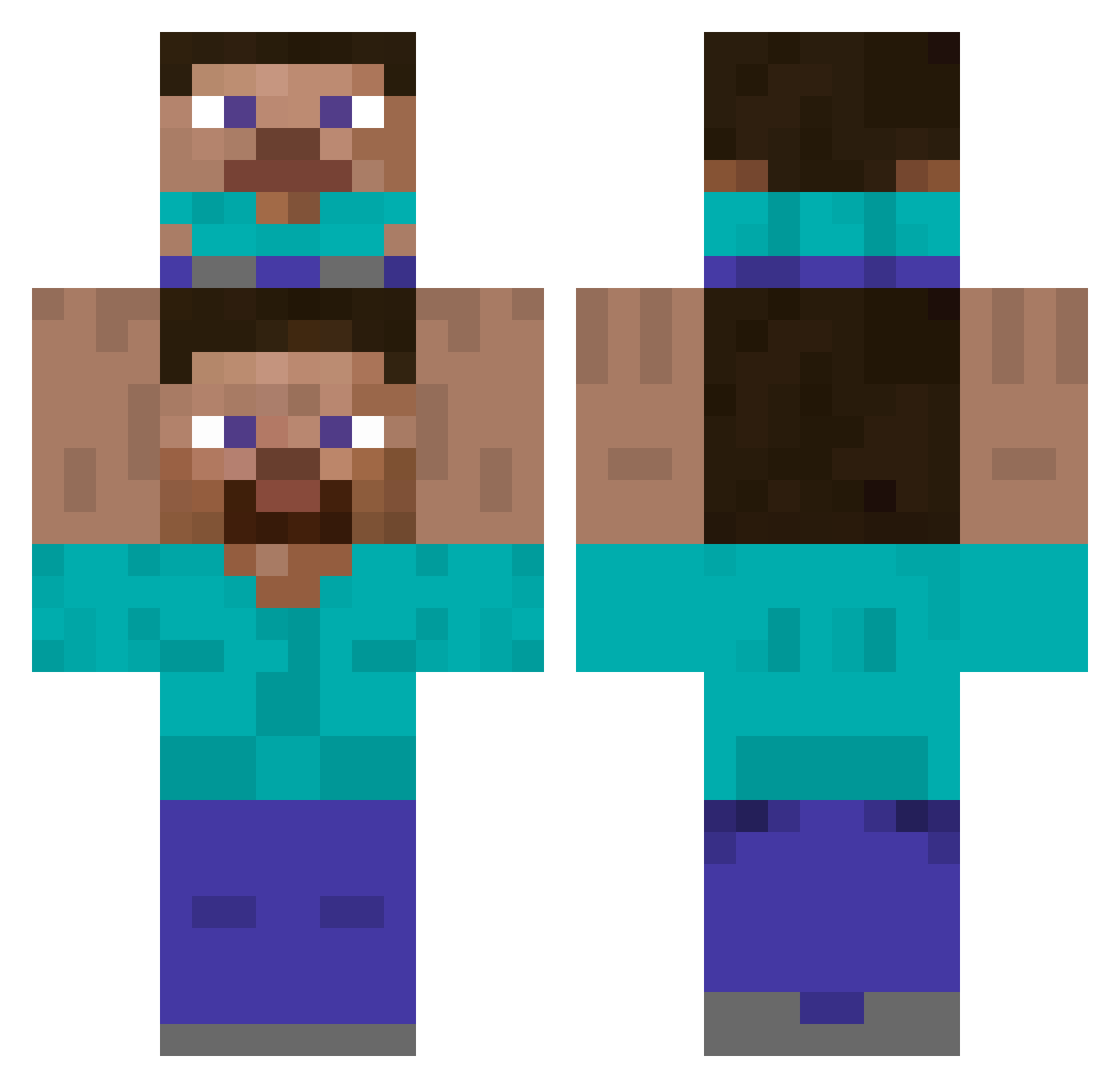
Current Minecraft skin of the player notReav, loaded from the official Mojang API. Rotate the 3D model with your mouse or finger, then download the skin as a PNG file and use it in Minecraft: Bedrock Edition or Java Edition for free. When notReav changes their skin, this page updates automatically and the old skin stays in the history below.
Other players with this skin (549)
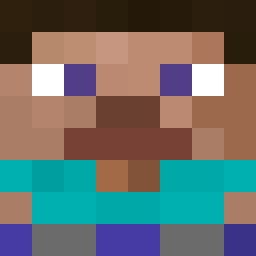
notReav was the 511th player we have seen with this skin, first spotted on 02.11.2026. The same skin was seen on these players. Open a nickname to see their current skin and skin history.
 DaxFactory mice163 cooper228897 Smoku2013 Knock_a_Homero LeeHyeono iamnotklay iL1una bastian8129 thegamerproblack BatiKKKKKK aLaBaguette TheHotDoggo Sophia3138 isihhd uzaga26 Hodetto SH_HOYA PaleGymnast4886 Brocky_ ArsalanTar Fenlog Antrix2012 Gerssonn BumboShwaggins Chesquito Mystfix LionelNicholas ajgur zHodiak_ Firne butterytoast3 ZyGames Blotzeen BurningStyrofoam keanroti kingofsight JVCKi_WAi_ Hakouzo MoNo_cozy Mobeast08 JOSSETA TheLawyerOfBones Lnx0913 _SosiskaKiler_ Jury0_0 SandyHotDogs Z3G3 seckinn jin666111 snakeater96 Wagaow sdfsadf N_oBrain Derpy_Doctor Slimestruct djdaro112 SIU0102 GnaKs Rlaalsgur_
More Meta Minecraft skins
How to install the notReav skin
- Press the Download button above to save the skin as a PNG file.
- Minecraft: Bedrock Edition (PE): open the Dressing Room from the main menu (or tap your character → Edit Character), go to Classic Skins → Owned, press the + (new skin) button, choose the downloaded PNG and pick the Classic (Steve) model. Works on PC and mobile; consoles cannot import custom skins.
- Minecraft: Java Edition: open the Minecraft Launcher, go to the Skins tab, click New Skin, load the PNG, pick the Classic (Steve) model and press Save & Use. You can also upload it at minecraft.net → Profile → Change Skin.
The skin does not show up after import - what should I do?
Restart Minecraft and open the Dressing Room again - imported skins sometimes appear only after a restart. Also make sure you selected the imported skin and picked the Classic (Steve) model.
Which model should I choose, Classic or Slim?
This skin is designed for the Classic (Steve) model. If you pick the wrong model, the arms of the skin will look stretched or squeezed.
Is the skin of notReav free to download?
Yes. Press Download, save the PNG file and use it in Minecraft: Bedrock Edition or Java Edition - no payment or registration needed. The skin also works on multiplayer servers and Realms.
More skins
Looking for more? Go back to all Minecraft skins and check the top skins of the week, month and all time, or find any player's skin by nickname.