
myla_xo - Minecraft Skins & Skin History
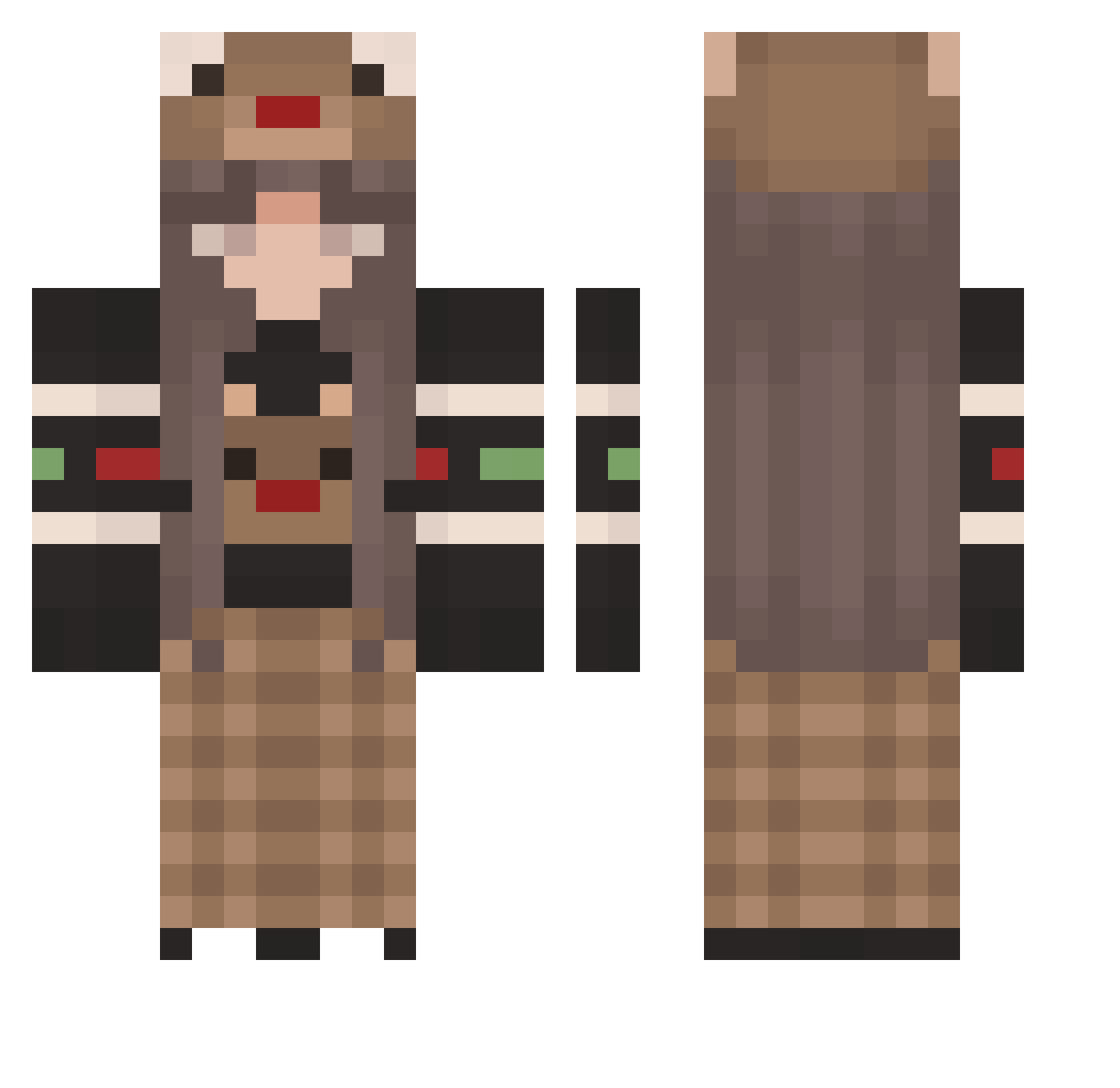
Current Minecraft skin of the player myla_xo, loaded from the official Mojang API. Rotate the 3D model with your mouse or finger, then download the skin as a PNG file and use it in Minecraft: Bedrock Edition or Java Edition for free. When myla_xo changes their skin, this page updates automatically and the old skin stays in the history below.
Other players with this skin (170)
myla_xo was the 143rd player we have seen with this skin, first spotted on 18.10.2026. The same skin was seen on these players. Open a nickname to see their current skin and skin history.
 CMoonlightC PigGoOoink Hyerin_7 zKirstqn_ Johnny02 sylverinferno Cat3lynn Omenoverlord Dan_k_memer Luna_Reindeer SUPERIOR_ELLIE pr3sl1 lara_sofia10 danbilbo __jia__ FlavoredHannah jaffacake64 RBskittles_ NotScarlxtt lukewarmicedtea dececious Kuler_Water_ 69girls MarinaCMS SandyRisu So_easy27 Lianghaoren MikaelaShun A_V_A__ Civs Miss_BlueMoon VOSAM pupux123 GANGMEMBERNAPLES yeji_o3o _Tarts_ AnneMK ATREIDAI_II TopComma quarien_1213124 charleschae Loyaltyzz hellsakes RentSoup Kathlexn mcnugss dudenhaaaaaaaaaa mixterr flofq seongmin0329 ajaaaxxx famenotfound _olciax_ ppkawaiidesu MindActivity whoissnova Dzamelia69 EdillyH Nunsikk mirigvn
More Plaid Minecraft skins
How to install the myla_xo skin
- Press the Download button above to save the skin as a PNG file.
- Minecraft: Bedrock Edition (PE): open the Dressing Room from the main menu (or tap your character → Edit Character), go to Classic Skins → Owned, press the + (new skin) button, choose the downloaded PNG and pick the Classic (Steve) model. Works on PC and mobile; consoles cannot import custom skins.
- Minecraft: Java Edition: open the Minecraft Launcher, go to the Skins tab, click New Skin, load the PNG, pick the Classic (Steve) model and press Save & Use. You can also upload it at minecraft.net → Profile → Change Skin.
The skin does not show up after import - what should I do?
Restart Minecraft and open the Dressing Room again - imported skins sometimes appear only after a restart. Also make sure you selected the imported skin and picked the Classic (Steve) model.
Which model should I choose, Classic or Slim?
This skin is designed for the Classic (Steve) model. If you pick the wrong model, the arms of the skin will look stretched or squeezed.
Is the skin of myla_xo free to download?
Yes. Press Download, save the PNG file and use it in Minecraft: Bedrock Edition or Java Edition - no payment or registration needed. The skin also works on multiplayer servers and Realms.
More skins
Looking for more? Go back to all Minecraft skins and check the top skins of the week, month and all time, or find any player's skin by nickname.