
missylokei - Minecraft Skins & Skin History
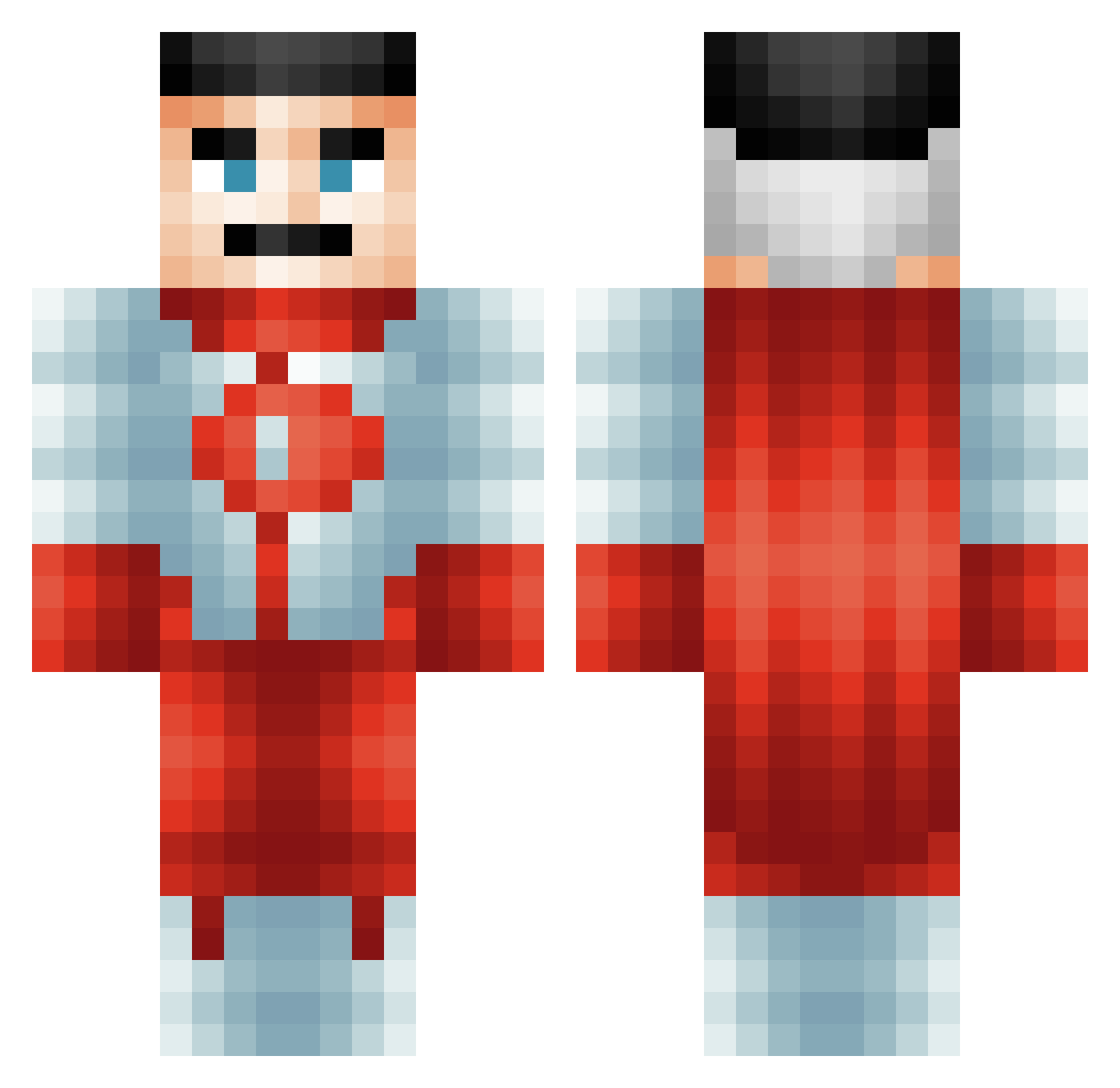
Current Minecraft skin of the player missylokei, loaded from the official Mojang API. Rotate the 3D model with your mouse or finger, then download the skin as a PNG file and use it in Minecraft: Bedrock Edition or Java Edition for free. When missylokei changes their skin, this page updates automatically and the old skin stays in the history below.
Other players with this skin (618)
missylokei was the 575th player we have seen with this skin, first spotted on 04.11.2026. The same skin was seen on these players. Open a nickname to see their current skin and skin history.
 gehtsinoasch Errorl99 AsianCurry_ TuckLuck Breadleee 1cool89guy Spidey525_ 21Savvage Jorgen4790 Willibob0531 X_Kral_tr37 Namx gasssbomber blastguy27 ABA3685 Notbarrackobama Noobytoofie RickMay_ Darkest_Worlds bxbyrexpe Snictor Degust4 sagisus KingDank96 ViNiKilL Thanos_Destruido Tabouret12 lolkekcheburec6 bobber123456 SbeveSbren SolidSnek09 Mataboe v0if omerbaba3125 Italiano41 Larawan WarEagle92 Al_capone1 cacababa61 Smokin_Mid MunchyBox69 Bartafen123 gx32a SantiagoOdetti HazoFR temshik Pivijay TeentitanNate MohammedAlmajid1 Bebefarmer crunchythunder Alimotios Lucasmms BuGyatti reynard2010 kingcloudthunder KitKatHamster DrewTaboo JiggglyJiggly Libertalia15
More Omni Man Minecraft skins
How to install the missylokei skin
- Press the Download button above to save the skin as a PNG file.
- Minecraft: Bedrock Edition (PE): open the Dressing Room from the main menu (or tap your character → Edit Character), go to Classic Skins → Owned, press the + (new skin) button, choose the downloaded PNG and pick the Classic (Steve) model. Works on PC and mobile; consoles cannot import custom skins.
- Minecraft: Java Edition: open the Minecraft Launcher, go to the Skins tab, click New Skin, load the PNG, pick the Classic (Steve) model and press Save & Use. You can also upload it at minecraft.net → Profile → Change Skin.
The skin does not show up after import - what should I do?
Restart Minecraft and open the Dressing Room again - imported skins sometimes appear only after a restart. Also make sure you selected the imported skin and picked the Classic (Steve) model.
Which model should I choose, Classic or Slim?
This skin is designed for the Classic (Steve) model. If you pick the wrong model, the arms of the skin will look stretched or squeezed.
Is the skin of missylokei free to download?
Yes. Press Download, save the PNG file and use it in Minecraft: Bedrock Edition or Java Edition - no payment or registration needed. The skin also works on multiplayer servers and Realms.
More skins
Looking for more? Go back to all Minecraft skins and check the top skins of the week, month and all time, or find any player's skin by nickname.