
miamiao3o - Minecraft Skins & Skin History
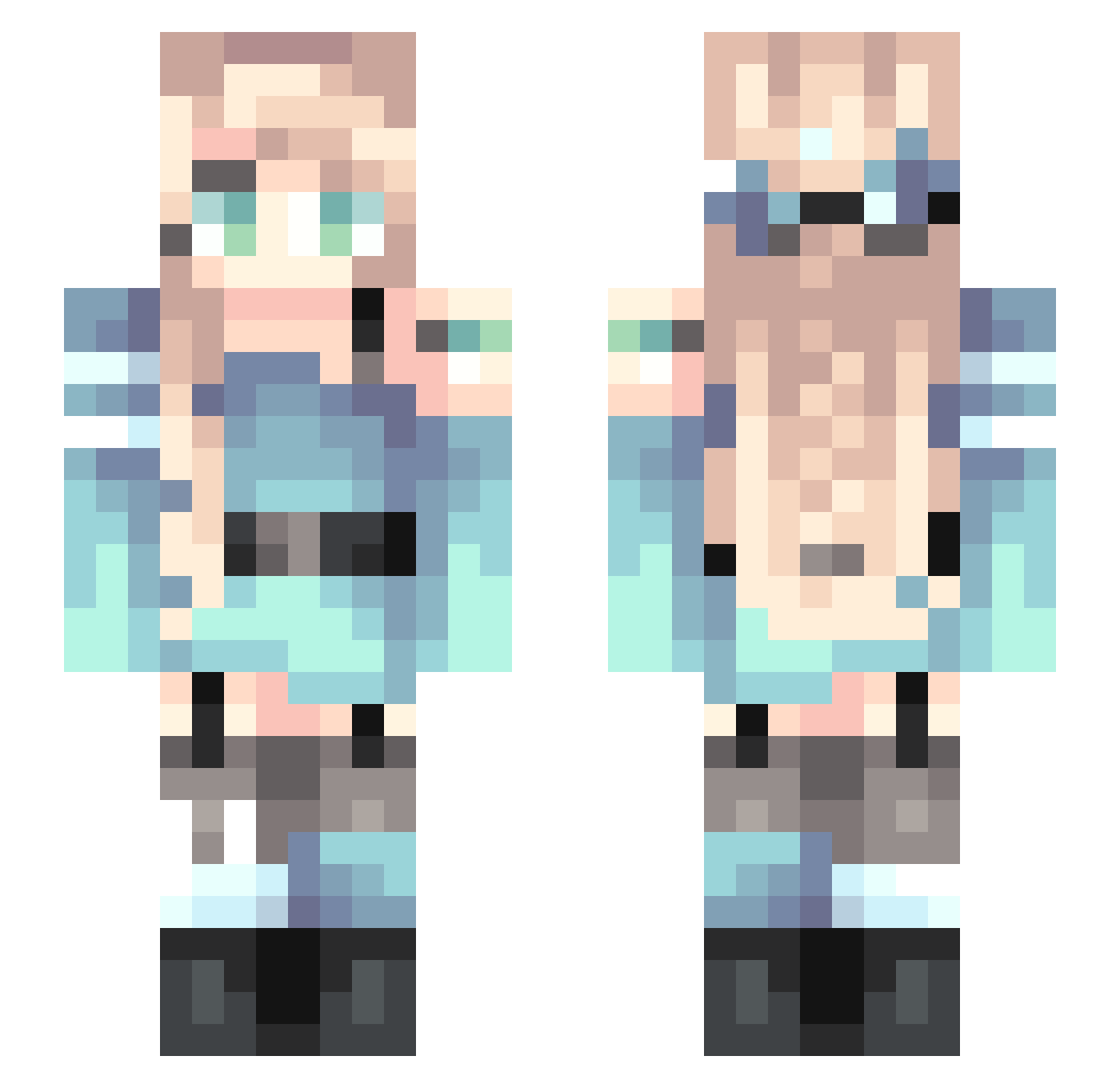
Current Minecraft skin of the player miamiao3o, loaded from the official Mojang API. Rotate the 3D model with your mouse or finger, then download the skin as a PNG file and use it in Minecraft: Bedrock Edition or Java Edition for free. When miamiao3o changes their skin, this page updates automatically and the old skin stays in the history below.
Other players with this skin (255)
miamiao3o was the 244th player we have seen with this skin, first spotted on 03.11.2026. The same skin was seen on these players. Open a nickname to see their current skin and skin history.
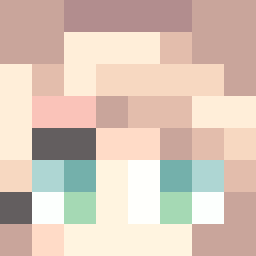 lessthanhomeless AspCH_cocoa Wickrubby Dr_iji Chinw S08PacketPlayer Ghouln3xtdoor mocww Blo99612 SakuraAnastasia ER1NG lzld SHUPREMESS cch666 yigu110 Falcon_Wing StarsoundC AlfredY lingxi666 pentagon5 KNA000 SalFity Yuan83 Pepperc00kie Crystal_Le Lemonstrain STARsong33333 WalkInTheSnow atb123 CutePsycho0112 Felidae962 Pimoria Tangwen_ lumosYU Labora YING_YINGGL Oceanna_22 Sandaa_be ziwei99 xiao_chengziwyz Aquarius33 Flolieks xuannn7051 Vanderboom danielscott11 Eyeofskadi Jasmineteax BAMFHarmonia TIMELESSPTY suzuzuu Hope_Dawn Minatozak1 TEACUPPIKA sakurala Sonnata wE12z Alice_01280 july367 yahaha2333 kenS23
More Braid Minecraft skins
How to install the miamiao3o skin
- Press the Download button above to save the skin as a PNG file.
- Minecraft: Bedrock Edition (PE): open the Dressing Room from the main menu (or tap your character → Edit Character), go to Classic Skins → Owned, press the + (new skin) button, choose the downloaded PNG and pick the Slim (Alex) model. Works on PC and mobile; consoles cannot import custom skins.
- Minecraft: Java Edition: open the Minecraft Launcher, go to the Skins tab, click New Skin, load the PNG, pick the Slim (Alex) model and press Save & Use. You can also upload it at minecraft.net → Profile → Change Skin.
The skin does not show up after import - what should I do?
Restart Minecraft and open the Dressing Room again - imported skins sometimes appear only after a restart. Also make sure you selected the imported skin and picked the Slim (Alex) model.
Which model should I choose, Classic or Slim?
This skin is designed for the Slim (Alex) model. If you pick the wrong model, the arms of the skin will look stretched or squeezed.
Is the skin of miamiao3o free to download?
Yes. Press Download, save the PNG file and use it in Minecraft: Bedrock Edition or Java Edition - no payment or registration needed. The skin also works on multiplayer servers and Realms.
More skins
Looking for more? Go back to all Minecraft skins and check the top skins of the week, month and all time, or find any player's skin by nickname.